
Quick answer
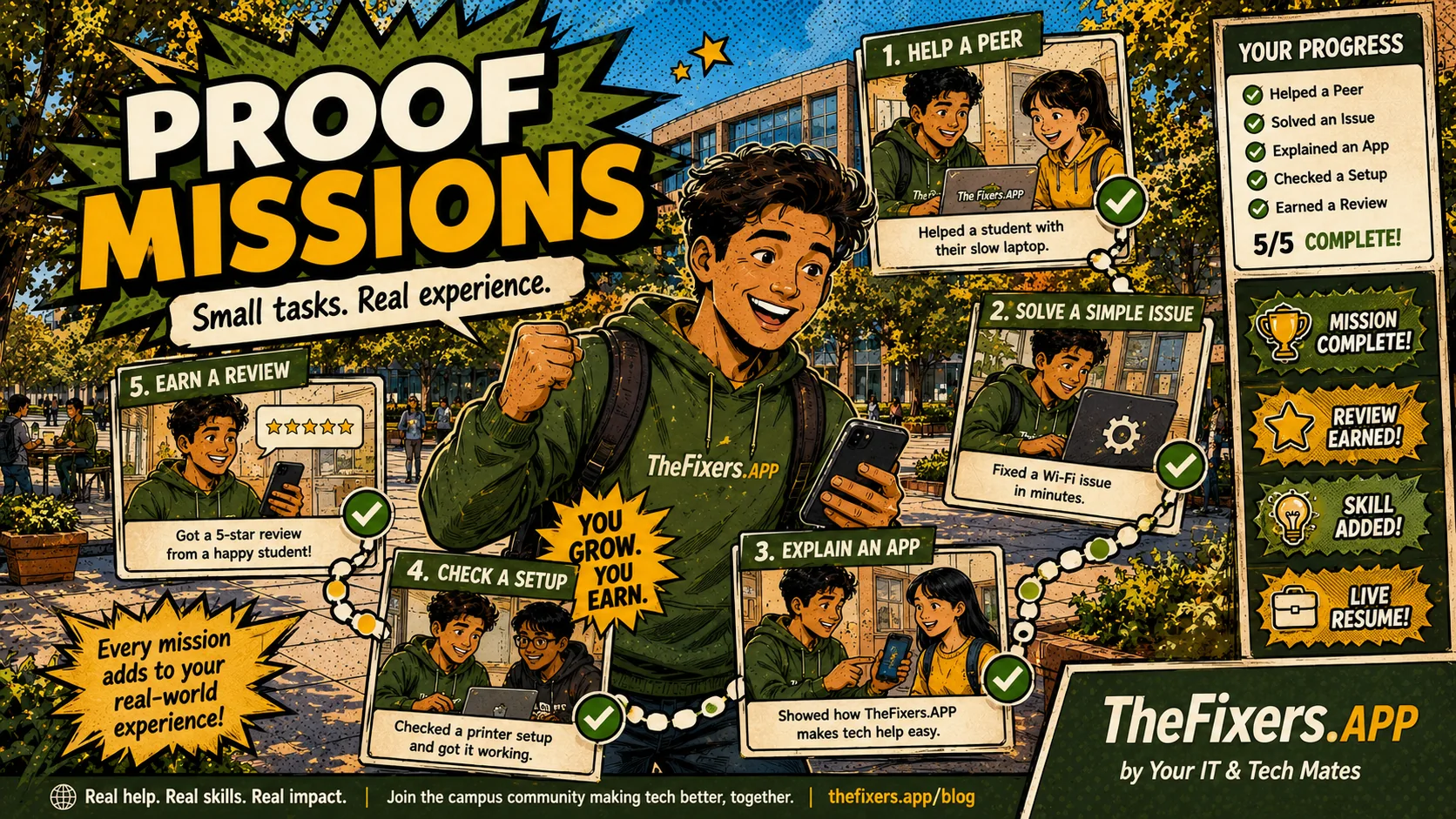
Proof Missions are small guided tasks that help students build confidence, useful examples and proof for their MateCard and Live Resume.
Best for you if
- You want experience but do not know where to start.
- You want small tasks before paid work.
- You want proof that can go into MateCard and Live Resume.
What you can do today
- Choose one beginner Proof Mission.
- Read what skill it helps build.
- Complete the task safely.
- Add a proof note.
- Turn the result into a Live Resume example.
Example: a beginner Proof Mission
A student completes a simple device setup checklist under guidance. They practise following instructions, communicating clearly and recording what they did.
Proof note example
Completed a supervised device setup checklist, followed each step carefully and recorded the result for review.
Why this matters to you
Build confidence through small tasks before applying for bigger paid or volunteer opportunities.
The page explains review, privacy and suitability so readers know what happens before anything is shared, assigned or paid.
Readers get a direct next step instead of a long explanation with no clear outcome.
Simple path to get the result
- Pick one beginner mission instead of trying to do everything.
- Finish the task carefully and record what skill it proves.
- Ask for review when required.
- Add the approved result to Live Resume.
Real example
A Proof Mission might be writing a clear device intake note, explaining a phone setup step, preparing a return checklist or completing a beginner support task under review.
Keep building proof
Student pathway links
Ready to turn this into proof?
Start with one small action, then connect the result to MateCard, SkillStack or Live Resume.
Open My Helper HQ View Student Notice BoardWho benefits most from this?
| User | Benefit |
|---|---|
| Student | Understands what to do next and how the action can strengthen MateCard, SkillStack or Live Resume. |
| Parent or mentor | Can see whether the pathway is safe, practical and realistic for the student. |
| School, agency or provider | Can understand what information is useful for matching, review and opportunity support without exposing private details. |
Who this helps
Students and schools. This page is written to make the next step clear without exposing private details or promising a result that still needs review.
What makes a good Proof Mission
A good Proof Mission is small, safe, clearly described and connected to a useful skill or resume example.
Beginner-friendly examples
Beginner tasks may include creating a checklist, helping with simple setup, writing a support note, recording a proof example or practising clear communication.
How proof gets added
Proof should explain the task, the skill used and the outcome. It should avoid private customer information and should be reviewed where needed.
When guidance or supervision is needed
Guidance is needed when a task involves private data, payment, onsite work, devices, repairs, vulnerable people or anything outside a student’s comfort level.
Examples of beginner Proof Missions
- Help someone organise photos or update an app.
- Write a simple issue note after checking a device problem.
- Prepare a return checklist for a supervised device support task.
- Explain a basic technology step in plain English.
The goal is not to pretend a small task is a full job. The goal is to capture proof that you can follow instructions, communicate clearly and complete useful work.
Best next link
When you are ready for real opportunities, open the Student Notice Board guide.
Common questions
Does this guarantee work or approval?
No. Tasks, payments, provider-readiness and public sharing may need review, suitability checks and permission.
Can private details appear publicly?
Public sharing should only show information approved for sharing. Private contact details, payment details, sensitive notes and unreviewed information should stay private.
How does this help a student?
It helps connect skills, proof, task experience and Live Resume examples so a student can explain what they can do more clearly.
What result can I get from this page?
Build confidence through small tasks before applying for bigger paid or volunteer opportunities. Use the linked room or page to take the next step, then keep approved proof connected to MateCard, SkillStack or Live Resume where relevant.
What should I do first as a student?
Start your MateCard, choose three SkillStack areas, complete one beginner Proof Mission and add one safe proof example to your Live Resume.
Where this guide fits
This page is one spoke in the MateCard hub. Use the hub path below to move from understanding MateCard to choosing skills, completing proof tasks, finding suitable opportunities and sharing safely.
Proof Missions now work better with time, location and sign-off
A strong proof mission is not only a claim. It can include what happened, where it happened safely, when it started, when it finished, who signed off and what skill tags were demonstrated. This gives students better evidence for MateCard and Live Resume.