
What this means for you
This helps you understand how to build real proof, stay within safe task boundaries, and use the right student pathway before anything is shared publicly.
What real proof means
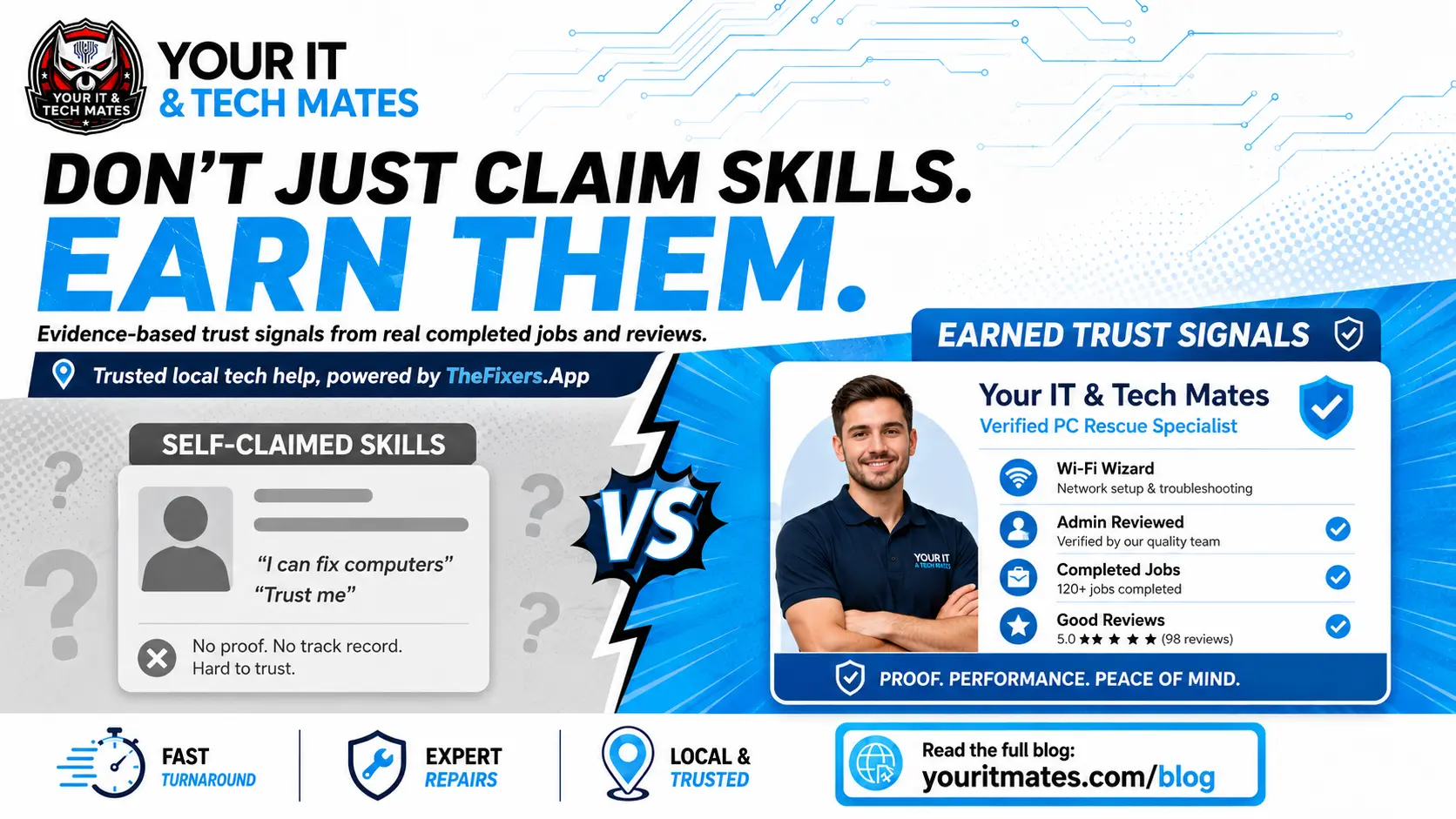
Real proof is something that helps a parent, provider, school, employer or customer understand what a student can do. It might show that the student can explain a problem clearly, follow safe steps, help with setup, document a task, or communicate respectfully.
It does not need to be huge. Small, honest proof is better than exaggerated claims.
Examples of student proof
Useful proof may include:
- a completed safe mission
- a customer-friendly explanation written after a task
- an approved review or thank-you note
- a profile skill such as communication, setup, troubleshooting or scam awareness
- a short reflection on what was learned
- a supervised task outcome
Why public sharing needs review
Students can be building experience while still learning. Public proof should be checked before it appears online. This protects students, customers and the business.
Review helps make sure:
- private customer details are removed
- the task was suitable for the student
- the wording is honest
- no sensitive screenshots or device details are shared
- the proof reflects real work
How missions fit in
Missions are small activities that help students build confidence and habits. A mission might involve writing a clear help note, learning a safety step, creating a simple checklist or supporting a community pathway.
Missions should not pretend to be full jobs. They are stepping stones toward readiness.
How a Live Resume helps
A Live Resume can bring together approved proof, skills, missions and profile information. It helps students show growth over time.
The most useful Live Resume pages are simple and honest. They show what the student has done, what they are ready for, and what still needs supervision or review.
Final customer check: does this page help the reader?
A good network article should not make the reader decode product language. It should quickly answer: what is this, why does it matter, and what should I do next? For this topic, the practical benefits are:
- You can build real proof without pretending to be a senior technician before you are ready.
- You can see which steps help your profile, Live Resume and confidence grow safely.
- Public sharing stays review-first, so your experience is presented carefully.
- You get a clearer path from learning and missions to proof, mentoring and future opportunities.
The page should feel useful even if the reader does not click a button straight away. They should leave with a clearer understanding of the pathway, the safety limits, and the next action that suits their situation.
What students do not need to prove on day one
Students do not need to act like expert technicians before they are ready. The point is to build skill, confidence and proof through suitable tasks, mentoring, missions and review. A good student pathway should make the safe boundary clear: learn, help where appropriate, document real experience, and only share public proof after review.
That matters because families, schools, providers and customers need confidence that student involvement is guided, not random.
How this helps a student in real life
A student may be keen to help, but confidence comes from safe practice, not from being thrown into difficult jobs too early. This pathway gives students a way to build evidence gradually: profile details, missions, small proof cards, mentoring notes, referral activity, and eventually a Live Resume that explains real experience in plain language.
That matters because many students struggle to show practical ability on a normal resume. They may have helped family members, fixed small issues, explained apps to a neighbour, supported a campus project, or learned under a provider. Without structure, that experience disappears. With a review-first pathway, it can become proof without exposing private customer details.
What families, schools and providers need to see
The article should also reassure the adults and organisations around the student. Families want to know students are not being pushed into unsafe work. Schools and TAFEs want pathways that encourage confidence without creating risk. Providers want to know student involvement is guided and realistic. A good student article should speak to all of those concerns while still sounding encouraging.
The benefit is simple: students get a clearer way to grow, and the network keeps boundaries visible. Public sharing, proof cards and Live Resume content should be based on reviewed activity, not private screenshots, passwords, payment details or exaggerated claims.
User feedback pass: make the page easier to act on
The final customer check for this page is simple: a reader should not have to understand the whole platform before they can decide what to do. The article should give enough context, then point to the right next step without pressure. That means the copy needs to answer the practical questions people usually have: Is this for me? Is it safe? What will I need to provide? What happens after I click? Can I stop if it is not the right fit?
The answer should be visible in the page itself, not hidden in a form or dashboard. A customer may be worried about a scam, a student may be trying to build confidence, a provider may be deciding whether the network is worth joining, and a partner may be checking whether a QR referral is safe to promote. Each reader needs a slightly different reassurance, but the same principle applies: clear steps, plain words, and no surprise exposure of private information.
This is also why the article keeps the main call-to-action buttons separate. A reader who wants a price guide should not be forced into the same pathway as a reader checking an existing request. A student building a profile should not be sent to the same place as a provider applying for work. A partner should not be asked to manage customer support manually when a safer referral path exists. The article should help each person choose the correct door.
From a user perspective, the best outcome is confidence. The reader should feel that Your IT & Tech Mates has thought about the messy parts of real-world tech help: family access, student learning, provider suitability, public proof, referrals, privacy and review. They should see that the network is not just a collection of pages. It is a safer way to move from a problem or opportunity to the next practical step.
Final publishing note for customer clarity
Before this page goes live, read it once as the person it is meant to help. The language should feel direct, useful and calm. The reader should not feel blamed for not knowing the system, and they should not feel pushed into the wrong action. The page should make the next step obvious while still giving them space to decide.
That is the difference between thin content and useful content. Thin content repeats a feature name. Useful content explains the benefit, the safe limit, the real-life situation and the next step. This page is written to do that, so the article can support Google indexing, AI summaries and real customer confidence at the same time.
The clearest next step
Start with the student profile before worrying about public proof. Your dashboard, missions and Live Resume should build from there. A good next step should feel low-pressure. The reader should understand what happens next, what details are needed, and when a real person reviews the request before anything sensitive is shared or approved.
Related reading and network pathways
- Network
- How Students Build Real Proof Live Resume
- Student Missions Build Confidence Proof
- Proof Cards Help Students Show Real Experience
- Student Tech Help Safety Boundaries
Safety and privacy
Private details, job notes, proof, profile information and referral details should only be shown where they are useful and safe. The public article explains the pathway, while sensitive customer, student, provider or partner information stays inside the proper reviewed process.
New: business advice missions can become Live Resume proof
Students can also build proof by giving advice on real business questions. When the advice is reviewed, the student may earn proof, update skill tags and add safe examples to a Live Resume.
FAQ
Can a student Live Resume be public straight away?
No. Public sharing should be review-first. A student may prepare information privately before anything is approved for public view.
What kind of proof is safest to share?
General task outcomes, skills, approved reviews and non-sensitive learning notes are usually safer than screenshots or customer details.
Do students need paid jobs to build proof?
No. Students can build useful proof through safe missions, profile work, practice tasks, communication examples and reviewed outcomes.
Can students work on customer devices?
Only when the task is suitable, reviewed and safe for their readiness level. Some work should stay with experienced providers.
Why does this matter for future work?
Real examples help students explain what they can do. A Live Resume can show communication, reliability and practical learning more clearly than a blank resume. ## Start with the profile first Students should begin with a profile, then build proof carefully. Public sharing, proof cards and Live Resume pages should stay privacy-safe and review-first.