Is My QuoteMe Request Saved or Sent? How to Continue Safely
A half-finished enquiry should not leave you wondering whether someone is already organising a repair. Here is how to tell a draft from a sent request, and what to do when you come back.
Quick answer
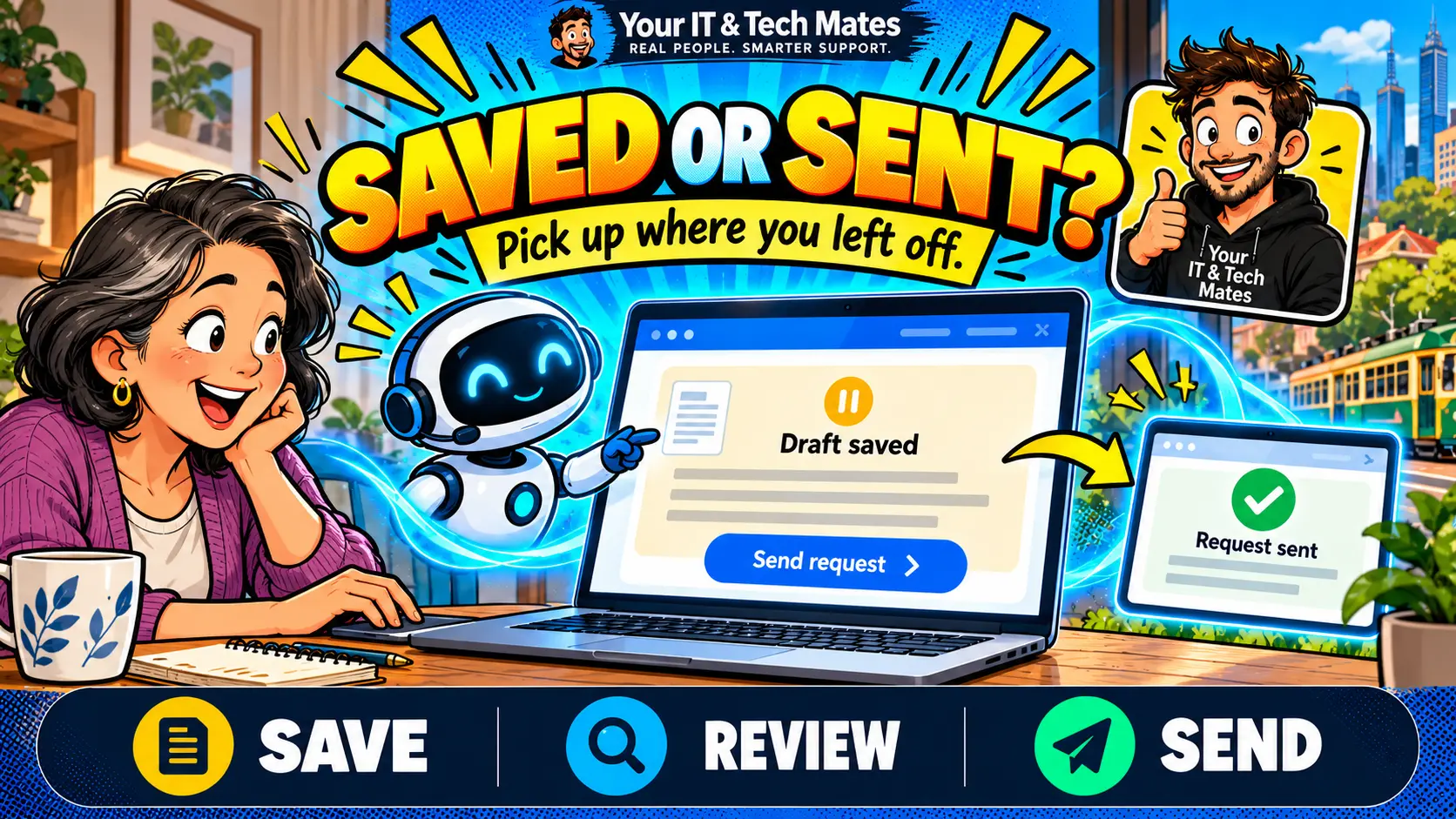
A QuoteMe draft is preparation. A request is sent when you choose to send it and receive a saved-request confirmation or reference. Where saved-progress controls are available, return through the same browser to continue checked details. A draft, a price guide or a “ready for review” message does not book a visit or approve paid work.
Three states that mean different things
Imagine you are halfway through explaining a laptop problem when you need to leave. The useful question is not just “did the website remember me?” It is “what has actually happened to my request?”
- Draft: you are gathering details. Staff should not be assumed to have received a service request.
- Ready for review: enough information has been collected to check the summary and contact details. You can still correct it.
- Sent and saved: the request pathway confirms that a request exists and provides its reference or conversation link. The team still needs to review it.
A progress indicator describes information collected, not technician availability. Reading an article or asking the receptionist a question is not consent to submit an enquiry.
An everyday example from our QuoteMe workflow
Illustrative journey: “My Dell laptop won’t turn on. It is about four years old, I’m in Epping and my family photos matter.” QuoteMe can use those details to focus its next question rather than asking you to enter them again. If you pause after answering, the saved-progress experience is designed to keep the last checked details together.
When you return, read the summary. If the suburb or symptoms have changed, correct them before sending. Text sitting in an input box that you have not submitted as an answer may not be saved. Do not rely on an unfinished typed message as part of your request. This is a workflow example, not a published customer result.
How to continue without starting another request
- Reopen QuoteMe in the same browser and check whether your enquiry is restored. Browser storage, session expiry and the available rollout can affect this.
- Read the saved details and the next question. If the interface offers Retry this step, use that for an unconfirmed answer.
- If you already received a saved-request reference, open the existing conversation in My Tech Help. Sign in with the email attached to that request when asked.
- If you cannot recover it, message the team with the reference you already have. Avoid repeatedly starting new requests while checking.
Saved-progress labels and the enhanced resume experience are being introduced through a controlled rollout. You may see the standard experience. Cross-device draft recovery is not promised; access to an already sent request follows its own account and ownership checks.
What we built: confirmed state before reassuring words
Our development work separates conversation progress from the creation of a customer request. Checked answers belong to the enquiry being prepared. The saved-request pathway verifies the existing request before showing its receipt again; the owner must match. A friendly success message should reflect a confirmed record, rather than merely a completed animation.
This is a useful AI development principle: language understanding helps organise the problem, while ordinary application controls establish whether an action happened. A model does not decide that an enquiry was sent. Clear state, ownership checks and recovery paths make the conversation more dependable.
Why this helps customers and the local team
For households in Epping and Wollert, a clearer return path means less uncertainty about whether to explain the same issue again. For staff, a coherent request can reduce the need to reconstruct details from separate messages. These are intended benefits of the design; we have not published measured time savings for this feature.
If you want the broader journey, read what happens after a QuoteMe price guide and why ready for review is different from done.
If another tab changed your enquiry
Where offered, Refresh saved enquiry reloads the latest saved details after an uncertain step or a change in another tab. It does not send the enquiry. Read the refreshed summary and keep a copy of any unsent wording before leaving the page; do not assume every typed message was saved.
If the request already exists, sign in and open its conversation. New details retained in an older review have not automatically been sent as an update. Check the conversation and deliberately send the correction there.
See how to check repairs, quotes, invoices and device history in My Tech Help.
Frequently asked questions
Does saving a QuoteMe draft send it to the team?
No. Saving checked progress is separate from sending a request. Look for the saved-request confirmation or reference after choosing to send.
Can I resume my draft on another phone?
Cross-device draft recovery is not promised. Start by returning through the same browser. Already sent requests use their existing account and ownership checks.
What if I cannot see the saved-progress controls?
The enhanced experience has a controlled rollout, so the standard experience may appear. Check the current screen and use the existing request conversation if you have already sent it.
Read the six-part QuoteMe in practice series
Follow the customer steps and the development decisions behind them.
- Is My QuoteMe Request Saved or Sent? How to Continue Safely
- iPhone Screen Repair Costs in Epping and Wollert: Guide Price or Final Quote?
- How to Send Repair Photos and Files Privately Through QuoteMe
- Can I Ask About Costs Without Starting My Enquiry Again?
- Slow Laptop and a Loud Fan? Tell Us Both—Without Technical Jargon
- How We Prevent Duplicate Enquiries When Someone Clicks Send Twice
Choose your next step
Need help with a device? Tell us what is happening in your own words. Already sent a request? Continue its conversation. Want a similar enquiry workflow for your business? Tell us which task and tools you want to improve.
Review your details before sending. Preparing an enquiry does not book a service, accept a quote or approve paid work. The team confirms scope, price and arrangements.
Based in Epping and Wollert, helping across Melbourne’s north. Check service areas or message our team.
See how a correction updates a draft
Follow a charger-check correction in QuoteMe and see which details stay in the repair request.