
From Website to Virtual Front Desk: How YITM Connects Customer Enquiries
Ask a question, find useful guidance and carry your enquiry into QuoteMe. How we are connecting YITM’s website into a helpful virtual front desk, with customer control and people confirming the work.
Quick answer
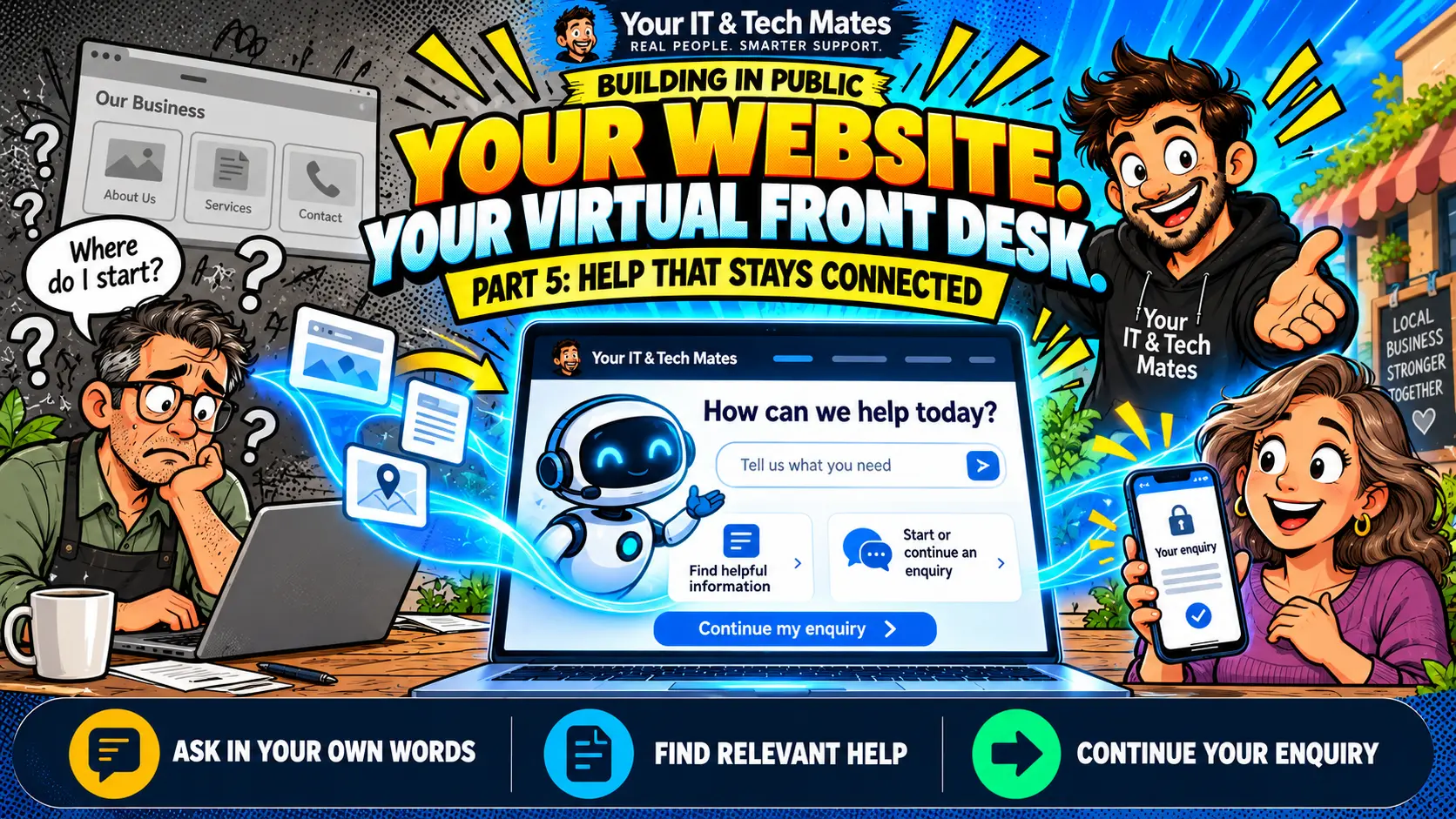
An AI website receptionist helps visitors explain what they need, find useful information and prepare a clearer enquiry. At Your IT & Tech Mates, we are connecting those steps into a virtual front desk: helpful answers, relevant guides, a public enquiry you can resume and an editable handover into QuoteMe. Private progress still belongs in your verified account, and a person confirms the work and final price.
Building-in-public checkpoint: 23 October 2026. This article describes the implementation and lessons from synthetic testing. Cross-page continuity and live follow-through are being checked during rollout. We have not published measured customer time savings, conversion gains or guaranteed response times.
Why turn a website into a virtual front desk?
Someone arriving on a technology website may not know whether they need a repair, a recovery assessment, patient learning support or a business workflow improvement. A list of services leaves them to work that out. A useful front desk starts with their situation and helps them decide what to do next.
That is the direction we are taking at YITM in Melbourne’s north. The website should help a person ask a question, understand an option and carry useful details forward when they choose to contact us.
- Ask in everyday language. Describe the situation without choosing technical labels first.
- Find relevant help. Follow useful YITM guides and service pages related to the question.
- Keep your place. Explicitly resume a saved public enquiry during the same visit, while it remains available.
- Check the handover. Edit the summary before QuoteMe uses it to prepare the request.
- Use a protected progress route. Existing requests require verification instead of a public guess about their status.
Our earlier article introduces what the YITM virtual receptionist can help with. This instalment focuses on connecting that help across the visitor’s journey.
How do questions, guides and QuoteMe work together?
1. Start with what the visitor is trying to achieve
“My laptop will not start” describes a symptom. “I am worried about losing family photos” explains why it matters. Both belong in the enquiry. The assistant should recognise the recovery concern, give bounded guidance and let the person decide whether to arrange an assessment.
2. Offer relevant published information
YITM’s published article catalogue connects posts with topics and related services. It can help surface a useful page alongside an answer, rather than leaving visitors to search through every menu. A recovery question may lead to a guide about protecting files; a business enquiry may lead to missed-call or CRM integration information.
The catalogue is maintained as content is published. The sitemap helps search engines discover public pages; it does not make every link relevant or validate an answer by itself. Guides still need accurate copy, maintained relationships and a clear next step.
3. Let visitors continue without losing their enquiry
The public enquiry is a short-lived draft for the visit. Where the receptionist is enabled, visitors choose Continue enquiry to resume it on another public page. Opening a page should not force a conversation over the article. Reading a guide also should not silently replace the need the visitor already described.
Keep important details out of public questions: no passwords, PINs, banking information or one-time codes. If a draft has expired or cannot be restored, the interface should explain that instead of pretending to remember.
4. Review the details before QuoteMe continues
The visitor can correct the enquiry summary before carrying it into QuoteMe. QuoteMe then shows what was brought across and asks the customer to confirm it. Known details should inform the next question; genuinely missing details still need to be asked.
Submitting the request remains a separate deliberate step. Asking a question, reading an article or reviewing a summary does not approve paid work or confirm a booking.
What does connected help look like in practice?
A laptop that will not start, with family photos at stake
Illustrative example, not a customer testimonial: a visitor says their laptop will not start and important family photos need assessment. They receive cautious recovery guidance and a relevant reading suggestion. They can browse, return to the enquiry, correct their suburb and review the details in QuoteMe.
The next intake question should collect something missing, such as urgency, rather than ask them to describe the entire computer problem again. An assessment cannot guarantee recovery, and the team still confirms suitable arrangements and costs.
A plumber who misses customer calls while working
Illustrative example: a small plumbing business asks for help following up missed calls and organising enquiries. “Follow up” here means a business process, rather than chasing a repair already with YITM. Relevant guidance should explain the Missed-Call SMS & Enquiry Connector and possible next steps.
If the business already uses a CRM, YITM SMS Connect supports custom API and webhook integration with the current platform. Our team checks compatibility and access requirements before recommending a setup.
How do we make an AI front desk feel helpful and trustworthy?
Trust comes from observable behaviour: answering the question, remembering the details the person chose to carry forward, showing a useful source and explaining what happens next. A moving icon or an “online” badge is not proof that a person is available.
- Be clear about AI. Identify the assistant and the points where a person takes over.
- Give help before asking for contact details. Let people understand their options first.
- Make corrections easy. A visitor should be able to change the summary and start something else.
- Keep private facts private. Ask for verification before showing request progress.
- Describe actual outcomes. A draft is not a submitted lead; a queued notification is not proof of delivery.
- Keep a human contact option. People who need another way to ask for help should be able to find it.
For example, “Is my repair ready?” needs the customer’s verified request and its latest recorded update. The public receptionist cannot establish readiness from a general conversation. After submission, the existing customer conversation keeps replies and supported attachments together.
What can a Melbourne small business adopt from this approach?
Start with a repeated point of confusion: visitors cannot find the right service, the team receives incomplete enquiries, or staff keep asking for details already provided. Then connect that step to the tools you already use. A small, maintained workflow can be more useful than adding a separate chatbot and another inbox.
For businesses in Epping, Wollert, Mernda and the surrounding Melbourne North suburbs, the first discussion can be practical: what questions arrive, where the details go and who is responsible for the next action. A Workflow Improvement Pilot can assess that process before a larger automation project is agreed.
Useful measures include repeated questions, successful enquiry resumption, corrected summaries, abandoned handovers and the time to a meaningful staff response. Lead counts alone do not show whether someone received useful help. Read our broader AI automation lessons and what we still need to prove for the next instalment.
Frequently asked questions
What is an AI website receptionist?
An AI website receptionist helps visitors describe their needs, find relevant information and choose a next step. At YITM it uses reviewed public guidance and connects to QuoteMe for an enquiry the customer checks before sending. People confirm scope and final pricing.
How is a virtual front desk different from a chatbot?
The useful difference is the connected journey: relevant pages, a resumable public enquiry, a reviewed handover and a protected route for existing requests. A chat box alone does not establish those capabilities.
Can I browse first without sending an enquiry?
Yes. Reading a guide or asking a public question does not submit a QuoteMe request. You choose whether to continue, review your details and send an enquiry.
Can the public assistant tell me whether my repair is ready?
Private repair progress requires secure verification and a recorded update for your request. The public assistant directs you to that account pathway; a general answer is not confirmation that a repair is ready.
Can YITM connect this approach to our existing CRM?
YITM can assess your existing CRM or job system, supported APIs and webhooks, access requirements and the task you want to improve. Compatibility, scope and price are checked before a project is agreed.
Continue the YITM workflow automation case studies
Follow the connected journey from the first question to missed calls, helpful website guidance, secure conversations and the lessons we are learning.
Where do your customer enquiries get stuck?
Tell us what happens today, which tools you use and what you want to make easier. Leave private customer records, passwords and API keys out. We discuss suitability, scope and costs before any paid work starts.