
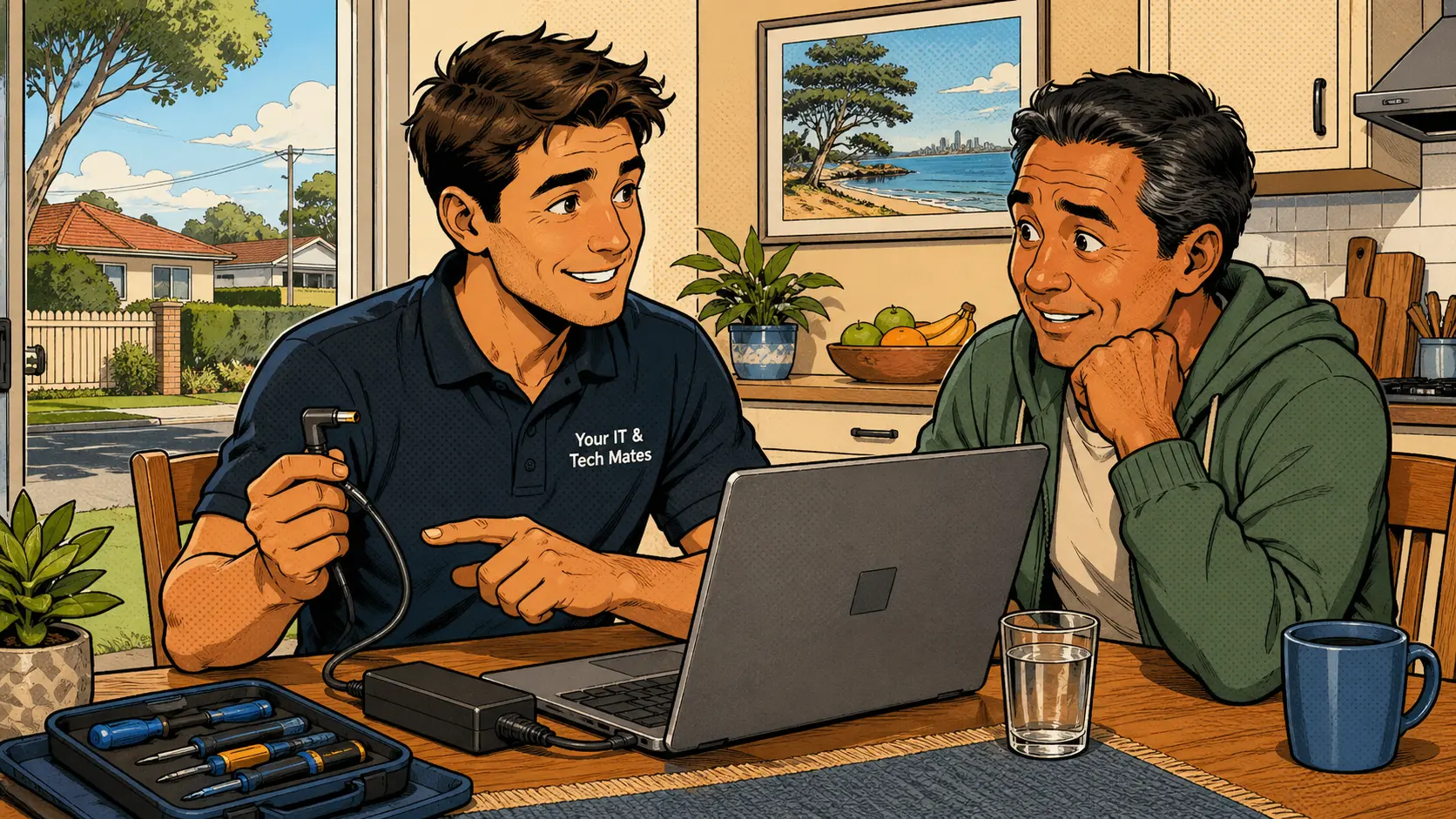
Test the simple things before buying any parts
If a laptop is not charging, the problem may be the charger, cable, wall socket, charging port, battery, USB-C adapter or internal power circuit. The battery is not always the cause. Before replacing it, test the simple things and avoid forcing the charging plug.
For laptop repairs across Melbourne's north, charging issues are among the most common faults — and they are often solved by checking the charger and port before touching the battery.
What this kind of laptop repair looks like
Charging faults usually appear at the worst time
A charging fault usually appears at the worst time. The laptop battery drops lower and lower even though it is plugged in. Sometimes Windows says "plugged in, not charging". Sometimes the charger light turns off. Sometimes the laptop only charges when the cable is held at a certain angle.
It is easy to assume the battery has failed, but that is only one possibility. Replacing the battery without checking the charger, charging port and power circuit first can waste money — and sometimes leave the problem unsolved.
Safe, low-cost checks before any parts are ordered
What each charging symptom usually points to
The right fix depends on what is actually wrong
Many charging jobs are caused by damaged chargers, worn charging ports or the wrong USB-C adapter. A customer may buy a cheaper charger online, only to find it does not deliver enough power. In other cases, the battery is worn out but the laptop is otherwise worth repairing.
If the charger is the issue, the fix may be as simple as replacing it with the correct wattage. If the charging port is loose or damaged, the laptop may need repair. If the battery is worn but the laptop is still a good model, a battery replacement may make sense. If the laptop is old and has multiple problems, a repair-or-replace conversation is more honest. See also the charging port repair guide if your laptop has other issues too.
Mistakes that can make the problem worse
Common questions about laptop charging problems
Why does my laptop say plugged in, not charging?
It can be caused by battery wear, charger problems, power settings, a loose charging port or an internal power fault. Test the charger, try a different wall socket and check the port before assuming the battery needs replacing.
Is it safe to use a cheap replacement charger?
Only if it is the correct type, voltage and wattage for your laptop model. Poor-quality chargers can cause ongoing charging problems, run too hot or damage internal components over time.
Why does my laptop only charge at an angle?
That often points to a worn charging port, damaged cable end or a loose internal connection. Forcing the cable or wiggling it can make the damage worse. Get it checked before the port fails completely.
Should I replace the battery or the laptop?
It depends on the age and condition of the laptop. If it is otherwise healthy, a battery replacement may be worthwhile. If it has several faults, replacement may be a smarter investment. See our repair-or-replace story for more.
Can you check my laptop charging problem at home?
Yes. Many charging issues can be checked on-site, especially when the charger, wall socket and everyday setup are all available to test properly.
Laptop not charging properly? Message Your IT & Tech Mates before buying parts
A quick check can help you avoid replacing the wrong thing. Send a message and we will help you work out the real cause — on-site across Melbourne's north.
Eligible Repair Promise · appointment availability must be confirmed when possible · On-site across Melbourne's north
Start with QuoteMe.
QuoteMe is the fastest way to send the right repair details without needing to know the exact technical name for the issue. A real technician reviews every request.
Guide only until confirmed by a technician. Never send passwords, PINs or banking codes through public forms.
Know someone who needs tech help?
Share Your IT & Tech Mates with a neighbour, friend or family member. Tracked referrals are managed through TheFixers.APP. Repair assessment, pricing and customer support remain with Your IT & Tech Mates.
Referral rewards are eligible, not guaranteed. Subject to eligibility, completion and manual review. Powered by TheFixers.APP.
Continue from here
Useful next steps for this topic
These links are selected from the same hub, Intent, service and tool relationships.