
The short answer
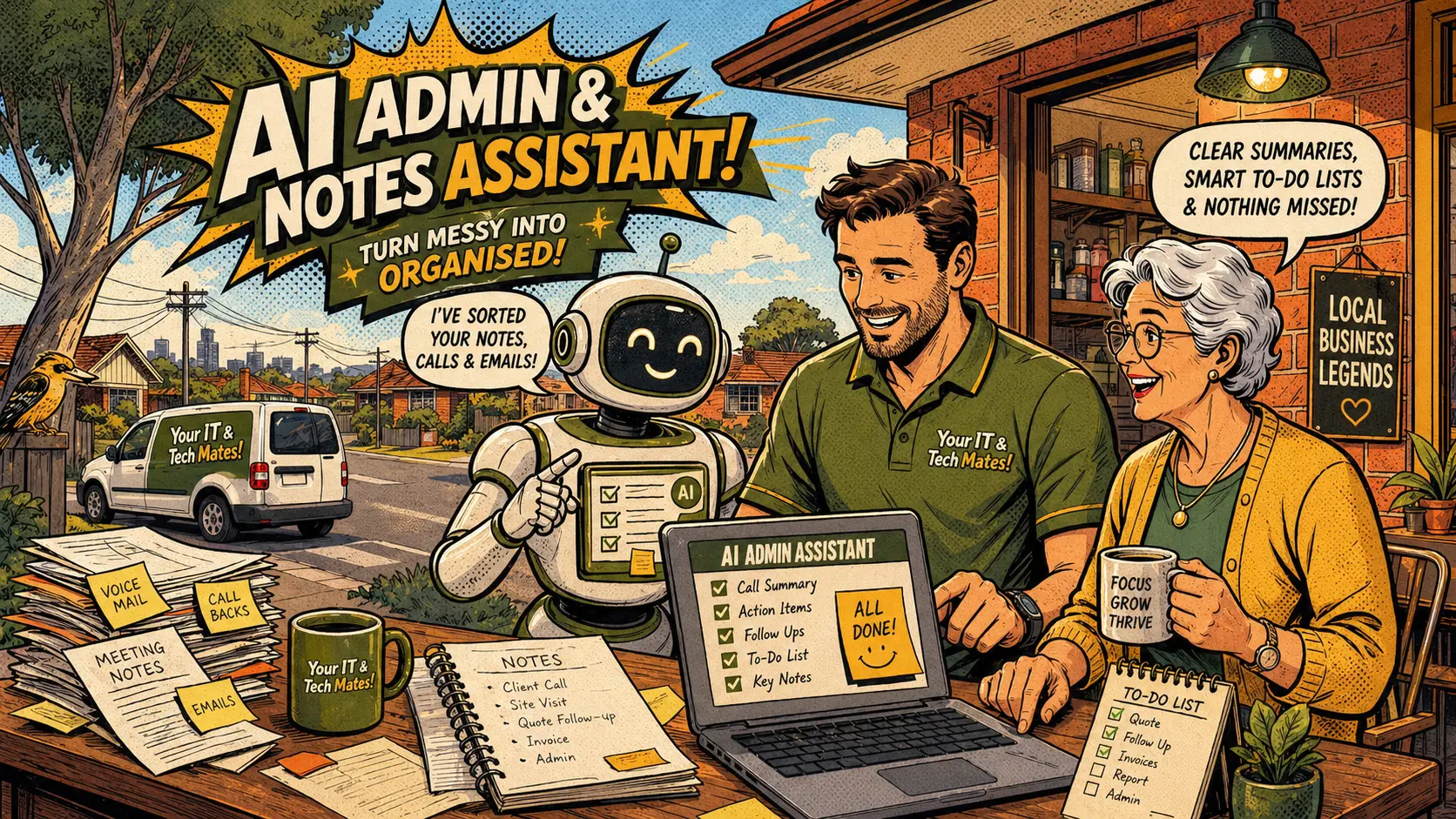
AI can help collect clearer information, summarise job details, flag missing items and draft customer-safe replies. It does not replace the technician. Human review confirms all official quotes, repair advice, pricing, warranty decisions and payment status. The safer workflow is: AI drafts, admin reviews, admin decides.
What this article covers
What AI does behind the scenes — and what it does not do
After a customer submits a QuoteMe request, AI can help organise the information. It may summarise the issue in plain English, highlight details that are missing or unclear, suggest the likely service path and list risk flags such as potential scam, liquid damage, data loss risk or urgent business downtime.
This helps staff see the important details faster instead of reading through a long or unclear message from the beginning each time. The AI summary is a working note to support the technician — not a final decision about the job.
AI does not approve repairs. It does not confirm parts compatibility. It does not make warranty decisions. It does not calculate official prices. Those steps require a person who understands the full picture — the device, the fault, the customer situation and the current parts availability.
For context on how the for customers side of the intake works, see the guide on the new QuoteMe flow — easier, safer and faster tech support.
How AI helps admin reply to customers faster
AI can help draft a short initial reply to a customer request. For example, it can compose a message asking for the model number, requesting a photo of an error message or explaining that the technician needs to inspect the device before confirming a quote.
The draft is not sent automatically. Admin reviews the draft, edits it as needed and decides whether to send it. This keeps a person in control of every customer communication — but reduces the time spent composing routine follow-up messages from scratch.
For higher-risk situations — scam reports, hacked accounts, data loss concerns — AI can flag the risk category in the job notes so admin knows to prioritise the response. The actual response and guidance still comes from the team, not from an automated reply.
This is different from a fully automated chatbot that sends responses without human review. The goal is to help staff work more efficiently, not to remove staff from customer conversations where judgment matters. See the guide on why Smart Assist is a guide and a technician still checks the job for the full explanation of where AI assists and where humans decide.
Ready to start?
Use QuoteMe to send clear details. Smart Assist guides the intake — a technician confirms the next step.
Why human review still matters — always
A technician understands context that AI cannot fully confirm from a short intake message. Parts compatibility depends on the exact model variant, not just the general model name. Water damage assessment depends on where the liquid entered, how long ago it happened and what the customer did afterward. Warranty coverage depends on whether the returning fault matches the original repair — which requires someone who worked on the job to assess.
Human review also protects customers when the issue involves private data, payment, banking access, business systems or account security. These are not situations where an automated system should be giving final advice.
For scam and hacked account cases specifically, the risk of incorrect AI advice is highest. Smart Assist can show safety reminders and flag the risk — but the investigation, the device check and the recommended actions all need a technician who understands the full situation. See the guide on the urgent scam and cyber safety help path.
Safety rules built into the AI workflow
The AI workflow at Your IT & Tech Mates follows clear safety rules that protect customers:
- AI does not ask customers for passwords, device passcodes, banking codes, one-time login codes, card details or ID documents
- AI does not state that a quote is official unless admin has actually sent an official quote through the confirmed process
- AI does not mark invoices as paid or confirm payment status — that requires provider confirmation or admin confirmation
- AI does not promise a guaranteed repair outcome — that requires technician assessment
- AI does not generate for customers communications without admin review in sensitive situations
These rules keep the customer experience helpful without becoming misleading or unsafe. When AI operates within these boundaries, it adds efficiency to the team without adding risk to the customer.
For business owners thinking about implementing similar AI workflows, the guide on how small businesses can use AI without costs running away covers practical controls including rate limits, usage logging and monthly cost monitoring.
Why this creates a better experience for customers
The practical benefit for customers is faster, clearer communication from the team. When staff receive well-organised intake notes, the first reply is more relevant. When missing details are flagged early, the technician can ask the right follow-up question rather than a general "can you tell us more" message. When job summaries are consistent, the job record is easier to understand later — for warranty questions, follow-up support or billing queries.
Better intake notes also reduce the chance of a job being quoted incorrectly because an important detail was buried in a long message. This protects customers from unexpected re-quotes and protects the business from avoidable errors.
The best use of AI in a local service business is not replacing people. It is helping people handle customer requests more clearly and consistently — so the technician can focus on the actual repair or support work rather than piecing together unclear intake information.
Questions about this topic
Does AI decide the repair quote?
No. AI can help organise job information and draft notes, but official quotes are always confirmed by the technician after review.
Can AI send messages to customers automatically?
The safer workflow is draft first, then admin review before sending. Automated messages for routine events like receipt confirmation can be built carefully with appropriate limits.
Why use AI if a technician still checks everything?
AI can reduce confusion in intake notes, prepare clearer summaries and help the technician review the job faster — which means less back-and-forth for the customer.
What safety rules should AI follow in this workflow?
AI should not ask for passwords, banking codes or device passcodes. It should not claim a quote is official unless admin has confirmed it. It should not mark invoices paid or promise guaranteed repair outcomes.
How does this benefit the customer?
When staff receive clearer notes, the first reply is more useful, follow-up questions are more targeted and the job record is easier to understand throughout the process.
Ready to get help?
Use QuoteMe to describe your issue in plain English. Smart Assist can help guide the request — then a real technician reviews and confirms the next step. You can also check an existing repair job online at any time.
Continue from here
Useful next steps for this topic
These links are selected from the same hub, Intent, service and tool relationships.