
The short answer
Choose Device Repairs for physical device problems, Scam / Cyber Safety for suspicious activity, IT Support for troubleshooting and setup, Onsite Tech Visit when someone needs to attend, AI & Software Development for business systems, and General Questions if you are not sure. The team can move the request to the right type if needed.
What this article covers
Why the service path matters
Choosing the closest service path helps the QuoteMe system show the right guidance before you send the request. It also helps the team route the job faster — a repair request and a scam safety review need different first steps from the team.
Repair jobs may need model numbers, photos and parts checking. IT support jobs may need troubleshooting time and access details. Scam and cyber safety jobs need safety warnings and careful handling. Onsite visits need location and environment details. Business software requests need a goal and current system description.
Choosing the wrong path does not stop you from getting help. The team can review and re-route any request. The important thing is to send enough detail so the team understands what is happening. See the guide on what details help get a faster response for practical advice on what to include.
Choose Device Repairs when hardware may be involved
Choose Device Repairs for phones, tablets, laptops, screens, batteries, charging ports, water damage, no-power issues and similar hardware faults. This path is for physical device problems where parts may be needed.
Helpful details include the brand, exact model number, what happened, any error messages, photos of the damage and whether the device still turns on. The more clearly you can describe the fault, the faster the technician can review and prepare a quote.
An early estimate may be shown during the intake, but the official quote is always confirmed by a technician after reviewing the actual device details and parts compatibility. See the guide on how to get a faster repair quote for what details make the biggest difference.
Ready to start?
Open QuoteMe and choose the closest path. Choose General Questions if you are not sure.
Choose Scam / Cyber Safety for suspicious activity
Choose Scam / Cyber Safety if you clicked a suspicious link, allowed remote access, saw fake support popups, shared a code, received bank warning messages, noticed unusual account activity or think an email or device account has been hacked.
This path shows safety reminders and guides customers away from risky behaviour before the technician reviews the request. Do not include passwords, login codes, banking codes, card details or ID documents.
If money may be involved, contact your bank immediately before submitting the form. This is the most important first step for any financial risk situation. See the dedicated guide on using the urgent scam and cyber safety help path.
Choose IT Support, Onsite Visit, AI Dev or General Questions
IT Support: Choose this for Wi-Fi troubleshooting, printer setup and connection, email and Microsoft 365, account access, slow computers, software problems, computer cleanup and general computer help. These jobs are usually charged hourly. See when tech support is charged hourly for rates and what to expect.
Onsite Tech Visit: Choose this if the problem needs a home or business visit. Include your suburb, a description of the environment and whether the visit is for setup, training, Wi-Fi placement, multi-device support or senior tech help. Onsite support is usually hourly.
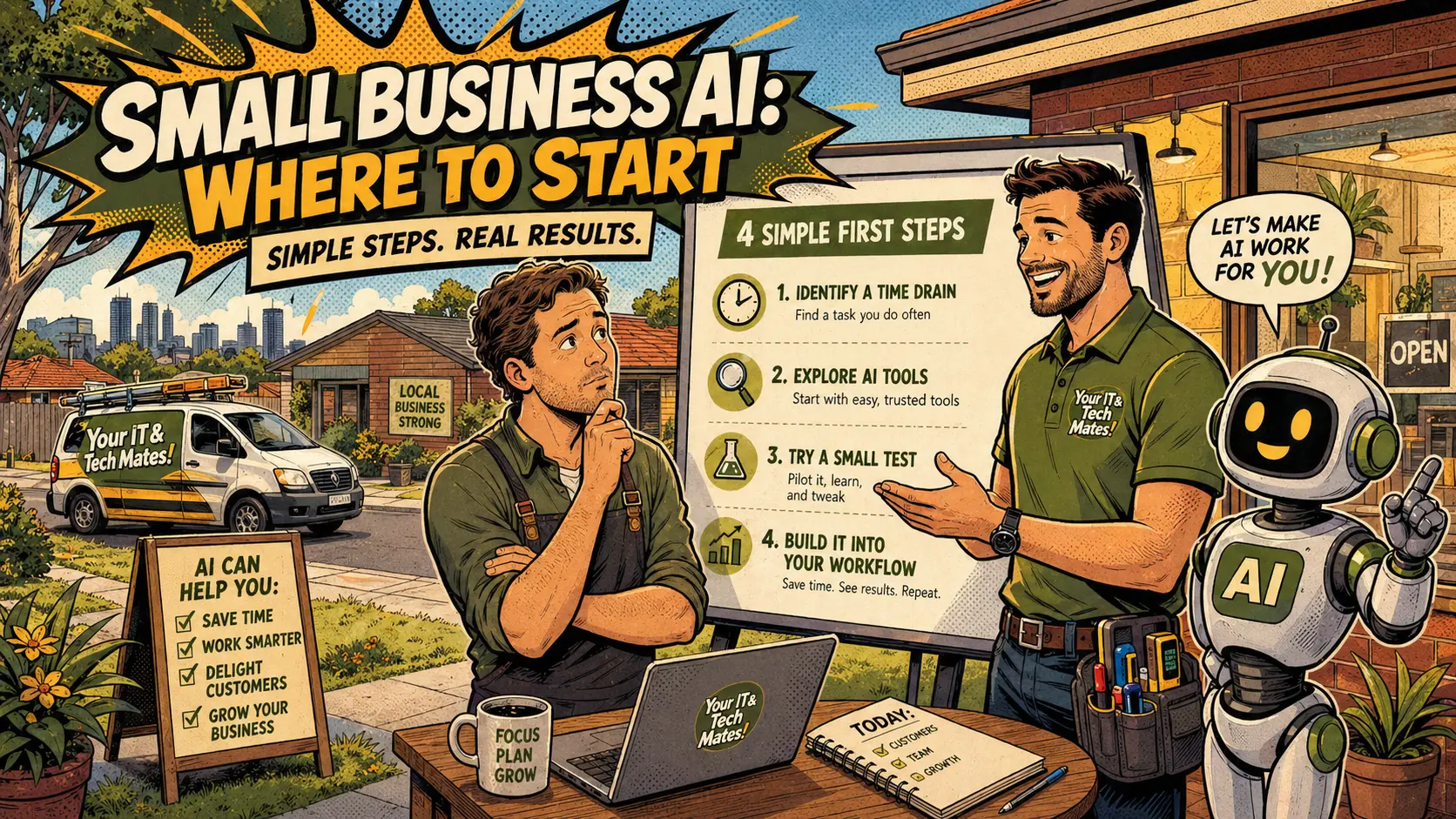
AI & Software Development: Choose this for websites, automation, CRM systems, booking tools, intake forms, service workflows, dashboards and AI integration. Describe the goal, the current system and what is currently manual. These requests are treated as project briefs and quoted accordingly.
General Questions: If none of the other paths feels right, choose General Questions. Describe the situation in plain English and the team will identify the right service type. This is always a valid starting point. The most important thing is to send clear details — without sharing passwords, banking codes or private credentials.
What to include after choosing your path
Regardless of which path you choose, a few details consistently help the team respond faster:
- A plain-English description of what is happening and when it started
- The device brand and model if relevant
- Whether the problem affects one device or several
- Whether anything changed recently — a new device, an update, a new app, a recent call or message
- Photos of any damage, error messages or model labels if relevant
Never include passwords, device passcodes, banking codes, one-time login codes, card details or private documents. If the technician needs access to a device or account as part of the support, they will guide you through a safe method at the right stage.
After sending the request, keep the reference number you receive so you can track progress on the repair status page.
Questions about this topic
What if I choose the wrong path?
That is okay. The team can review the request and move it to the right service type. The important thing is to send clear details about the problem.
Which path should I choose for a hacked account?
Choose Scam / Cyber Safety. Do not include passwords, banking codes or login codes in the form.
Which path for Wi-Fi or printer problems?
Choose IT Support for troubleshooting, or Onsite Tech Visit if someone needs to attend your home or business.
Which path for a business website or AI system?
Choose AI & Software Development. Describe the goal, the current system and what you want to improve or automate.
Can I choose General Questions if I am not sure?
Yes. Describe the situation in plain English and the team will identify the closest service path and next step.
Ready to get help?
Use QuoteMe to describe your issue in plain English. Smart Assist can help guide the request — then a real technician reviews and confirms the next step. You can also check an existing repair job online at any time.
Continue from here
Useful next steps for this topic
These links are selected from the same hub, Intent, service and tool relationships.