
Stop
Do not wait until the last minute if the issue affects study, campus work, proof of experience or a device you need for class.
Most simple evidence can be checked by the system. A person steps in when the evidence is risky, unclear, disputed or high-level.
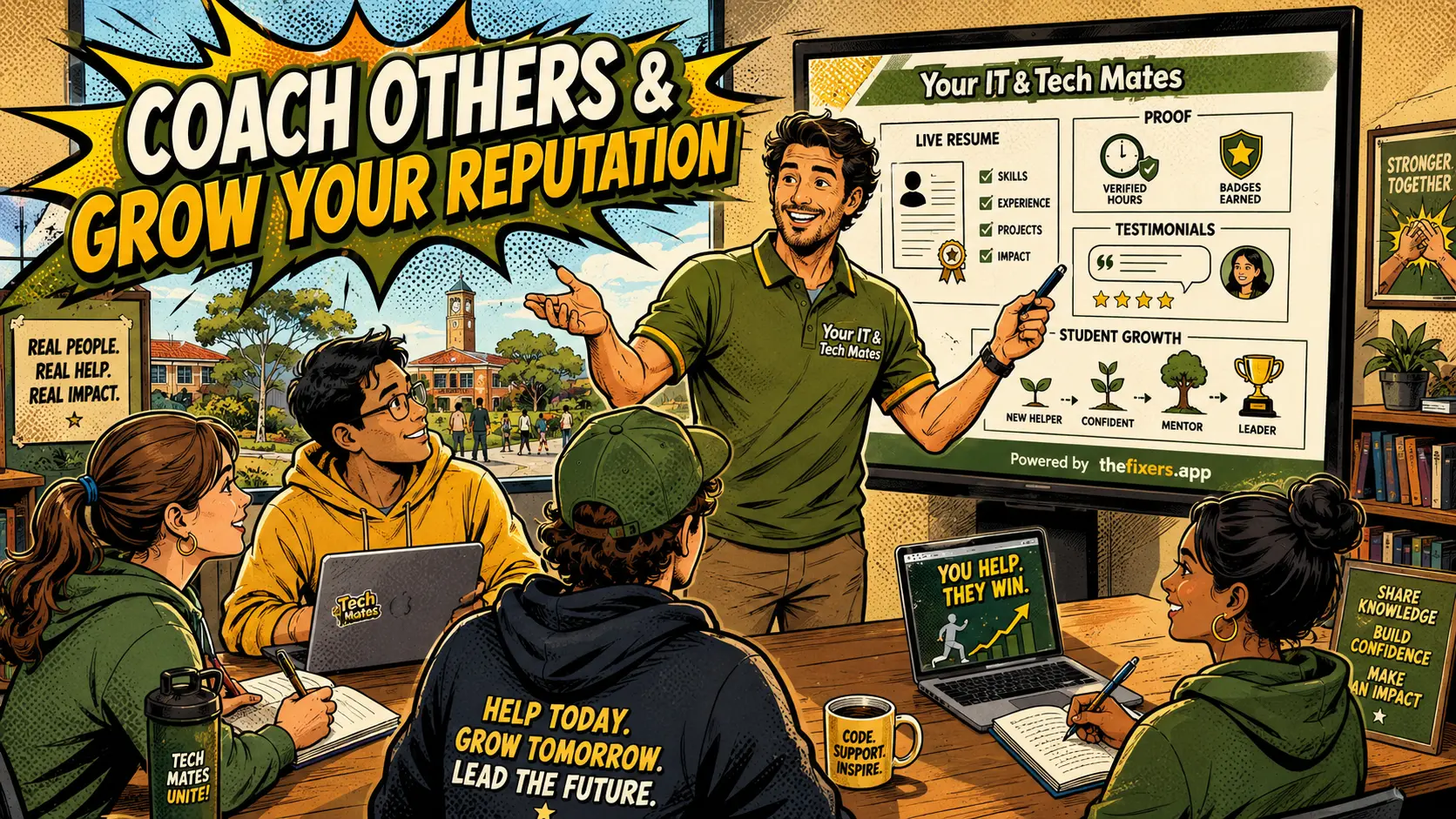
Student experience pathway
TheFixers.APP pathway is designed for students who need practical experience before they already have a long work history. A student can start with small, safe tasks, build confidence, collect reviewed proof, and turn that activity into a clearer Live Resume story.
This guide is organised for quick decisions, safer checks and clearer next steps.
A plain-English guide explaining review by exception for student skill tags, including when the system checks evidence and when a human reviewer steps in.
Use the guide to choose the right next step and avoid spending time or money in the wrong place.
Keep the model, symptom, photos, error messages and timing together before asking for help.
Use this guide first, then choose Quick Help or the most relevant local service page.
Do not wait until the last minute if the issue affects study, campus work, proof of experience or a device you need for class.
Read the practical steps, gather the details you already have and choose the pathway that best matches your situation.
Use the linked pathway or Quick Help if you need a real person to point you to the next step.
Choose the step that solves the real problem first, then avoid adding extra tools, bookings or work until the next action is clear.
Review by exception means the system handles the normal cases and sends only special cases to a person. This protects trust without slowing down every student.
This guide explains the feature in plain English for students, parents, schools, providers and Melbourne North employers. It focuses on safe activity, checked proof and resume-ready skill language.
Review by exception helps a local student pathway scale across Melbourne North without making every student wait. A clear low-risk note from Epping or Bundoora can move forward faster, while a scam, privacy, account, payment-sensitive or senior-provider case can still be sent to a real person.
The system can check note quality, missing details, safe wording, duplicate activity, matching tag categories and whether the activity is low risk.
Human review is needed for private information, risky promises, complaints, disputes, suspicious activity, sensitive categories, Senior Provider tags and Master Provider tags.
Students get quicker feedback and clearer next steps. They are not stuck waiting for an admin to read every small practice task.
Customers can trust that higher-risk skills are not approved casually. The simple tags can move quickly, while important tags stay protected.
Clear communication, listening, safe boundaries and professional follow-up.
Practice tasks, notes, Quick Help activity, reviews and checked evidence.
It means the system handles normal low-risk checks, while people review only the cases that are risky, unclear, disputed or high-level.
Students can receive faster feedback on simple evidence instead of waiting for every small note or practice task to be manually read.
Senior Provider, Master Provider, scam safety, privacy, account access, business systems, mentor and quality review tags should still be guarded.
No. It uses people where judgement matters most, instead of using them for every low-risk check.
It keeps risky or sensitive work protected while allowing simple student progress to move more smoothly.
Read these next if you want the full student pathway from skill tags, notes and practice tasks through to live resume proof.
See which low-risk evidence the system can handle.
RelatedUse safe practice tasks to build early proof.
RelatedSee how review increases from beginner to senior levels.
Choose a safe starting pathway for campus help, referrals, practice tasks or provider readiness.
SkillsSee how skill tags turn real activity into proof students can explain.
GatewayBrowse campus help, live resume, referrals, safety, leadership and employability guides.
Keep building proof