
Stop
Do not wait until the last minute if the issue affects study, campus work, proof of experience or a device you need for class.
The goal is simple: the system checks normal low-risk evidence, and people only review the cases that really need human judgement.
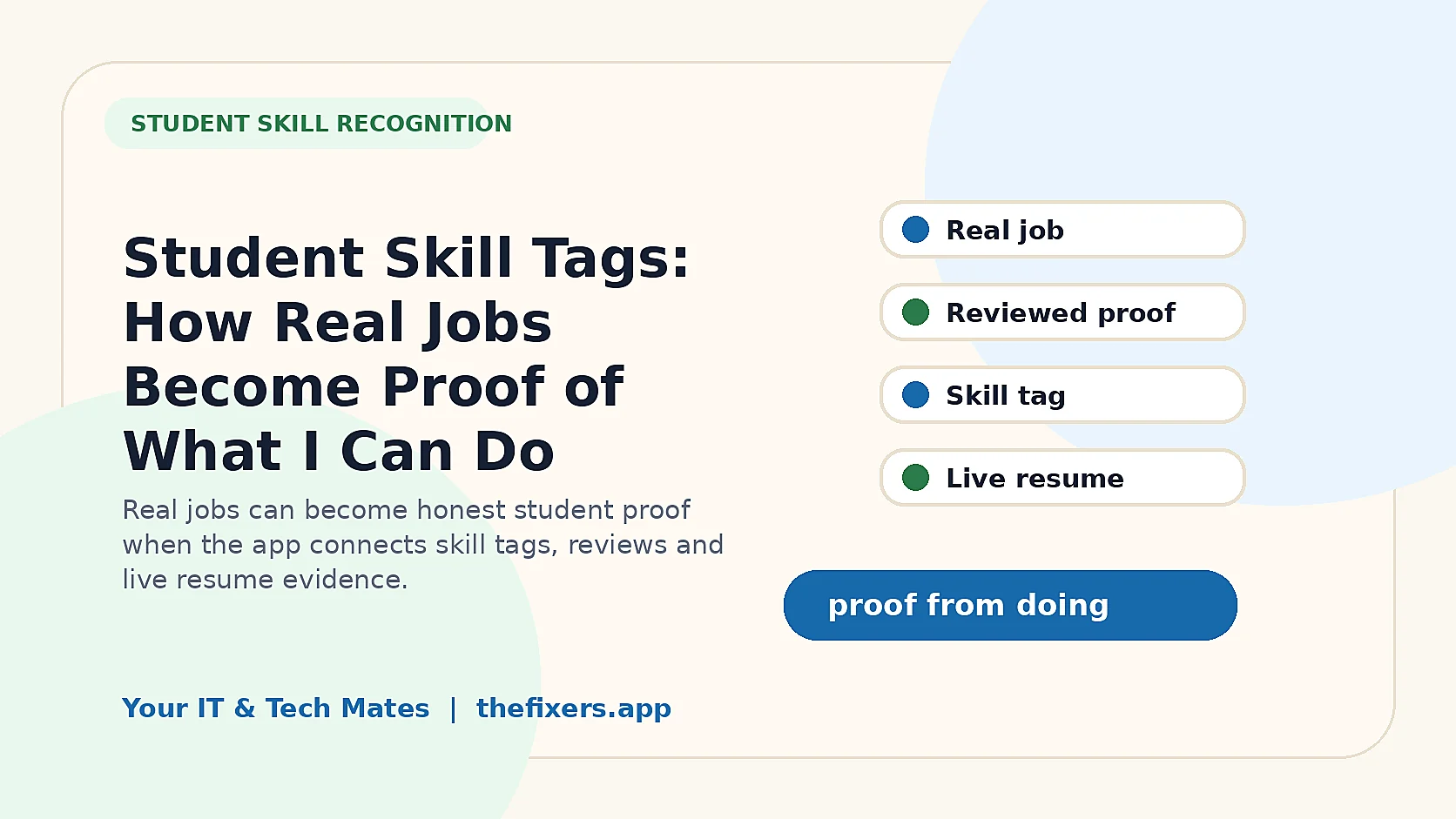
Student experience pathway
TheFixers.APP pathway is designed for students who need practical experience before they already have a long work history. A student can start with small, safe tasks, build confidence, collect reviewed proof, and turn that activity into a clearer Live Resume story.
This guide is organised for quick decisions, safer checks and clearer next steps.
A student-friendly guide to auto-checked evidence, showing how clear low-risk activity can support skill tags without waiting for human reading every time.
Use the guide to choose the right next step and avoid spending time or money in the wrong place.
Keep the model, symptom, photos, error messages and timing together before asking for help.
Use this guide first, then choose Quick Help or the most relevant local service page.
Do not wait until the last minute if the issue affects study, campus work, proof of experience or a device you need for class.
Read the practical steps, gather the details you already have and choose the pathway that best matches your situation.
Use the linked pathway or Quick Help if you need a real person to point you to the next step.
Choose the step that solves the real problem first, then avoid adding extra tools, bookings or work until the next action is clear.
Auto-checked evidence means the app can look at a clear note, practice task or Quick Help activity and decide that it is strong enough for low-risk skill progress without sending every item to a human queue.
This guide explains the feature in plain English for students, parents, schools, providers and Melbourne North employers. It focuses on safe activity, checked proof and resume-ready skill language.
For students around Melbourne North, auto-checked evidence is useful because not every small step needs to wait for a person. A clear practice note, a safe Quick Help introduction or a simple campaign log from Epping, Wollert, Mernda, South Morang or Bundoora can be checked by the system when it is low-risk and complete.
Students get faster progress. They can see what was accepted, what needs more detail and what might be ready for review. It removes the slow feeling of waiting for every small step.
The team only spends time on risky, unclear, disputed or high-level evidence. That keeps quality high without making the system impossible to manage.
Clear job notes, safe campaign logs, practice website checks, simple Wi-Fi issue reports and approved Quick Help explanations can often be system-checked.
Scam safety, account recovery, data loss, business systems, Senior Provider and Master Provider tags should stay protected and go to review when needed.
Clear communication, listening, safe boundaries and professional follow-up.
Practice tasks, notes, Quick Help activity, reviews and checked evidence.
It means the system can check low-risk evidence against clear rules before deciding whether it is ready, incomplete or needs review.
Low-risk evidence can support checked progress, but guarded, senior, master, safety or disputed tags should still follow the review rules.
Clear notes, practice task answers, approved share activity, simple campaign logs and low-risk Quick Help introductions can often be checked automatically.
Private information, risky promises, unclear notes, complaints, duplicate activity, senior tags and sensitive tech categories should go to review.
It reduces waiting for simple progress while keeping stronger tags honest and safer for customers.
Read these next if you want the full student pathway from skill tags, notes and practice tasks through to live resume proof.
See how the system reads a clear note.
RelatedLearn why risky or high-level tags still go to review.
RelatedTurn checked evidence into plain-English resume lines.
Choose a safe starting pathway for campus help, referrals, practice tasks or provider readiness.
SkillsSee how skill tags turn real activity into proof students can explain.
GatewayBrowse campus help, live resume, referrals, safety, leadership and employability guides.
Keep building proof