
Stop
Do not wait until the last minute if the issue affects study, campus work, proof of experience or a device you need for class.
Skill tags should be easy for everyone to understand. A student, parent, customer or employer should be able to read the tag and know what practical skill it shows.
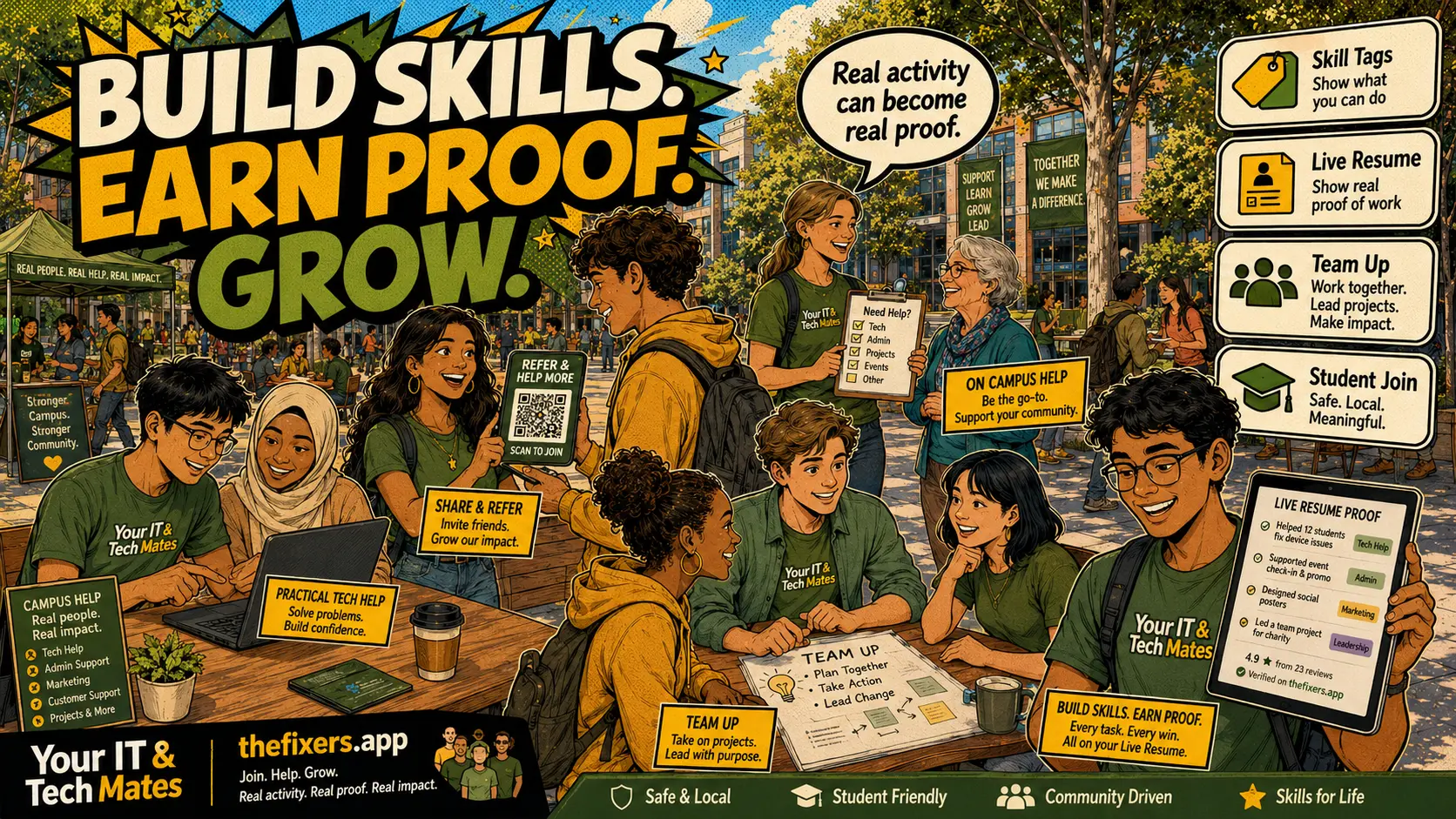
Student experience pathway
TheFixers.APP pathway is designed for students who need practical experience before they already have a long work history. A student can start with small, safe tasks, build confidence, collect reviewed proof, and turn that activity into a clearer Live Resume story.
This guide is organised for quick decisions, safer checks and clearer next steps.
A plain-English student guide to skill tags, live resume proof, checked evidence and how TheFixers.app helps students explain real skills without exaggerating.
Use the guide to choose the right next step and avoid spending time or money in the wrong place.
Keep the model, symptom, photos, error messages and timing together before asking for help.
Use this guide first, then choose Quick Help or the most relevant local service page.
Do not wait until the last minute if the issue affects study, campus work, proof of experience or a device you need for class.
Read the practical steps, gather the details you already have and choose the pathway that best matches your situation.
Use the linked pathway or Quick Help if you need a real person to point you to the next step.
Choose the step that solves the real problem first, then avoid adding extra tools, bookings or work until the next action is clear.
Plain-English Skill Tags turn real student activity into resume-ready proof. Instead of saying “I am good with tech”, a student can show checked skills like Explains Tech Clearly, Writes Clear Job Notes, Reports Wi-Fi Issues Clearly, Shares Approved Links Responsibly and Follows Safe Boundaries.
This guide explains the feature in plain English for students, parents, schools, providers and Melbourne North employers. It focuses on safe activity, checked proof and resume-ready skill language.
A student in Bundoora, Epping, Wollert, Mernda or South Morang can use plain-English skill tags to explain real activity from campus help, Quick Help notes, practice tasks and safe community introductions. This is useful for local students near La Trobe Bundoora, Melbourne Polytechnic and nearby Melbourne North campuses because the tag language is simple enough for parents, customers, providers and future employers to understand.
Many students have useful skills before they have a formal job title. They help family with Wi-Fi, explain apps to friends, write clear messages, test websites, share approved links or support a campus group. Skill tags help students describe those skills in a way that feels honest and easy to understand.
The app can look at profile details, practice tasks, notes, Quick Help activity and feedback. Low-risk tags can be checked by the system. Risky, unclear or senior-level tags can go to a person for review.
A strong resume example has a skill, a task, a result and a safe boundary. A student can say they wrote clear job notes, helped explain a Wi-Fi issue, followed safe boundaries and used approved wording. That is much stronger than a vague claim.
Tags are not a promise of guaranteed jobs or expert status. They are a simple way to show what has been practised, checked or verified through suitable activity.
Clear communication, listening, safe boundaries and professional follow-up.
Practice tasks, notes, Quick Help activity, reviews and checked evidence.
Yes. Students can use checked or verified tags as plain-English resume proof, especially when they can explain the task, safe step and skill behind the tag.
No. Skill tags show progress and checked evidence. They do not guarantee paid work, customer selection, income or expert status.
Yes. The tags are not only for repair work. They can show people skills, software testing, marketing outreach, note writing, organisation and safe customer communication.
Plain-English tags help students, parents, customers and employers quickly understand what the student has actually practised or proved.
Start with profile setup, safe boundaries, a practice task and clear notes before trying more advanced provider work.
Read these next if you want the full student pathway from skill tags, notes and practice tasks through to live resume proof.
See how clear student notes can support skill evidence.
RelatedUnderstand how Campus Helper grows into Provider, Senior Provider and Master Provider.
RelatedLearn how checked tags can appear as simple resume-ready wording.
Choose a safe starting pathway for campus help, referrals, practice tasks or provider readiness.
SkillsSee how skill tags turn real activity into proof students can explain.
GatewayBrowse campus help, live resume, referrals, safety, leadership and employability guides.
Keep building proof