
Stop
Do not wait until the last minute if the issue affects study, campus work, proof of experience or a device you need for class.
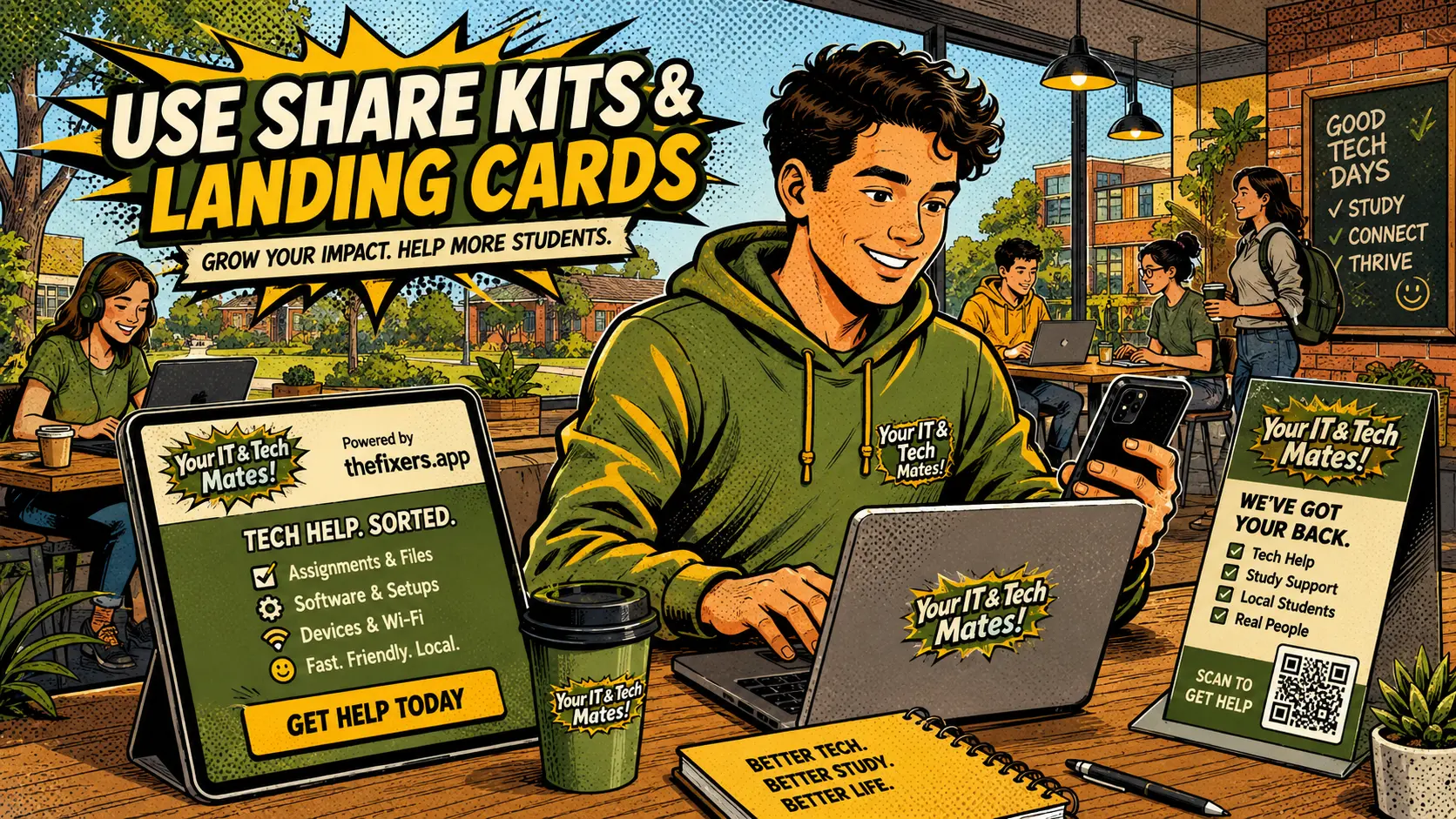
A share kit should make the student role simple: help someone lodge a Quick Help request using an approved link or QR code. The student does not need to promise a fix.
Student experience pathway
TheFixers.APP pathway is designed for students who need practical experience before they already have a long work history. A student can start with small, safe tasks, build confidence, collect reviewed proof, and turn that activity into a clearer Live Resume story.
This guide is organised for quick decisions, safer checks and clearer next steps.
A plain-English student ambassador guide showing how share kits, QR links and approved wording help students introduce Quick Help without overpromising.
Use the guide to choose the right next step and avoid spending time or money in the wrong place.
Keep the model, symptom, photos, error messages and timing together before asking for help.
Use this guide first, then choose Quick Help or the most relevant local service page.
Do not wait until the last minute if the issue affects study, campus work, proof of experience or a device you need for class.
Read the practical steps, gather the details you already have and choose the pathway that best matches your situation.
Use the linked pathway or Quick Help if you need a real person to point you to the next step.
Choose the step that solves the real problem first, then avoid adding extra tools, bookings or work until the next action is clear.
The share kit gives students approved wording, QR links and simple handoff steps so they can introduce Quick Help safely. Their job is to help someone lodge a request, not to promise they can fix the issue themselves.
This guide explains the feature in plain English for students, parents, schools, providers and Melbourne North employers. It focuses on safe activity, checked proof and resume-ready skill language.
A student share kit can work well in local campus and suburb communities when it is used carefully. Students in Bundoora, Epping, Wollert, Mernda or South Morang can share a Quick Help link or QR code with people who genuinely need tech help, then let the customer lodge the request through the proper pathway.
Students practise communication, local outreach, campaign tracking and responsible promotion. These are useful business and people skills, even for students who are not deep technical providers.
Good sharing is honest, local and clear. It says what Quick Help is for, avoids guaranteed claims and helps the person understand the next step.
The system can check whether a share code exists, approved wording was used, a real request came through and there are no duplicate or spam patterns.
Good share activity can support tags such as Shares Approved Links Responsibly, Finds Real Local Tech Needs, Explains Quick Help Clearly and Tracks Campaign Results.
Clear communication, listening, safe boundaries and professional follow-up.
Practice tasks, notes, Quick Help activity, reviews and checked evidence.
It is a set of safe links, QR options and approved wording a student can use to introduce someone to Quick Help.
The student’s job is to help someone lodge a suitable Quick Help request, not to promise a fix, payment, reward or expert service.
Yes. Responsible sharing can support tags such as Shares Approved Links Responsibly, Explains Quick Help Clearly and Finds Real Local Tech Needs.
Avoid spam, pressure, guaranteed outcomes, cheap-fix claims, private information and unsafe promises.
Local sharing works best when students help real people in their campus, suburb or community understand the next safe step.
Read these next if you want the full student pathway from skill tags, notes and practice tasks through to live resume proof.
See how safe sharing can support communication and business skill tags.
RelatedLearn how clear notes help the next person understand the issue.
RelatedTurn responsible outreach into plain-English profile proof.
Choose a safe starting pathway for campus help, referrals, practice tasks or provider readiness.
SkillsSee how skill tags turn real activity into proof students can explain.
GatewayBrowse campus help, live resume, referrals, safety, leadership and employability guides.
Keep building proof