
From the first tech question to the technician’s reply
Follow one fictional tablet repair request from a charging question to a technician’s reply, and see how Your IT and Tech Mates tests the handover.
Quick answer
Start by describing what the tablet does when you plug it in, whether the photos are backed up and which suburb you’re in. Review the QuoteMe draft before sending. The technician can then respond in My Tech Help with the next step.
Illustrative walkthrough. The family and repair request are fictional. The applicable options are confirmed by the team for each enquiry.
Follow the tablet repair request
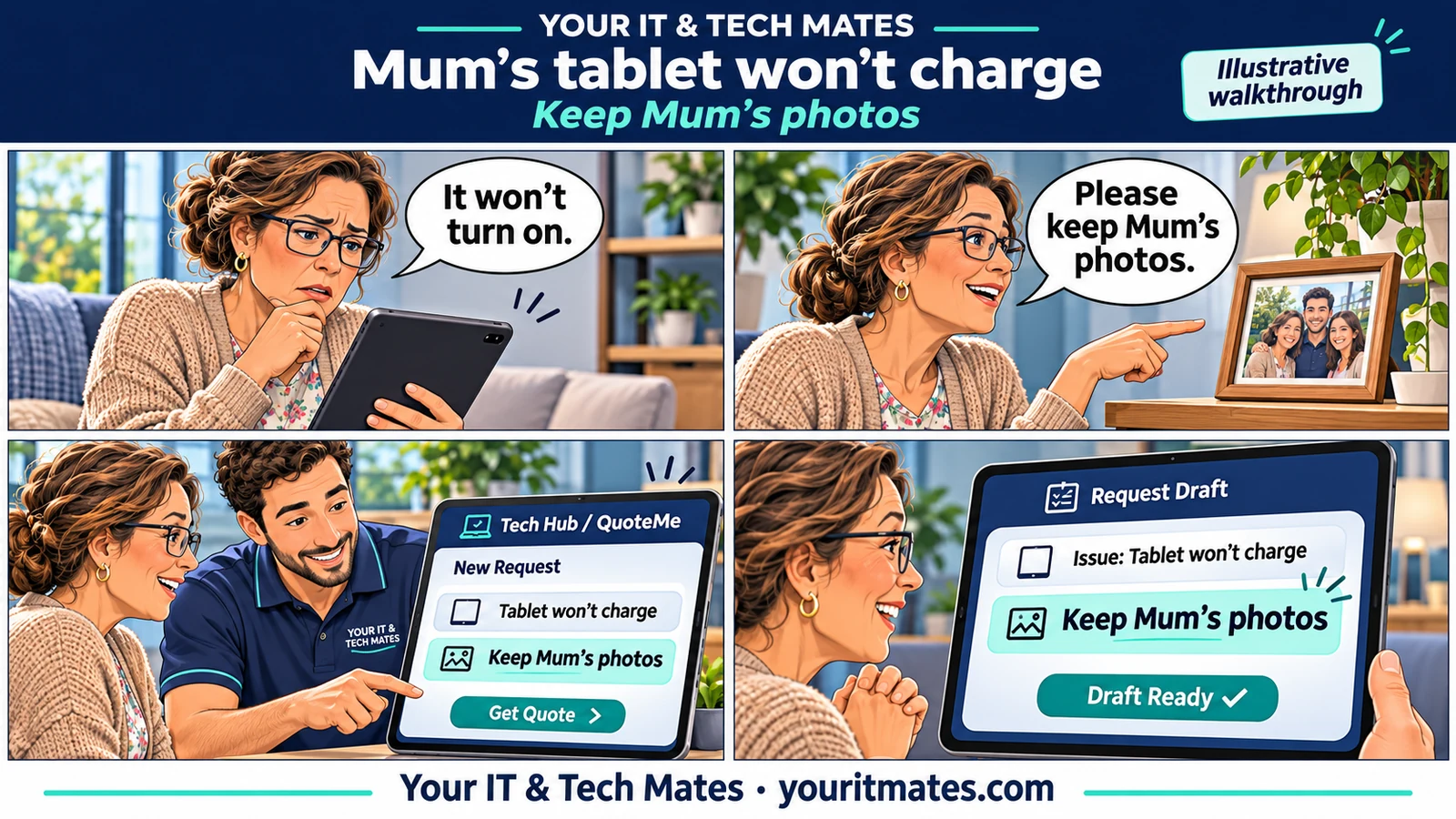
Mum’s tablet won’t charge and the family is worried about her photos. This six-part walkthrough follows their fictional enquiry from Tech Hub to QuoteMe and My Tech Help. It shows which details customers can check, what staff need to confirm and why a useful handover keeps the original concern in view.
- Mum’s tablet won’t charge. How do I explain the repair and protect her photos?
Describe a tablet charging problem, explain which photos matter and prepare a clearer repair enquiry in Epping or Wollert.
- How to correct a charger check in a QuoteMe repair draft
See how an explicit correction can remove a charger check from a QuoteMe draft while keeping the rest of the tablet repair enquiry in view.
- Can I ask about tablet repair collection in Wollert while making an enquiry?
See what to include when asking about tablet repair collection in Wollert, and how to distinguish a preference from an agreed arrangement.
- From QuoteMe to the technician’s reply: a tablet repair walkthrough
Follow an illustrative tablet repair request from QuoteMe review to a saved request and a technician reply in My Tech Help.
- When should a tablet charging enquiry go to a technician?
Learn how Your IT and Tech Mates decides when a tablet charging enquiry needs human assessment and which details make the handover useful.
- How Your IT and Tech Mates tests AI-assisted repair enquiries
See how a Melbourne North tech support team checks whether an AI-assisted workflow preserves corrections, hands over useful information and keeps replies together.
Find the right starting point
If your iPad or Android tablet won’t charge, start with the first guide. If you’ve already opened QuoteMe and spotted a mistake, go straight to the charger correction. If you’ve already sent the request, skip to the technician reply walkthrough.
Requesting tablet repair in Epping or Wollert
Tell us the device model if you know it, your suburb and what you need back from the tablet. If you’re helping a parent or sharing a device with family, explain who can confirm decisions about the repair. Ask about collection separately so the team can confirm what’s available before you plan around it.
These examples show how to prepare and follow a request. For model-specific help or local service options, see tablet repairs in Melbourne North.