
Mum’s tablet won’t charge. How do I explain the repair and protect her photos?
Describe a tablet charging problem, explain which photos matter and prepare a clearer repair enquiry in Epping or Wollert.
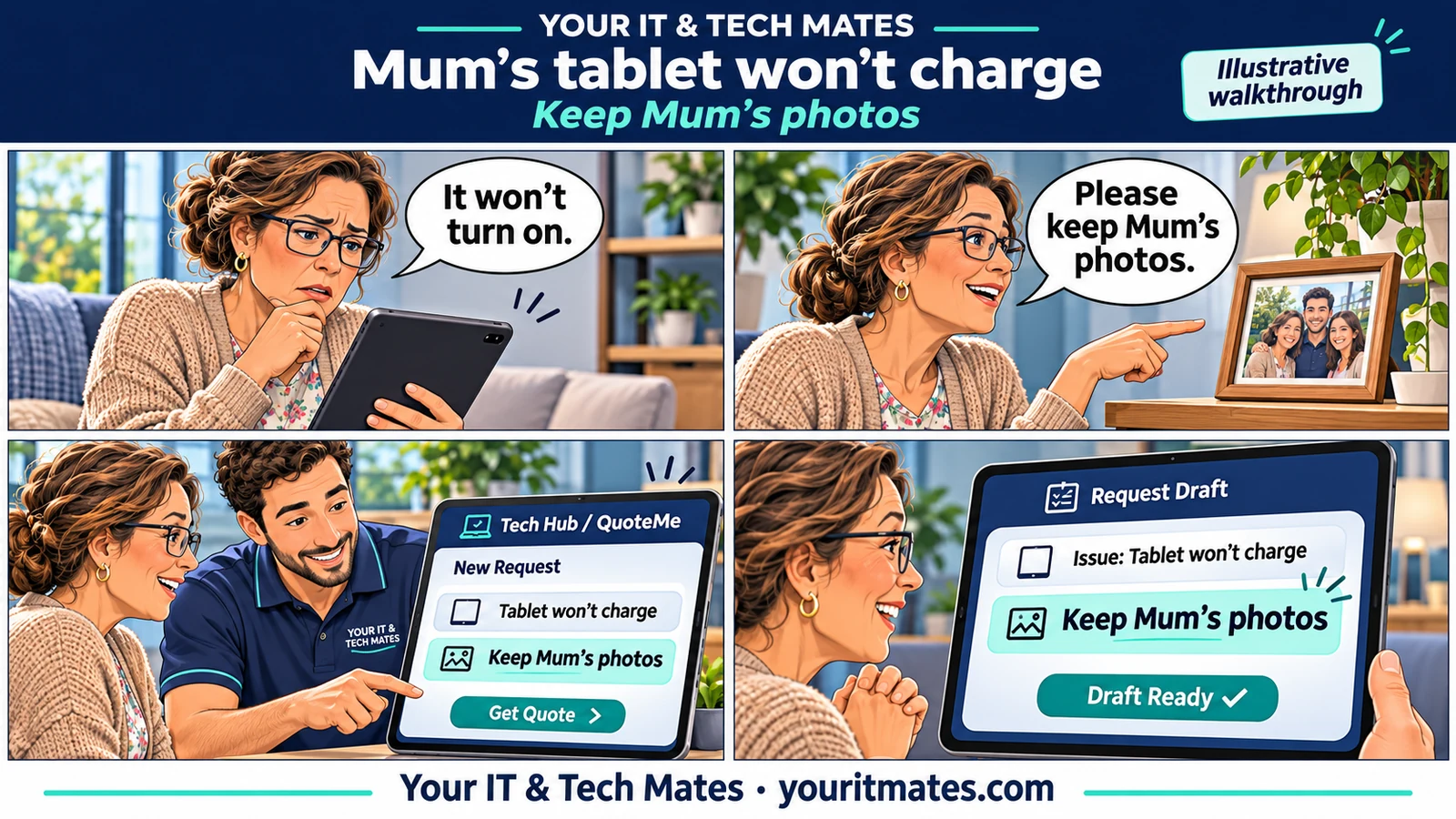
Quick answer
Tell the technician what the tablet shows when plugged in, whether you tried another compatible charger and whether the photos are backed up. If keeping the photos matters most, make that the first line of the enquiry.
Illustrative walkthrough. The family and repair request are fictional. The applicable options are confirmed by the team for each enquiry.
Start with what you can see
A tablet that shows a charging symbol and a tablet that shows nothing are different descriptions. Tell the team which one you see, when the issue began and whether anything happened just beforehand. Include the model if you know it. If you’re helping Mum, check that she’s happy for you to make the enquiry.
Say what would make this a good outcome
In our fictional example, the family needs the tablet working again, but the photos matter most. A useful opening is “Mum’s tablet has stopped charging. We don’t know if her photos are backed up. Please discuss anything that could affect them before work starts.” The technician can review the charging problem and the data concern together.
Give the team a clear stopping point
If something appears unsafe, tell the team before attempting checks. If the backup status is unknown, say so. Read the backup guide for preparation options and use the charging triage tool only where appropriate. QuoteMe is a way to describe the situation for review. The team can explain what needs assessment before any work is authorised.
What should I put in an iPad or Android tablet repair enquiry?
- Device: iPad, Samsung Galaxy Tab or other Android tablet. Include the model only if known.
- What you saw: black screen, charging symbol, intermittent charging or a battery percentage that never increases.
- What you tried: list only checks actually performed. “Haven’t tried another charger” is useful information.
- Data and location: say whether the photos are backed up, which suburb you’re in and how you’d prefer to be contacted.
What if I’m unsure about the backup?
If you already have access to the relevant photo account on another device, check for a few recent photos that matter to you. Finding older photos alone doesn’t tell you whether the newest ones were copied. If you’re still unsure, tell the technician and ask them to discuss any data-affecting step with you first. Apple also lists checks for an iPad that won’t charge.