Home Ambassador Guides How Ambassador Share Codes and QR Links Keep Local Referrals Clear
📲 Ambassador Guides · Builds A0000280, A0000284 & A0000290

How Ambassador Share Codes and QR Links Keep Local Referrals Clear

Published2026-05-28
Guided help format

Start here: what to do before you decide

This guide is organised for quick decisions, safer checks and clearer next steps.

Quick answer

A plain-English guide to Ambassador share codes, QR links and local campaign attribution for Your IT & Tech Mates.

Risk levelLow

Use the guide to choose the right next step and avoid spending time or money in the wrong place.

Best first stepCollect details

Keep the model, symptom, photos, error messages and timing together before asking for help.

Local helpMelbourne North

Use this guide first, then choose Quick Help or the most relevant local service page.

Stop

Do not keep patching the same admin, quote, booking or customer follow-up problem if it keeps costing time or leads.

Try

Map the current process, note where work is lost or delayed, and identify the one step that would save the most time.

Send

Send the workflow problem through Quick Help so it can be reviewd before building or changing a system.

Choose the right next step

Choose the step that solves the real problem first, then avoid adding extra tools, bookings or work until the next action is clear.

Before you book

  • What changed before the problem started
  • Device model, account, system or service involved
  • Photos, screenshots, error messages or examples
  • Whether files, study, work or customer enquiries are affected

Helpful next pages

Related topics: blog

Ambassador share codes and QR attribution — Your IT and Tech Mates referral program refer a mate local tech help Melbourne
Ambassador share codes and QR attribution — Your IT and Tech Mates referral program refer a mate loc
Quick answer

Ambassador share codes and QR links help Your IT & Tech Mates understand where a customer, provider introduction or campaign enquiry came from. The code can be linked to an Ambassador, campus, zone, campaign or provider invite, but it does not automatically approve rewards, jobs or payouts.

📋 How it works in practice

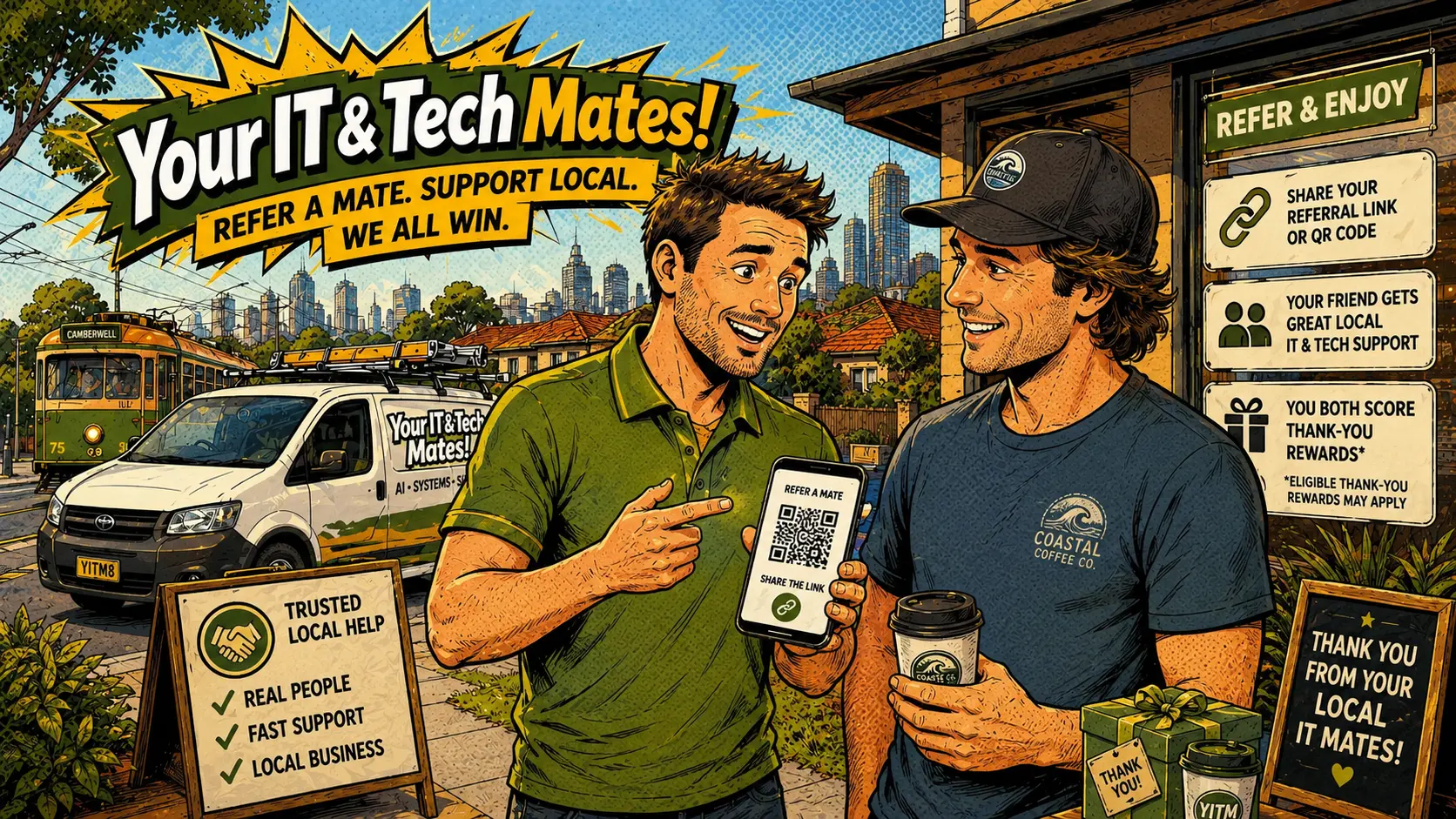
A Campus Ambassador at RMIT shares a QR code at a student welcome event tagged as a campus Ambassador campaign. When someone starts Quick Help from that link, admin can review the source later without showing private customer details to the Ambassador.

Why share codes matter

A share code helps connect a public action to the right source. Without a share code, the team may need to rely on manual notes, phone conversations or incomplete customer memory.

How the same system supports different roles

General Ambassadors, Campus Ambassadors, Zone Leaders, Building Captains and Master Ambassadors all use the same share-code engine with different code types and metadata.

What a customer should see

A customer should see a clear Your IT & Tech Mates page, a recognisable help path and plain wording about what happens next.

How attribution stays controlled

Attribution means the system records the likely source. It does not mean a reward is approved. Any reward, provider credit or campaign outcome stays in approval.

Practical next steps

  1. Use the full approved share link or QR code.
  2. Check that the link opens a clear Your IT & Tech Mates page.
  3. Use different campaign codes for different flyers, campuses or buildings.
  4. Do not promise instant rewards or discounts.
  5. Let approval attribution and referral terms later.
Important note: No outcomes, rewards, commissions, payouts, zone ownership, provider approval, automatic matching or guaranteed jobs are promised. All rewards and referral terms decisions remain checked before approval. Admin can hold, reduce, reject or change any reward, zone assignment or Ambassador status. Ask an Australian solicitor to review Ambassador terms, referral, reward, privacy and consumer-law wording before publishing.

Use an approved share code or QR campaign link so customers reach the right local help path and the source can be reviewed fairly later.

⭐ 5.0★ Local Melbourne✔ No fix, no fee✔ Admin-reviewed✔ Rewards checked before approval

Frequently Asked Questions

Yes. They use the same system, but their codes can be tagged as campus Ambassador codes for reporting and review.
No. It records a likely source for approval.
Yes. They may have separate codes for general sharing, QR campaigns, provider invites or campus events.
Customers should check that the QR opens a clear Your IT & Tech Mates page before entering details.
Yes. Codes can be active, paused, retired or under review depending on the campaign and conduct.

More in this series

Ready to join or explore the Ambassador Network?

Use an approved share code or QR campaign link so customers reach the right local help path and the source can be reviewed fairly later.

Local tech help, powered by trusted connections.

Your IT and Tech Mates · Melbourne's North · Mon–Sat 9am–7pm

Need a price first?

Start with QuoteMe for a quick price guide. No payment starts here. You can still open Quick Help or call us.

Get price first Start Quick Help Call 0452 323 571
Quick HelpReferCall