
Device
Model, charger and condition
Have the device, charger and any accessories involved in the problem available. Note damage, battery or charging symptoms separately.
A useful technology visit connects the device, accessibility needs, accounts, connection and handover around the participant’s real goals.
Reviewed by Your IT & Tech Mates Accessible Technology & Support Team · Updated 11 August 2026
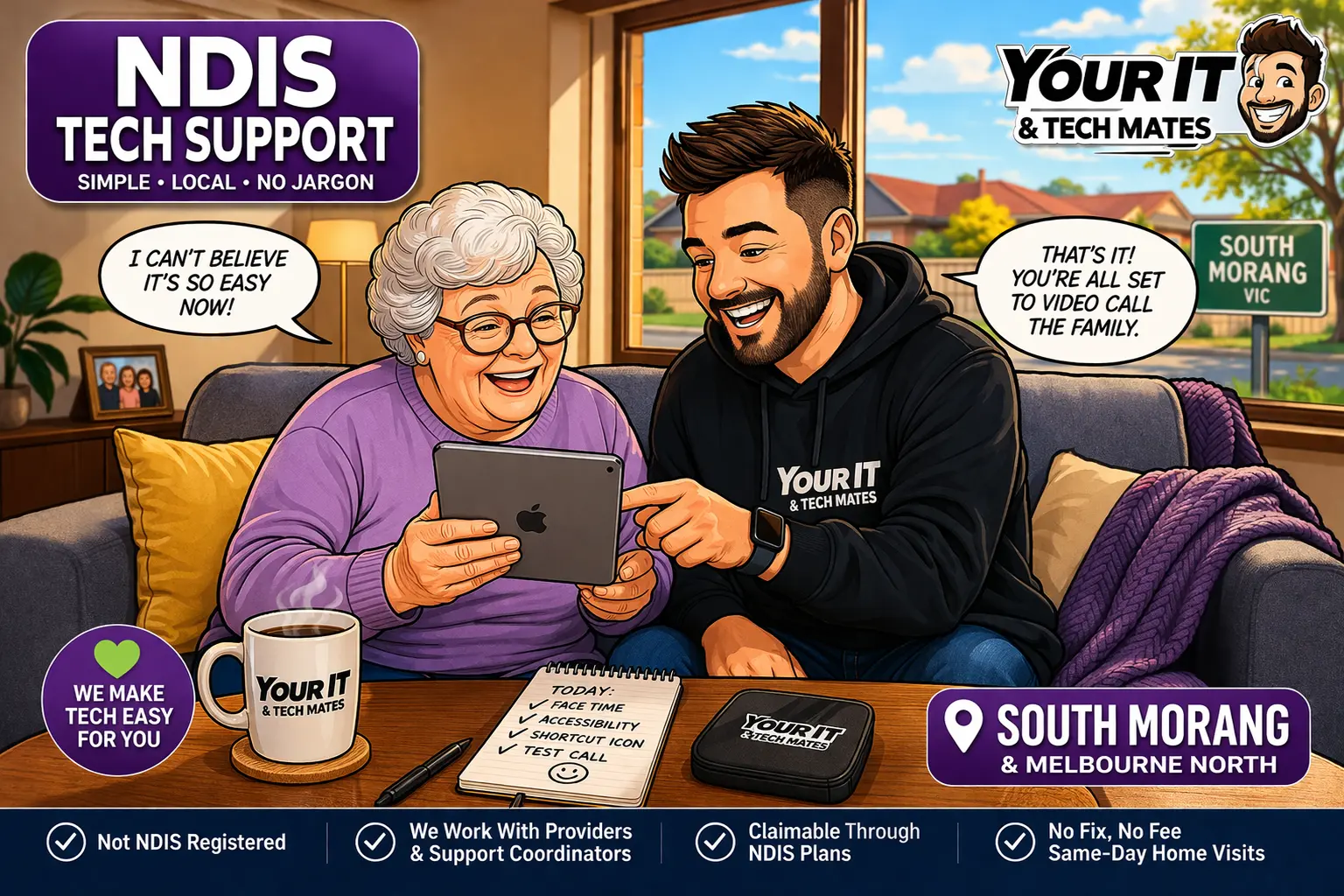
An NDIS technology support visit is more useful when the device, accessibility needs, accounts, connection and handover are checked together. Before the visit, identify the device model, what the participant is trying to do, any vision/hearing/dexterity or communication preferences that affect setup, and which trusted person should be involved. Do not send passwords or unrelated plan information just to arrange the technical work.
Some devices or accessibility items may be considered assistive technology when they meet NDIS requirements, but ordinary consumer technology or general repairs are not automatically NDIS-funded. If a low-cost assistive-technology purchase is part of the request, check the participant’s plan and the current NDIS guidance before buying or claiming.
Current NDIS guidance on buying low-cost assistive technology explains the plan, supplier and claim steps. Your IT & Tech Mates does not decide whether an item is an NDIS support.
If the main question is NDIS funding context, participant support or a plan-contact handoff, stay in the NDIS Tech Support branch. If the person mainly wants patient everyday technology help as an older customer and NDIS context is not part of the request, use the separate Senior Tech Support branch.
This guide was checked on 11 August 2026 against current official NDIS assistive-technology and Support Catalogue information. A mainstream phone, tablet or computer is not automatically an NDIS-funded support merely because accessibility settings are useful.
Boundary: Your IT & Tech Mates helps with the technology task. Funding, plan and support decisions remain with the participant and the normal NDIS process.
Have the device, charger, relevant accessories, a short description of the main task and any accessibility preferences that affect how the participant uses the device.
No. Passwords, banking details and one-time security codes should not be sent through QuoteMe. Account access should use official sign-in or recovery steps with the participant or authorised person involved.
Yes. Many mainstream devices include text, display, hearing, caption, touch, voice and simplified-access features. The useful settings depend on the person and device.
No. The funding fit depends on the participant, plan, purpose and current NDIS rules. Check official guidance and the relevant plan before treating a consumer device as an NDIS support.
No. QuoteMe can show possible catalogue matches from the current staff-approved snapshot as an advisory aid. It does not decide funding or approval.
Use the NDIS branch when NDIS context matters to the request. Use Senior Tech Support when the main need is patient everyday technology help and NDIS funding/support context is not part of the decision.