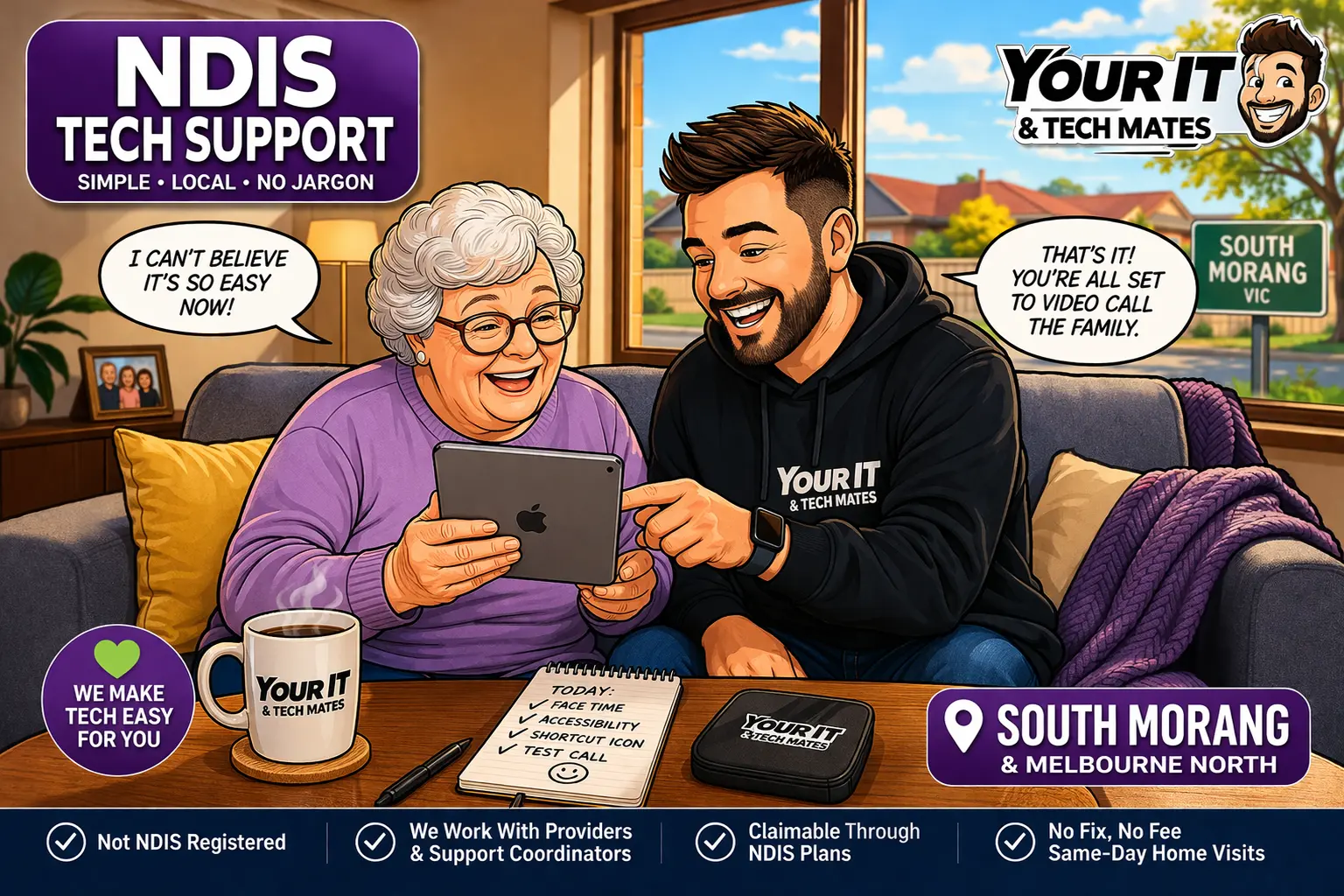
Supporting Service Page
NDIS tech support in South Morang VIC 3752
If you’re searching for reliable NDIS tech support in South Morang VIC 3752, this is exactly the type of help we provide. iPads, FaceTime, accessibilit’setup, simplified screens, communication tools, and calm in-home support can often be sorted quickly when the device is working but the setup is too confusing.
For full service details and local help, see our main suburb page:
NDIS Tech Support South Morang VIC 3752.
Job Snapshot
NDIS iPad help South Morang – what happened
Problem: iPad FaceTime was too confusing to use independently
Location: South Morang VIC 3752
Goal: Video-call grandkids
Time on-site: About 20 minutes
What I did: Simplified icons, enabled Zoom and captions, tested the call together
Outcome: First successful FaceTime call done with confidence
Need Help Fast?
NDIS tech support without the confusing tech talk
If a phone, iPad, laptop, or app is causing stress for an NDIS participant, we can come out and make it simple in plain English — step by step.
Real Local Story
She didn’t want “tech support” — she just wanted to see her grandkids
G’day mate,
Had this one just last week in South Morang.
Lovely NDIS participant, iPad sitting right there on the table… fully working… but she couldn’t use it the way she needed.
All she wanted to do was video-call her grandkids.
That’s it.
But every time she tried FaceTime, it turned into a bit of a mess — wrong buttons, too many icons, not sure where to tap, and once she got lost, there was no clear way back.
You know how it’s.
One minute it’s meant to make life easier… next minute it feels like it’s doing the opposite.
Situations like this are exactly why our NDIS Tech Support South Morang service exists — calm, local help that makes everyday tech simpler.
“
That’s the first time I’ve done that without feeling lost.
— NDIS participant, South Morang
What Happened & How I Fixed It
Nice and easy, right there at the table
Walked in, sat down at the kitchen table, had a quick look.
Straight away — nothing wrong with the iPad it’self.
No faults. No damage. No updates needed.
It was just set up in a way that didn’t suit her.
FaceTime was there… but buried.
Contacts weren’t clear.
Screen felt cluttered.
Too many choices meant hesitation every single time.
So instead of overthinking it, we kept it’simple.
First thing I did was clean up the home screen.
Moved FaceTime front and centre — big, obvious, easy to recognise.
Then I set up the grandkids as a one-tap contact.
No scrolling. No searching. No guessing.
Just tap → call.
After that, I turned on a couple of accessibility features:
Zoom so everything was easier to see
Captions so conversations were easier to follow
A cleaner layout wit’ss clutter and less second-guessing
Then we ran it together.
Tap.
Ring.
Boom — grandkids on screen.
Whole vibe changed instantly.
Smiles, waving, chatting… proper moment.
And the best bit?
She did the second call herself.
No prompting.
No panic.
Just confidence.
Whole thing took about 20 minutes.
Cost
What did this NDIS tech support visit in South Morang cost?
For this NDIS tech support South Morang visit, the total came to $155.
All jobs are quoted before work starts — this reflects what this specific visit involved.
That included:
On-site visit to South Morang VIC 3752
iPad setup and FaceTime simplification
Accessibility adjustments and test call together
No confusing extras — just a proper setup that made the device easier to use straight away.
Not sure what’s making the device hard to use? Send through a photo or quick explanation and we’ll tell you what it likely needs.
What It Usually Means
When an iPad feels too confusing in South Morang — what it’sually means
Most of the time, the device is not broken. It just has too many steps, too much clutter, or the wrong layout for the person using it.
Common things we fix include:
Apps buried in folders or hard to find
Contacts not set up for quick calling
Small text or confusing screen layout
Accessibility features not turned on
Too many choices causing hesitation
No simple step-by-step setup for independent use
Comic Story Card
NDIS Tech iPad Support - South Morang
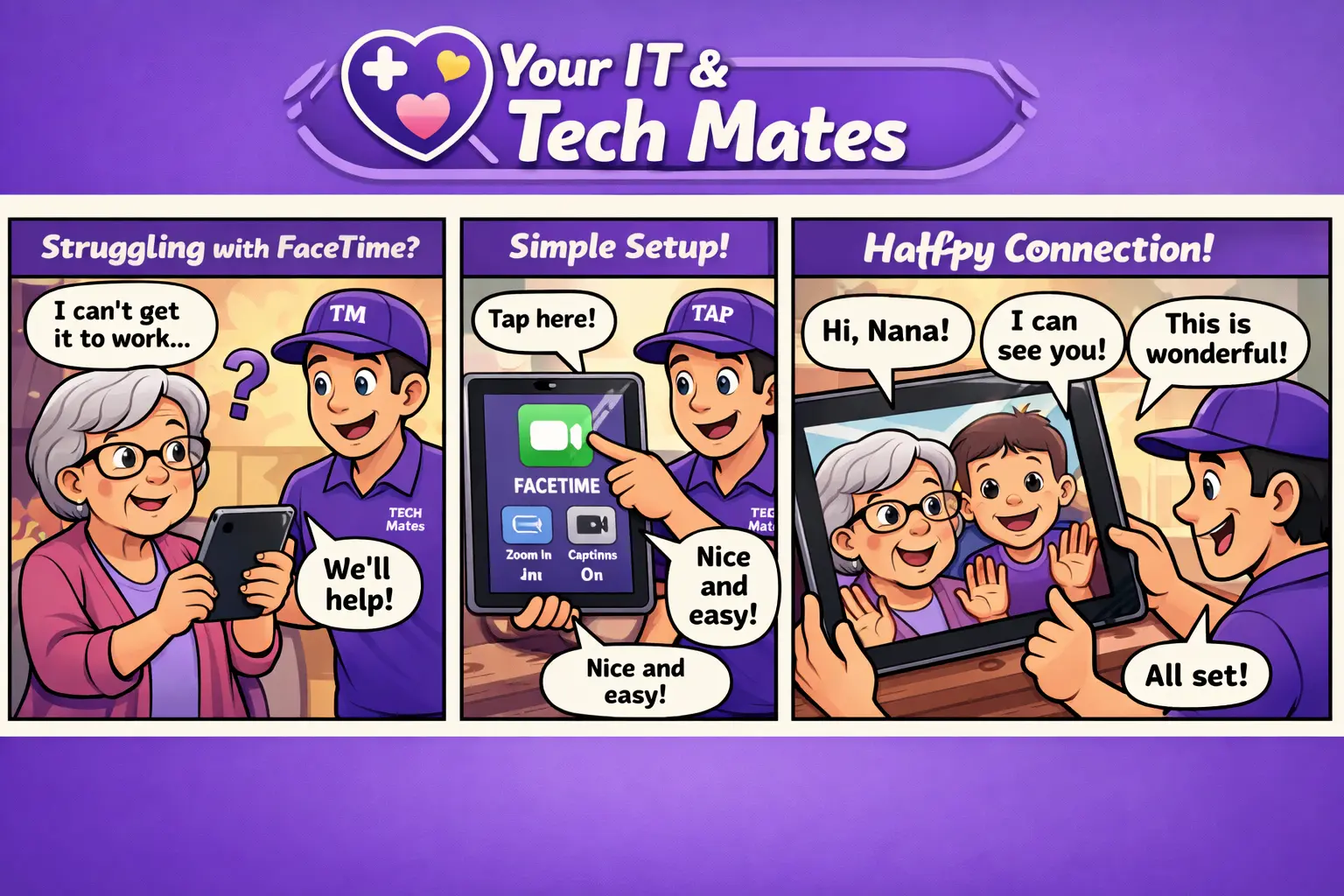
Use this comic between the story and CTA for extra emotional pull on mobile and social shares.
Why This Happens Around Here
It’s usually not broken — it’s just not set up right
We see this all the time across South Morang, Epping, Wollert and Mill Park.
The tech isn’t broken. It’s just not set up for the person using it.
Modern devices are built for features — not always for clarity.
Add in busy households, updates changing layouts, and a bit of overwhelm… and something simple turns into a blocker.
Quick Tips So It Doesn’t Happen To You
Simple changes that help straight away
Keep key apps on the main screen, not hidden in folders
Use bigger icons and text where possible
Set favourite contacts for one-tap calling
Turn on captions if needed
Test it once together before relying on it
Got The Same Problem?
Need NDIS tech support in South Morang right now?
If FaceTime, iPads, phones, or accessibilit’settings are feeling confusing, we can help make it simple with calm in-home support.
No stress. No jargon. Clear Approval.
NDIS Provider Disclaimer:
Your IT & Tech Mates is not a registered NDIS provider. We work alongside registered providers, Support Coordinators, and Plan Managers to deliver technology support for NDIS participants — and are happy to coordinate directly with your team to ensure visit’s fit within your plan requirements.
NDIS Capacity Building:
Our support helps participants build confidence, independence, and practical everyday skills with technology, including iPads, phones, laptops, communication tools, internet setup, accessibility features, and day-to-day digital tasks. This aligns with Capacity Building – Improved Daily Living where technology support relates to participant goals and functional independence.
Reader Poll
What’s your biggest tech headache right now?
Pick the one that sounds most like your place:
A) Video calls are confusing
B) Too many apps or cluttered screen
C) Wi-Fi or connection issues
D) Something else
NDIS Funding
How this service fit’s an NDIS plan
This type of support is typically covered under:
Capacity Building – Improved Daily Living
Because it helps the participant build skills to use communication technology independently.
Note: We are not an NDIS-registered provider, but we regularly work with participants, support coordinators, and plan managers to ensure services align with plan goals and can be claimed where appropriate.
Improves independence using everyday devices
Supports communication with family using FaceTime
Builds confidence with technology
FaceTime setup and contact simplification
Accessibility features including Zoom and captions
Step-by-step guidance for independent use
Outcome: participant can make calls confidently
Tip: We can provide a simple service summary if needed so it’s neatly into your NDIS plan.
FAQ
NDIS iPad and FaceTime help – common questions
Can you help an NDIS participant use FaceTime more easily?
Yes. We simplify the setup, reduce confusion, and make sure the person feels comfortable using it on their own.
Do you come to the home?
Yes. We offer on-site help across South Morang, Epping, Wollert, Mill Park and surrounding Melbourne north suburbs.
How quickly can you help with NDIS tech support in South Morang?
In many cases, simple setup issues can be sorted the same day. Jobs like FaceTime setup, accessibility changes, and simplifying an iPad often take less than an hour once we’re on-site.
Can you make the screen easier to see?
Absolutely. We can enable accessibility features like Zoom, larger text, captions, and cleaner layouts depending on what helps most.
Is this only for broken devices?
No. A lot of the time the device is working fine — it’st needs to be set up in a way that feels simple, accessible, and less overwhelming.
$ Refer & Earn $
Know someone who needs tech help? Get rewarded.
If your mate, neighbour, or family member needs help with their iPad, phone, laptop, or Wi-Fi — send them our way and earn rewards.
We’ve partnered with TheFixers.APP to make it simple — refer someone, they get help, and you earn up to 5% of the job value. Easy.
Your IT & Tech Mates
Simple, kind tech help that works for real people
Your IT & Tech Mates helps people across Melbourne’s north with calm, friendly support for iPads, phones, laptops, Wi-Fi, accessibilit’setup, and everyday tech problems — without the jargon, pressure, or confusion.
Local Tech Support
About Your IT & Tech Mates
Real local help for iPads, phones, laptops, Wi-Fi, accessibilit’setup, and everyday tech headaches across
South Morang, Epping, Wollert, Mill Park and surrounding suburbs.
priority help may be available when available
On-site support — we come to you
Patient, jargon-free guidance
Clear Approval
Service Areas
NDIS & senior-friendly tech support across Melbourne’s north
We provide calm, patient NDIS and senior tech support in South Morang VIC 3752, helping people feel more confident using iPads, phones, laptops, and everyday technology.
Support available across South Morang, Epping, Wollert, Mill Park, Mernda, Lalor and Thomastown, wit’simple in-home help designed to reduce confusion and build independence.
Primary service page: NDIS Tech Support South Morang →
South Morang
Epping
Wollert
Mill Park
Mernda
Lalor
Thomastown
Melbourne North
Call your IT mate now
Need NDIS or senior tech support in South Morang today?
If an iPad, phone, laptop, or accessibilit’setting is feeling confusing, we can come to you and make it simple — step by step, at your pace.
Patient, easy-to-follow help
In-home support across South Morang
No stress, no jargon, no pressure
Choose your next step
Get a price guide, explain the problem for a technician review, or check an existing request. Your starting details will carry across and can be changed.
Continue from here
Useful next steps for this topic
These links are selected from the same hub, Intent, service and tool relationships.