
How We Measure Whether Our AI Is Actually Saving Time and Money
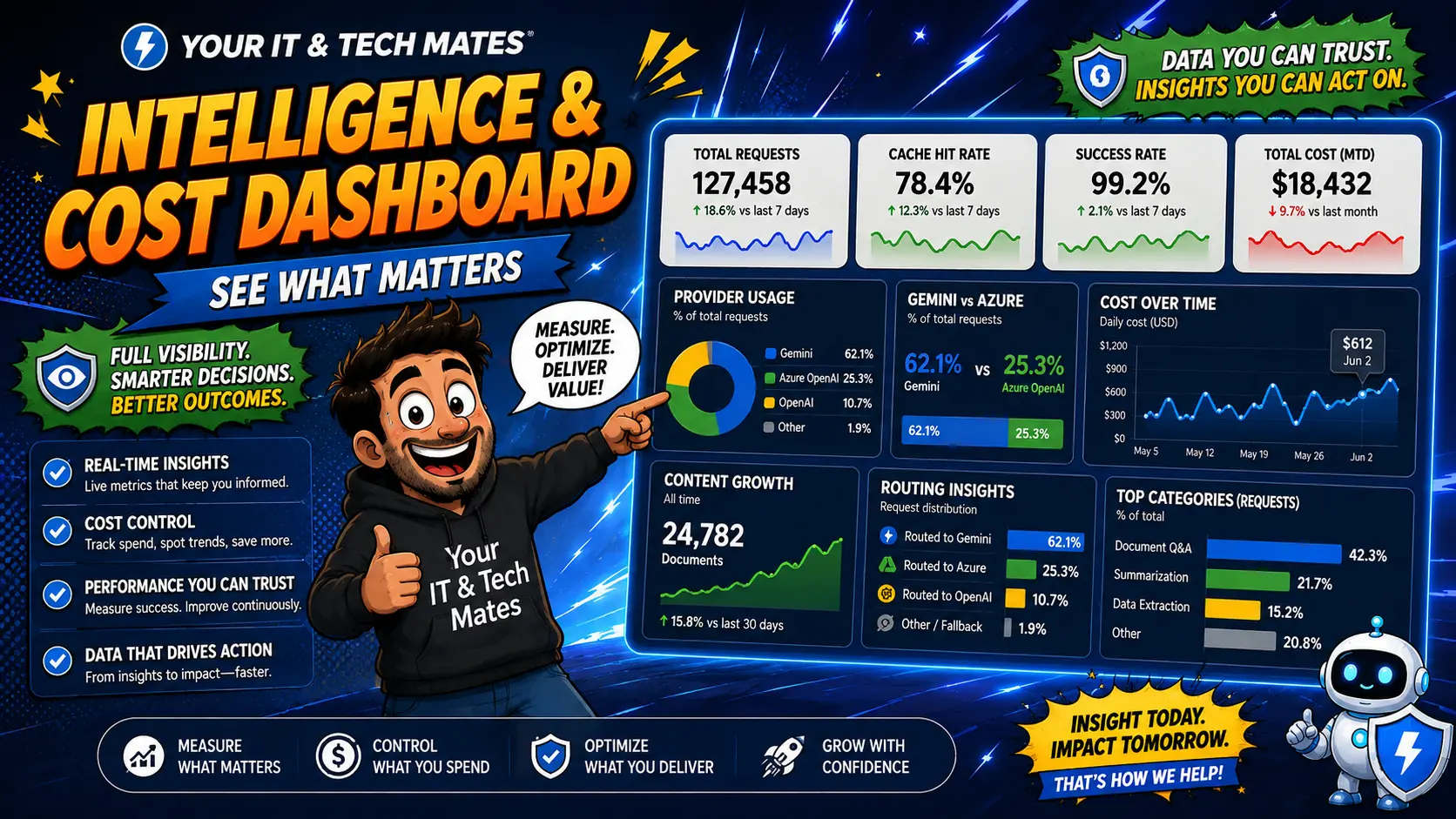
A private staff dashboard shows how much AI is being used, how often safe answers are reused and where customers still need better help—without showing their private questions.
Quick answer
A private staff dashboard shows how much AI is being used, how often safe answers are reused and where customers still need better help—without showing their private questions.
The practical problem
It is easy to add AI and then judge it from a few good examples. We wanted staff to see useful totals about cost limits, answer reuse and customer-help gaps without building a new customer tracking system.
What we built
We built a read-only staff dashboard that brings together totals from the systems already responsible for AI usage, safe answer reuse, reviewed website knowledge and privacy-safe customer-help trends.
How the workflow works
- Authorised staff open the private dashboard.
- The dashboard shows current AI usage and spending limits.
- It shows how often safe answers were reused and how often a new answer was needed.
- It counts reviewed website knowledge available to the help system.
- It shows broad customer-help gaps without displaying the exact searches people typed.
Where AI is useful
AI is not needed to calculate these totals. The dashboard helps people understand how the system is performing; it does not make business decisions.
Where AI is not allowed to decide
The dashboard cannot turn on paid AI, choose a more expensive service, change spending limits, publish content, set customer prices or make decisions from private customer details.
Security, privacy and cost controls
Exact customer prompts, private search wording, credentials and private system paths are not shown. The page is protected from public access and should not be indexed by search engines.
What another small business can take from this
For another business, measure separate things separately: AI usage, answer reuse, conversion and customer outcomes. One impressive “AI ROI” number can hide what is really happening.
What this does not prove
The dashboard can show patterns and usage, but it cannot prove that every reused answer saved a specific dollar amount.
Part of our smarter website project
This implementation story is one part of a larger Your IT and Tech Mates project exploring how practical AI, automation, trusted business knowledge and human-controlled workflows can work together.
Frequently asked questions
Can staff see the exact questions customers typed?
No. The dashboard is designed around totals and privacy-safe trends rather than raw customer wording.
Does the dashboard control which AI service is used?
No. It reports what is happening; the separate server rules control AI use and spending.
Can a reused answer be counted as an exact dollar saving?
Not reliably. Reuse is useful to track, but the avoided cost is not always certain.
Is the dashboard public?
No. It is a protected staff-only view.
What is the main value of the dashboard?
It gives staff a clearer picture of usage, reuse and content gaps so they can improve the system with evidence instead of guesswork.
Related Your IT and Tech Mates help
Could a similar workflow help your business?
Tell us how the process works today. We can look at whether better website logic, automation, custom software, AI—or something simpler—would be useful. A person reviews the request before any scope or price is agreed.