
What you need to know
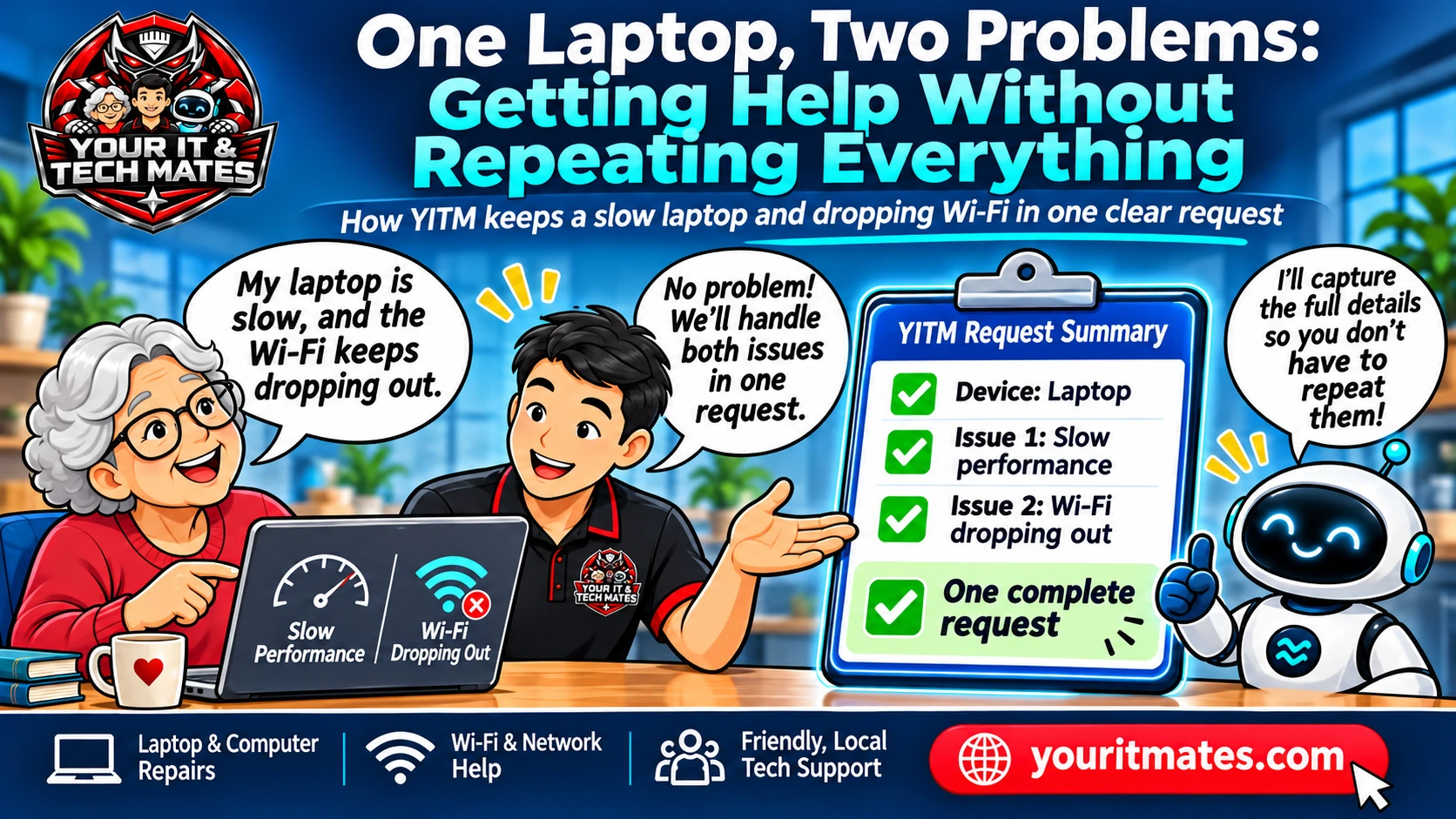
Slow performance and dropping Wi-Fi may be two separate faults. Record when each happens, whether other devices disconnect, and whether important files need protecting. Explain both problems in one enquiry; a technician can decide which checks are appropriate.
Three useful things to note
- Note what becomes slow: startup, apps, files or video calls.
- Check whether another device on the same Wi-Fi also drops out.
- Mention when each problem started and whether important files lack a backup.
Why two symptoms need separate attention
Performance problems may appear when opening programs, switching tabs, starting Windows or accessing files. Wi-Fi dropouts instead describe a connection that disappears, weakens or stops passing data. A video call that freezes could reflect either problem, so it helps to describe what is actually visible rather than label the cause.
Consider whether other devices on the same Wi-Fi drop out. If a phone stays connected but the laptop disconnects, that observation is useful; it is not proof that the laptop hardware is faulty. If the laptop is slow even without internet access, mention that separately. Do not guess at a replacement part from these symptoms.
Safe checks before requesting help
Note roughly when the slowdown began, whether it affects every app and whether storage warnings appear. For the connection, check whether the Wi-Fi symbol changes, whether the laptop reconnects by itself and whether the same issue occurs close to the router. Record any error message in its original wording.
If practical, restart the laptop once and note whether the problem returns; do not repeatedly power-cycle a device showing signs of overheating, battery swelling or liquid damage. Avoid factory resets, registry-cleaning downloads and deleting important files just to make the laptop feel faster.
How to describe both problems in one enquiry
A useful opening is: 'My laptop takes a long time to open programs, and the Wi-Fi drops out during calls. It started this week. My phone stays connected.' That gives the technician two concerns and a comparison without pretending to know the diagnosis.
A helpful support flow may ask whether the laptop slows down while offline, whether the connection affects other household devices, and whether valuable files need protecting. Questions should be skipped if the customer already provided a reliable answer. If you correct the brand or model, the later summary should reflect the corrected fact.
What a technician needs to decide
A technician may need to distinguish software load, storage health, operating-system behaviour, wireless signal and router conditions. The correct next step could be remote guidance, onsite Wi-Fi investigation, workshop assessment or a combination. No single answer can be guaranteed from a brief description.
If the device stores family photos, work documents or other irreplaceable files, mention that early. A request to collect the laptop is a service preference: availability and arrangements still need confirmation. QuoteMe is an enquiry path, not an automatic diagnosis or confirmed booking.
What makes a lower-friction support journey
The customer should not have to start separate forms for performance and Wi-Fi, and should not need to select a technical category before explaining their issue. A useful intake records both symptoms, asks only the next relevant question and offers a clear review before sending.
This example illustrates the experience YITM is testing and improving. The exact questions depend on the live flow and the customer's answers; the example does not claim a completed real repair or measured time saving.
When to stop troubleshooting
Stop using or charging a device with a swollen battery, smoke, unusual heat or a burning smell; seek appropriate professional advice. If liquid has entered the laptop, shut it down safely when possible, disconnect external power and avoid switching it back on to test it.
For ordinary slowdown and dropouts without danger signs, keep a short symptom record, avoid disruptive experiments and ask for help when the fault affects work, study or family communication.
Frequently asked questions
Does a slow laptop cause Wi-Fi dropouts?
Sometimes performance problems affect calls or browsers, but a slow computer and unstable Wi-Fi can also be unrelated. Describe each symptom separately.
Do I need to know the exact laptop model?
It can help, but you can begin with the brand or a photograph of the label when safe and convenient.
Can I request collection in Epping or Wollert?
You can ask about collection, but coverage, suitability and the arrangements must be confirmed by the service team.
Will QuoteMe give a final repair price?
No. A technician needs to review the details and relevant service conditions before any final price or booking is confirmed.
Need help with your own situation?
Describe the symptoms in your own words and review the details before sending an enquiry. A technician can then discuss suitable next steps; a request is not a confirmed booking.
Start a QuoteMe enquiry Explore more laptop repairs articles