Why does a laptop become slow?
A laptop can slow down because its storage is nearly full, too many apps run in the background, updates are pending, the system is overheating, or its hardware no longer meets the workload. Start with a backup, a restart and built-in performance tools. A professional diagnosis can help distinguish a settings issue from a failing drive or a worthwhile hardware upgrade.

Human tech support with practical, AI-assisted tools where useful.
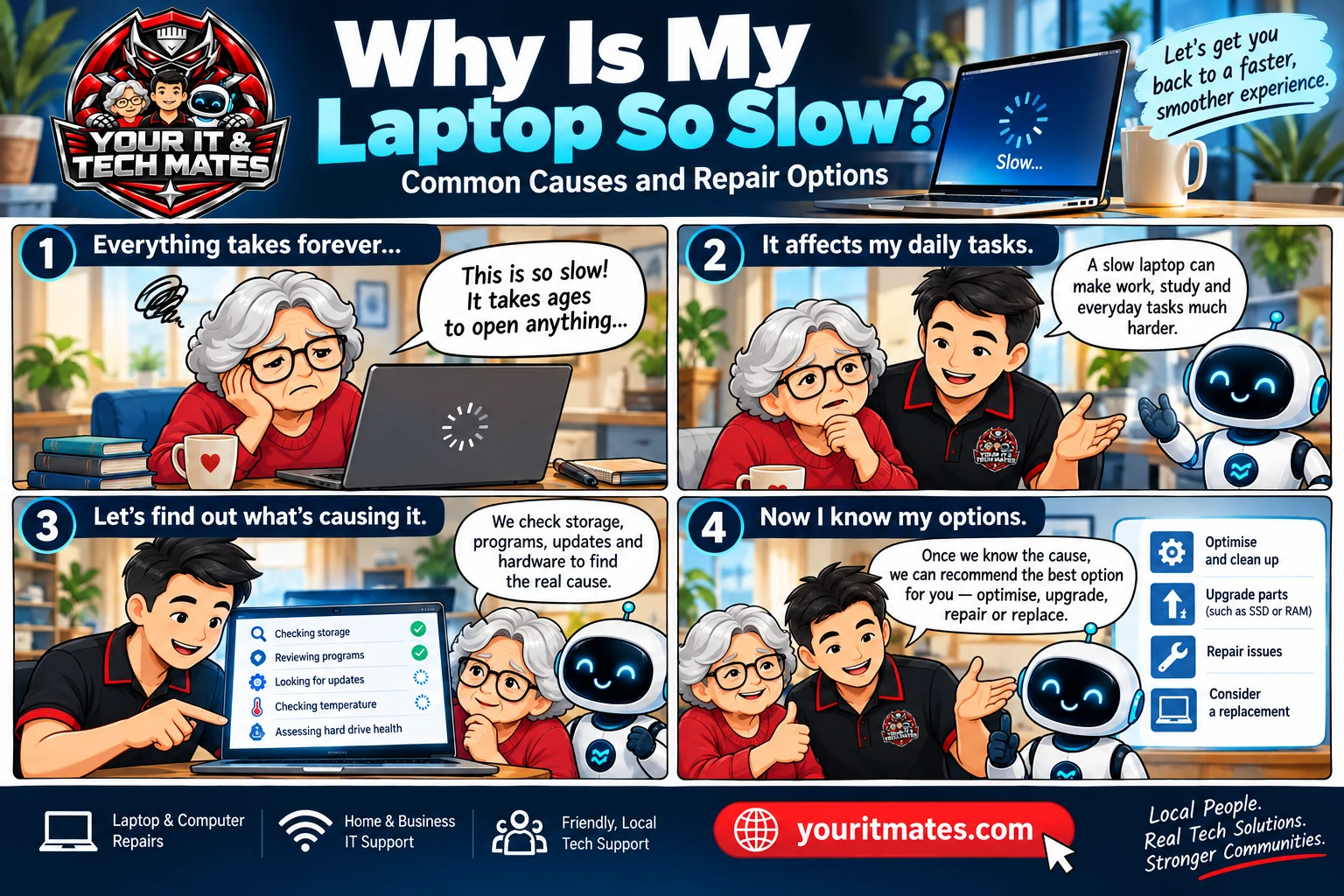
Four steps from frustration to an informed repair decision
Six common reasons laptops slow down
1. Low free storage
Large downloads, photos and applications can leave too little working space. Check available storage in Windows Settings or macOS System Settings. Remove only files you recognise, and back up important data first.
2. Too many startup and background apps
Task Manager on Windows and Activity Monitor on Mac can reveal which apps use significant CPU or memory. Close unnecessary apps and review approved startup items rather than uninstalling unfamiliar system services.
3. Updates and security scans
Operating-system updates, indexing and antivirus checks may briefly reduce responsiveness. Give the process time to finish, then restart. Repeated freezing requires further investigation.
4. Overheating or blocked ventilation
A very hot laptop, loud fan or unexpected shutdown can indicate a cooling problem. Turn it off if unusually hot, let it cool on a hard surface and arrange an inspection if the problem returns.
5. Old or unhealthy storage
An ageing hard drive can cause long startup and file-opening times. Replacing a compatible HDD with an SSD may help, but unusual drive errors should trigger a data backup and careful health assessment before attempting repairs.
6. Not enough memory or ageing hardware
Some workloads need more RAM than an older laptop has. Upgrades depend on the model, soldered components, cost and the tasks required; not all laptops can be economically upgraded.
Safe checks you can do first
- Back up irreplaceable documents and photos to a trusted destination.
- Restart the laptop and test whether the same task is still slow.
- Check available storage and normal system update status.
- Review CPU and memory usage using the built-in system monitor.
- Check whether the issue affects one app or the entire computer.
- Write down the laptop model, symptoms and when the issue started before asking for help.
If there are clicking noises, drive errors, signs of liquid damage or important files at risk, stop experimenting and ask for qualified advice.
Repair, upgrade or replace?
Optimise: Appropriate for cluttered startup apps or a minor software issue. Upgrade: Consider an SSD or RAM when the model supports it and the device remains reliable. Repair: Consider professional attention if overheating, battery, storage health or other faults are confirmed. Replace: Consider when repairs are uneconomical, essential software support has ended or the device no longer meets your needs.
A technician can explain the trade-offs; no specific repair outcome can be guaranteed from symptoms alone.
Frequently asked questions
Will deleting files speed up my laptop?
It may help when storage is close to full, but it will not solve every cause of slowness. Back up important files first.
Can an SSD make an old laptop faster?
Often, especially when replacing a mechanical hard drive, but compatibility and overall device condition matter.
Is a slow laptop a sign of a virus?
Not necessarily. Malware is one possible explanation among several; use reputable built-in security checks and seek assistance for suspicious activity.
Should I replace a laptop that keeps freezing?
Not before considering backups, software causes, hardware health, repair costs and your actual requirements.
More useful YITM guides
Know someone whose laptop is running slowly?
Share this guide with them, or refer someone who wants help using TheFixers.APP. The referral process is separate from requesting help for your own laptop.
Refer someone through TheFixers.APP
Please get permission before entering another person's contact information. Referral eligibility is determined by the programme terms.
Need a technician to check your laptop?
Describe your laptop model, the tasks that have become slow and any warning signs. QuoteMe helps organise your information for human review; it does not confirm a diagnosis or final price automatically.