
What you need to know
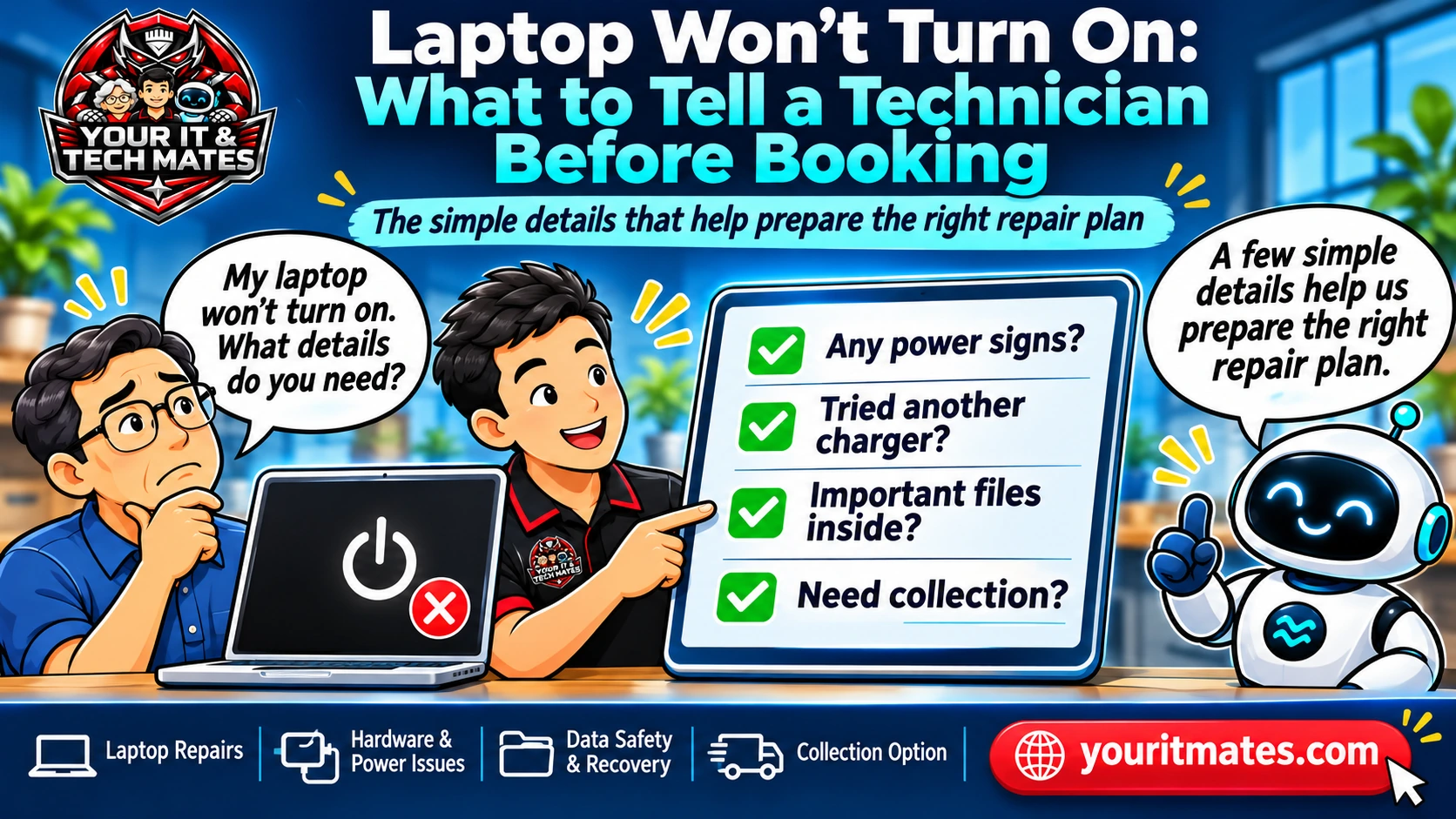
A laptop with no lights, a black screen or an interrupted startup may need different checks. Notice what happens when you press the power button, explain which files matter, and ask about collection separately. Do not keep charging or testing a swollen, wet or overheating device.
Three useful things to note
- Note any lights, fan sounds, logos or screen changes.
- Identify important files and whether a recent backup exists.
- Stop using or charging the laptop if it is swollen, wet or unusually hot.
What does 'won't turn on' actually mean?
Some laptops show no lights or sounds at all. Others power on with a black screen, display a logo and then stop, or turn off after a few seconds. These are different observations. A technician may ask whether you can hear a fan, see a keyboard light or detect a display change.
A black screen can look like a complete power failure, but that appearance alone does not establish a display fault. Avoid naming the part that needs replacement unless it has already been confirmed by professional assessment.
What to check safely first
If the device is dry, cool and undamaged, check that the wall outlet works and that the charger is correctly seated. Note whether the charger cable or connector looks damaged. Use only a compatible, undamaged charger; do not force a loose connector.
If you see swelling, smell burning, notice smoke or suspect liquid inside, stop using and charging the device. Do not attempt an electrical reset, pierce a battery or dismantle the laptop. These symptoms require a safer assessment than routine troubleshooting.
Why your files matter before repair
Tell the technician if the device contains study assignments, business documents, family photos or files without a backup. Hardware replacement, reinstallations and recovery attempts can carry different data risks; agreeing to a repair should not be treated as blanket consent for data-erasing steps.
You do not need to upload private documents or share passwords in an initial enquiry. Explain the importance of the data, whether a recent backup exists, and any restrictions on access. The technician can then discuss what is feasible before acting.
How to describe the fault without technical jargon
Try: 'My Lenovo laptop stopped starting yesterday. There is a charging light but the screen stays black. I need to keep my work files.' If you do not know the model, say so. Approximate age and the last thing that happened may also help.
A well-designed enquiry asks targeted questions based on that description, rather than repeating the device type, power sign and data question you already answered. The final request should make uncertainties explicit, not silently fill in missing model details.
Collection is a question, not a booking
Customers in Epping, Wollert and nearby northern Melbourne suburbs may want to ask about device pickup. A good response should address the availability question while keeping the unfinished repair enquiry visible and offering a clear next action.
Collection depends on confirmation of the service area, arrangements, device suitability and any applicable charges. Entering a preference or asking a collection FAQ does not create a confirmed booking.
What happens after the initial enquiry
Your IT & Tech Mates can review symptoms, identify missing information, discuss an appropriate assessment and explain the next available service step. The initial form is not an automated technical diagnosis or guaranteed repair quote.
Before sending, check that the device type, observed signs, data-protection needs and contact details are correct. If the power issue has changed or the laptop starts intermittently, edit the description so the technician sees the current situation.
Frequently asked questions
Can I keep trying the power button?
If there are safety concerns such as swelling, heat or liquid damage, no. For ordinary faults, repeated attempts rarely add useful information; record what happened and seek advice.
Will a repair erase my files?
Some interventions can affect data. State that your files matter and request discussion of data risks and backups before relevant work.
Do I need the serial number to ask for help?
No. The make, model if known and a clear account of the symptoms can be enough to start an enquiry.
Is laptop collection automatically included?
No. Ask about collection and wait for a clear confirmation of availability, arrangements and any fees.
Need help with your own situation?
Describe the symptoms in your own words and review the details before sending an enquiry. A technician can then discuss suitable next steps; a request is not a confirmed booking.
Start a QuoteMe enquiry Explore more laptop repairs articles