
What you need to know
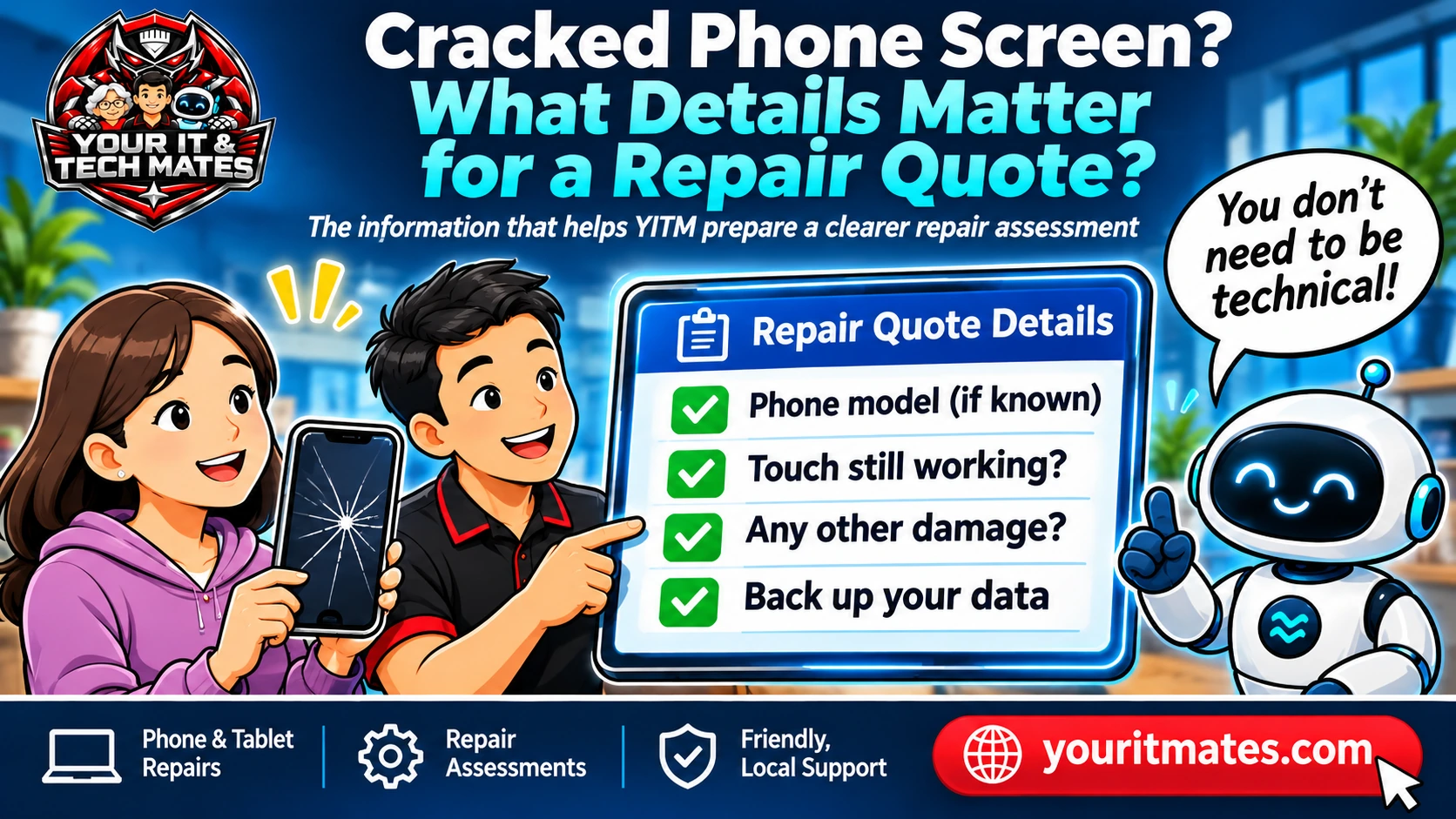
Tell the technician the phone brand and model if known, whether the picture appears, whether touch still works and whether important data is backed up. You do not need to guess which screen component is damaged. Final parts and pricing require review.
Three useful things to note
- Describe the picture: clear, flickering, coloured lines or black.
- Explain whether touch works everywhere, partly or not at all.
- Mention the model if known and any backup or data-access concerns.
Cracked glass, black display or faulty touch?
A visible crack is helpful to report, but a repair assessment also needs to know whether the picture is clear, flickering, bleeding colours or completely black. Touch may still work, work only in places or register presses by itself. These differences can affect what needs checking.
You do not have to guess whether the LCD, OLED or glass layer is damaged. Just describe what you see and what the phone does. An image can help where the phone is safe to handle, but photographs should not expose private notifications or account details.
How to find the phone model
If the phone is functioning, the model may be listed in its settings. You might also know it from the purchase receipt, packaging or a protective case label. If the screen cannot be used, the brand and approximate model family can still be shared initially.
Do not force the phone open or remove adhesive parts to identify it. Device colours and screen sizes alone are not reliable part identifiers, and a technician may need to check the exact variant before confirming parts or availability.
Protecting your data and privacy
Tell the technician whether the phone holds photos, banking apps, two-factor authentication access or essential contacts. Check your backup status if it is safe and practical. Do not share unlock codes or passwords in public forms or messages.
If the device is very hot, swollen or physically distorted, stop charging and using it. A broken screen can also expose sharp edges; avoid pressing on fractured glass. Safety and data protection take priority over completing a quote form.
A useful example enquiry
'My Samsung phone has a cracked screen. The picture is visible but the lower half does not respond to touch. I am not sure of the exact model, and I need the photos.' This gives enough information to begin the conversation without requiring a technical diagnosis.
A good intake can request the model when needed and offer a 'not sure' route. It should not ask unrelated battery or charging questions simply because a screen fault is being discussed. If the customer later corrects the model, the final summary needs to reflect that correction.
What an estimate can and cannot promise
A preliminary discussion may explain likely service pathways, but parts, device condition and inspection findings can alter the repair recommendation. Availability, turnaround, warranty and final pricing should be confirmed by the service team.
A repair enquiry is not the same as an accepted quote. The customer should be able to review the reported symptoms and contact details before submitting a request for human assessment.
When repair may not be the right first step
If the phone is bent, has battery swelling, shows signs of liquid intrusion or becomes dangerously hot, routine screen replacement enquiries should pause for safety guidance. If the customer needs urgent access to accounts or photos, discuss safe recovery and backup needs first.
For a normal cracked screen, the next practical step is to collect a concise description and arrange an appropriate review—not to promise that one standard part will fit every handset.
Frequently asked questions
Can I ask for a quote without knowing my model?
Yes, you can start with the brand and symptoms. Exact parts and pricing may require later model confirmation.
Is a cracked phone screen always only glass damage?
No. Display, touch and underlying damage can differ. A technician should assess the actual condition.
Should I send my phone unlock code with the enquiry?
No. Avoid providing passwords or sensitive access details in a public enquiry form.
Can a technician guarantee my photos will be safe?
No repair process can promise zero risk. Explain your backup status and data needs before agreeing to relevant work.
Need help with your own situation?
Describe the symptoms in your own words and review the details before sending an enquiry. A technician can then discuss suitable next steps; a request is not a confirmed booking.
Start a QuoteMe enquiry Explore more phone and tablet help articles