
Stop
Do not wait until the last minute if the issue affects study, campus work, proof of experience or a device you need for class.
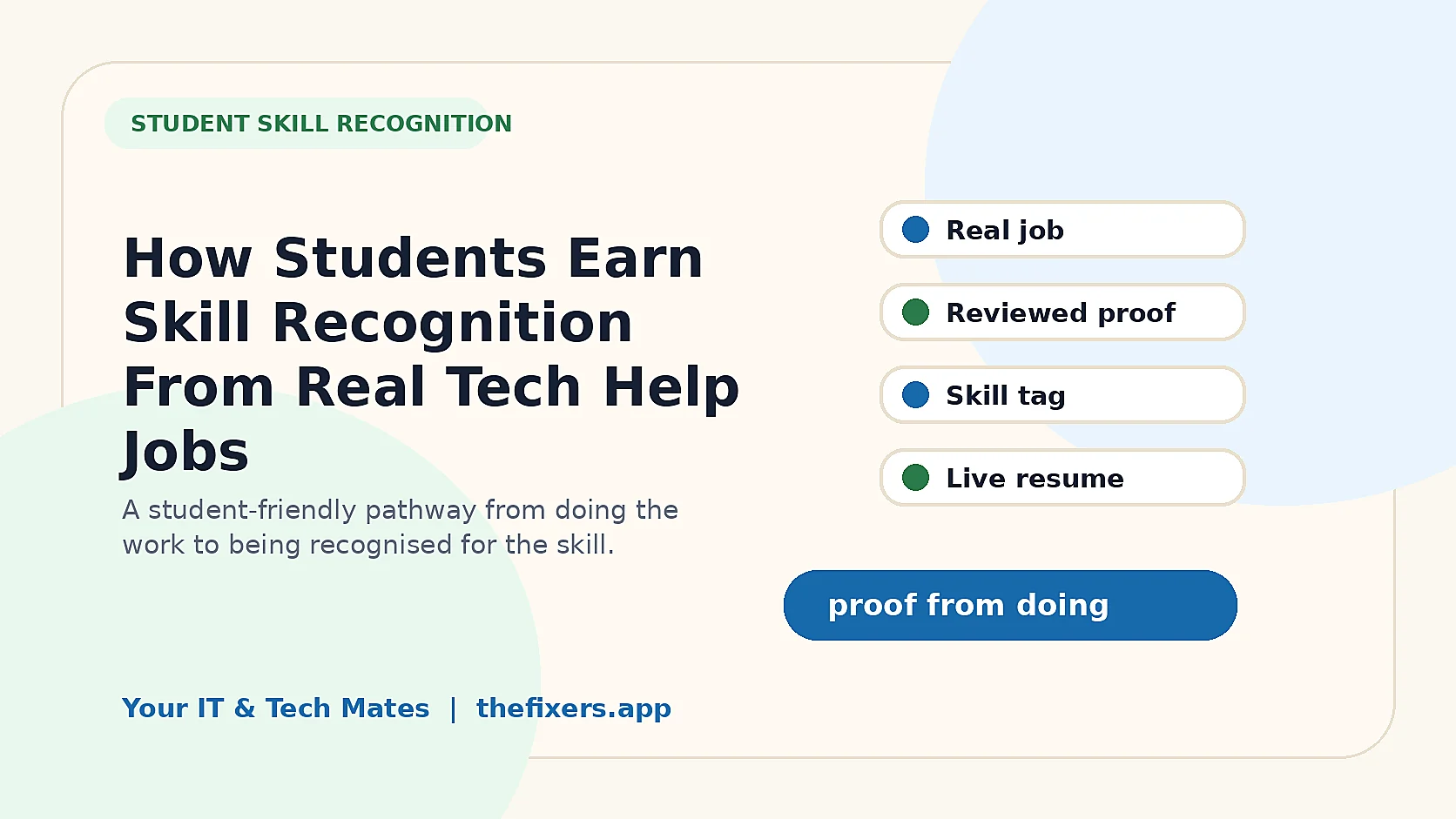
Students earn meaningful skill recognition when the work is real, the job is suitable, the outcome is reviewed and the proof is recorded in a way that customers and future employers can trust.
Student experience pathway
TheFixers.APP pathway is designed for students who need practical experience before they already have a long work history. A student can start with small, safe tasks, build confidence, collect reviewed proof, and turn that activity into a clearer Live Resume story.
This guide is organised for quick decisions, safer checks and clearer next steps.
A student guide to earning skill recognition from completed tech help jobs through thefixers.app, including reviews, guidance, boundaries and live resume proof.
Use the guide to choose the right next step and avoid spending time or money in the wrong place.
Keep the model, symptom, photos, error messages and timing together before asking for help.
Use this guide first, then choose Quick Help or the most relevant local service page.
Do not wait until the last minute if the issue affects study, campus work, proof of experience or a device you need for class.
Read the practical steps, gather the details you already have and choose the pathway that best matches your situation.
Use the linked pathway or Quick Help if you need a real person to point you to the next step.
Choose the step that solves the real problem first, then avoid adding extra tools, bookings or work until the next action is clear.
Students earn meaningful skill recognition when the work is real, the job is suitable, the outcome is reviewed and the proof is recorded in a way that customers and future employers can trust. The important part is that the proof comes from suitable real work, not from pretending I know everything. That makes the pathway better for students, parents, schools, local customers and future employers.
In thefixers.app student pathway, skill recognition works best when a student completes a suitable tech help job, keeps privacy boundaries clear, receives review or guidance where needed, and turns the approved outcome into a skill tag or live resume proof point.
Many students have useful tech skills before they have formal work experience. They help family with Wi-Fi, fix simple printer problems, explain Microsoft 365, organise cloud files, set up phones or show someone how to feel more confident online.
The problem is that those skills can be hard to explain on a resume. Saying “I am good with tech” is too vague. A skill tag gives the student a clearer way to say what they have actually practised.
For students in Melbourne's north, this can turn everyday local help into a safer stepping stone. The student is not claiming to be a senior technician. They are showing one practical skill, one reviewed outcome and one learning step at a time.
The source package already includes the wider earned skill tag pathway, including provider skill tags, campus helper skill tags, earned skills showcase pages, trust signals, progress milestones and renewal/audit-trail guides. For students, the same idea should be explained more simply: real work can become recognised proof when it is suitable, reviewed and safe to show.
Useful proof does not need to be dramatic. A simple job can matter if it shows responsibility, communication and a real result. The student might help someone understand cloud storage, troubleshoot a printer connection, clean up a confusing inbox, explain a backup setting or help a neighbour feel confident using a device.
The best proof is specific without being private. It can say the type of problem, the skill practised, the safe action taken and the approved outcome. It should not expose passwords, personal files, customer names, private messages, banking information or anything sensitive.
A student helps a neighbour reconnect a printer to Wi-Fi. The proof might support a basic printer setup or Wi-Fi troubleshooting tag if the job was clear, safe and reviewed.
A student helps a family member understand folders and sync settings without opening private files unnecessarily. The proof can support a cloud storage confidence skill.
A student patiently teaches someone how to use a phone setting or app. The proof can show communication, patience and safe tech explanation.
Skill recognition should never push a student into unsafe work. The tag is only useful if the work behind it is honest. Students should avoid jobs involving passwords they do not need, banking details, hidden access, assessed school work, business-critical systems or private data that is outside the agreed scope.
If the job becomes bigger than expected, the best move is to pause and ask for guidance. That still builds proof. It shows the student understands responsibility.
A live resume is stronger when it shows real examples. Skill tags can support the story by grouping similar examples together. Instead of one generic line, a student can talk about the situation, the skill, the safety step and the outcome.
That is useful for interviews because the student can answer with real experience. They can say what they did, what they learned, how they handled uncertainty and why they stayed within boundaries.
This student pathway is designed to build more than one practical skill. It can help a student practise communication, admin habits, payment confidence, customer support, trust, guidance and live-resume proof from real campus or community help.
No. A student skill tag should show a skill I have practised through suitable work. It should not pretend I am an expert or guarantee outcomes.
Yes. Small jobs can be useful proof when the work is clear, safe and honestly recorded.
That can still be positive. Asking for guidance shows good judgement, especially when the job involves privacy, data or a skill I am still learning.
No. Proof should explain the type of work and outcome without exposing private files, passwords, addresses, personal details or anything the customer did not approve.
It gives me real examples to talk about: the problem, my role, how I communicated, what I learned and how I stayed within safe boundaries.
Yes, but they should be trust signals rather than guarantees. Customers still need clear scope, expectations and a safe way to ask for guidance.
Start with one everyday tech skill, take suitable work only, use guidance when unsure and record approved outcomes on the live resume pathway.
Read next: How Skill Tags Make a Student Live Resume Stronger for Interviews, or return to the Student Skills hub.
Start small, stay honest and use skill recognition to show what you have actually practised through suitable real jobs.
Keep building proof