
Stop
Do not wait until the last minute if the issue affects study, campus work, proof of experience or a device you need for class.
Campus help requests can become useful skill proof when a student completes suitable real work, receives feedback, records the outcome and connects it to skill tags or a live resume.
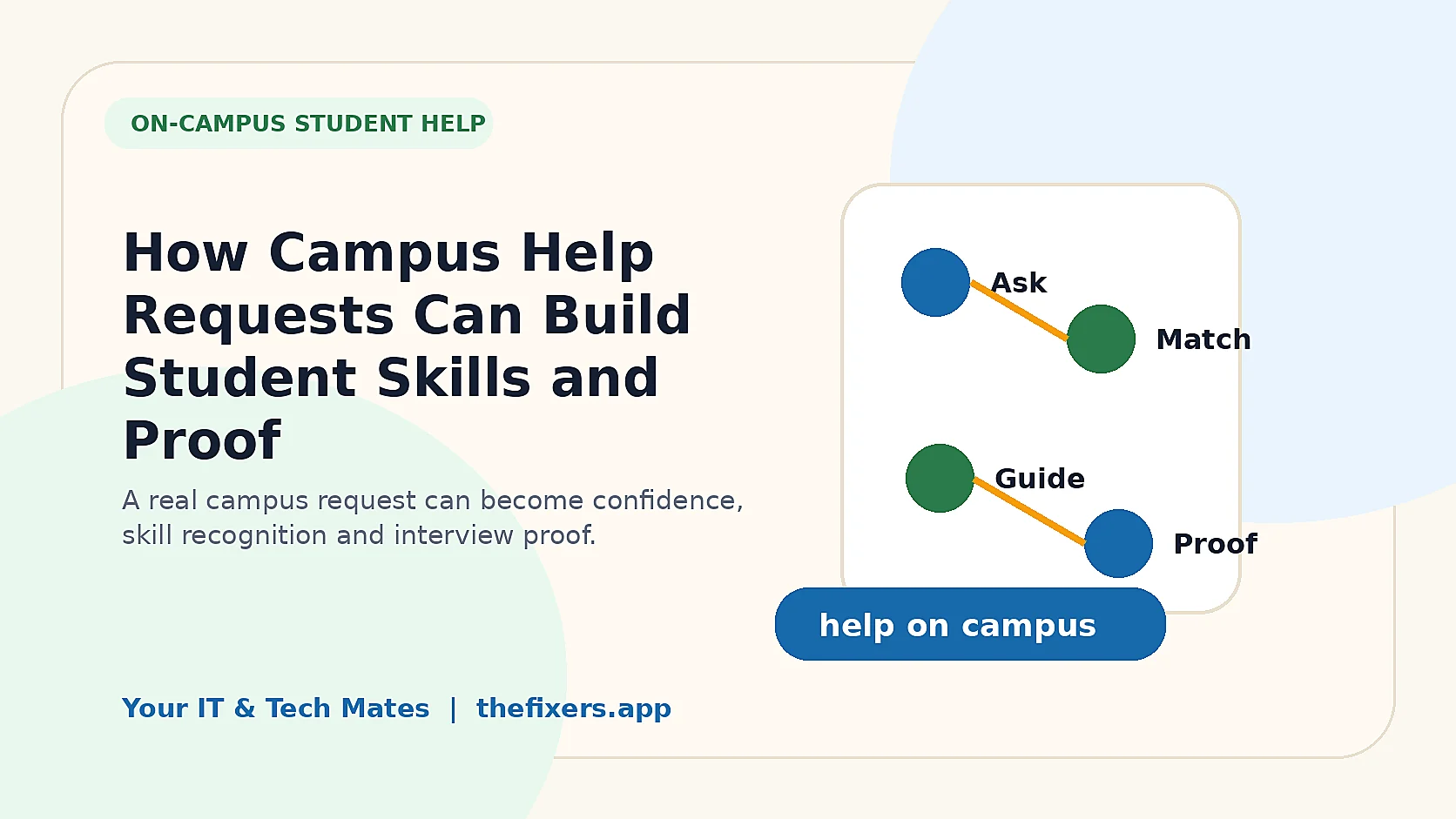
Student experience pathway
TheFixers.APP pathway is designed for students who need practical experience before they already have a long work history. A student can start with small, safe tasks, build confidence, collect reviewed proof, and turn that activity into a clearer Live Resume story.
This guide is organised for quick decisions, safer checks and clearer next steps.
See how on-campus help requests can become student skill proof through real work, feedback, skill tags, guidance and live resume evidence in thefixers.app.
Use the guide to choose the right next step and avoid spending time or money in the wrong place.
Keep the model, symptom, photos, error messages and timing together before asking for help.
Use this guide first, then choose Quick Help or the most relevant local service page.
Do not wait until the last minute if the issue affects study, campus work, proof of experience or a device you need for class.
Read the practical steps, gather the details you already have and choose the pathway that best matches your situation.
Use the linked pathway or Quick Help if you need a real person to point you to the next step.
Choose the step that solves the real problem first, then avoid adding extra tools, bookings or work until the next action is clear.
Campus help requests can become useful skill proof when a student completes suitable real work, receives feedback, records the outcome and connects it to skill tags or a live resume. The key is to treat campus help as reviewed, practical peer support with clear boundaries, not as a promise that students can solve every problem alone.
thefixers.app student pathway can include on-campus help, peer assistance, campus partner programs, Campus Masters, student guidance, skill tags and live resume proof. Tech support is one useful pathway, but campus help can also include practical support that students provide to other students safely.
Many students already help classmates informally. They explain where to find something, help set up an app, show someone how to submit a form, support a club activity, help with a campus event, or explain simple digital tools. That help can be valuable, but it is often invisible.
The student pathway should make this clearer. It should show students that useful help can happen on campus, in clubs, in study groups, in student associations and in peer support settings. The goal is not to turn every student into a technician. The goal is to help students practise communication, responsibility and useful service in a safer structure.
This topic is already supported by features in the source package. The campus pathway connects to the Campus Help hub, the Campus Partner Portal and Campus Master guide, student guidance packages, student board access, skill tags from real jobs, and student live resume proof.
On-campus student help can include more than fixing a laptop. It can include helping a new student understand a campus app, explaining where to submit a request, setting up a study folder, showing someone how to book a room, helping a club organise a simple digital process, supporting an event check-in table, helping with safe device setup, or guiding someone to the right campus support service.
Some of this help is technical. Some of it is communication. Some of it is campus navigation. Some of it is confidence support. That wider framing is important because students should see more ways to be useful.
Students should not take over another student’s assessed work, access private accounts unnecessarily, handle payments, promise grades, collect sensitive information without a proper reason, or accept work that belongs with staff, campus IT or a qualified professional.
A good student helper says, “I can help you understand the process, but I cannot do the work for you.” That protects the helper, the classmate and the campus.
When a student completes a suitable campus help request, the result can become proof. The proof might show communication, punctuality, teamwork, a practical skill, guidance used, a review received or a leadership role. This can then support skill tags, a live resume and future interview stories.
This student pathway is designed to build more than one practical skill. It can help a student practise communication, admin habits, payment confidence, customer support, trust, guidance and live-resume proof from real campus or community help.
No. Tech help is one pathway, but the student pathway can also support on-campus peer help, campus tasks, simple admin support, orientation-style help, guidance and reviewed student-to-student assistance.
Students can help with support and explanation, but they should not do assessed work for someone else or cross academic integrity boundaries.
Clear scope, reviewed requests, guidance options, Campus Master support, privacy rules and honest skill recognition all make campus help safer.
The student can show real examples of communication, reliability, problem solving, leadership and suitable completed work.
Yes. The Campus Partner Portal and Campus Master content is designed around reviewed campus pathways for schools, TAFEs, universities and student groups.
The student should pause, explain the boundary and ask for guidance or hand the work to someone more experienced.
Yes, when the work is suitable, completed honestly and recorded with enough proof, it can support skill recognition and live resume evidence.
Read next: How the Campus Master Program Helps Student Leaders Support Others, or return to the Campus Help hub.
Start small, stay within the rules and use the existing campus, guidance, skill tag and live resume pathways to show what you have actually practised.
Keep building proof