
How a Virtual Admin Assistant Helps a Small Team Manage Customer Enquiries
When two people share repairs, phone calls and office work, the difficult part is often remembering where every customer request has reached. A useful assistant makes that work easier to pick up.
Quick answer
A virtual admin assistant can organise enquiries and prepare short case summaries, draft replies and internal handovers. Staff still need to check the current conversation and make the customer-facing decisions.
The problem starts between tasks
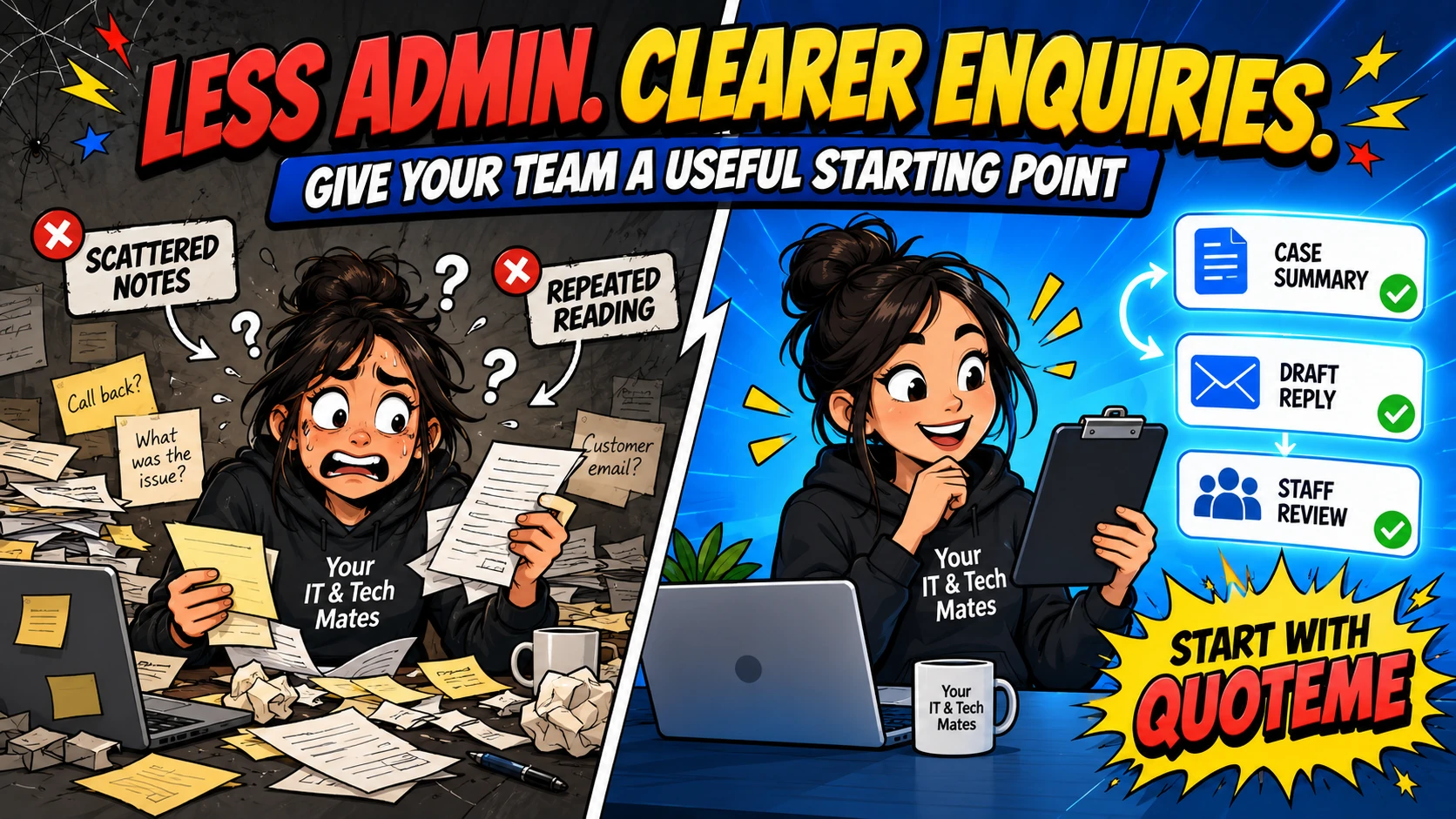
A customer asks about a laptop repair. While someone checks the request, the phone rings and a business customer sends another message. Later, a colleague opens the first enquiry and has to work out what happened from several separate notes. The customer may hear a question they already answered.
That repeated reading is the problem our virtual-admin work is designed to address. A small office needs a clear view of the work waiting for attention, plus enough context to resume it. It does not need another screen that produces more messages for someone to sort.
What the four stages contribute
- Today: bring enquiries, callbacks, quote work and follow-ups into an office work view.
- Prepare: save a case summary, an editable reply, useful missing-information questions or an internal quote handover.
- Review and act: review prepared material alongside the existing case workflow before staff take the normal Send or Create action.
- Follow through: record the responsible person, next internal step, reminder time and eventual outcome.
Each stage has a different job. A summary explains the case; a draft proposes wording; a plan records what someone intends to do next. Keeping those purposes clear helps staff avoid treating a suggestion as a completed action.
A fictional morning in a two-person office
Consider a customer who says their laptop screen goes dark after several minutes. They have already explained that the computer still makes sound and that the problem began yesterday. A colleague returning from an onsite job should be able to see those facts without rereading every greeting and follow-up.
Working summary: Laptop display goes dark after several minutes; sound continues. Started yesterday. External-display behaviour is unknown. Customer needs advice about the next assessment step.
The summary deliberately leaves the cause unresolved. It does not turn a dark screen into a confirmed replacement-screen job. The next staff member can verify the customer’s wording, check whether a new message has arrived and decide what information would help.
That distinction matters to the customer. They want the team to remember their situation, but they also want an honest explanation when a fault still needs investigation.
What makes a summary useful
A good summary separates confirmed facts from unanswered questions. It keeps the main symptom, relevant timing, steps already tried and the customer’s practical constraint. A student needing a working device for class has a different constraint from an office with a spare computer, even if the symptom sounds similar.
Staff should correct a draft that drops a key detail or adds an assumption. If a customer changes their explanation, the newer information needs to be considered before the draft is used. A saved summary is a working aid, not a substitute for the current case.
How this helps customers and staff
For customers, the intended benefit is a more coherent conversation: fewer repeated explanations and a clearer next step. For staff, it is easier to resume a case after an interruption or hand it to a colleague. These are goals to measure in practice, not a promise of a particular response time.
A small business can assess the approach by reviewing a sample of enquiries: how often did staff ask for information already supplied, how often did a draft need substantial correction, and was the next action clear? A shorter draft is only useful if it is accurate enough to help.
Where human judgement stays essential
The assistant does not replace a technician’s assessment, decide the final price or confirm an appointment by itself. Prepared replies remain editable, and staff use the existing sending workflow. Follow-up plans record internal responsibility; they do not dispatch a technician or close a customer’s case.
For another micro business considering something similar, start with one recurring handover problem. Agree on the facts staff need, keep review simple and check whether the process actually reduces repeated work before expanding it.
Frequently asked questions
Is this an automatic customer-service agent?
The described workflow prepares and organises work for staff. People still review replies and use the normal sending, quoting and booking processes.
Will it guarantee a faster reply?
No fixed response time is promised. Clearer summaries and responsibilities are intended to make the team’s work easier to continue.
Can a small business use the same approach?
A similar process can be assessed around your existing enquiries and systems. The right scope depends on the work you repeat and the review your team needs.
Continue the virtual-admin series
- Better Follow-Up Questions: Less Back-and-Forth Before Tech Support
- From Customer Enquiry to QuoteMe: Why a Reviewed Handover Matters
- Clear Next Steps: Customer Follow-Up Reminders for a Small Office
Why you should not have to explain your tech problem three times
Want help with your own office workflow?
Tell us where enquiries, quoting or follow-up work get stuck. Explore our small-business software and AI services or use the AI Opportunity Finder to think through a starting point.
Start with the problem in your own words
Need tech help or want to discuss a repeated office task? Tell us what is happening through QuoteMe. Our team can review the request and discuss the next step.