
Better Follow-Up Questions: Less Back-and-Forth Before Tech Support
A customer should be able to say what went wrong in everyday English. The office team can then ask for the missing detail that helps move the request forward.
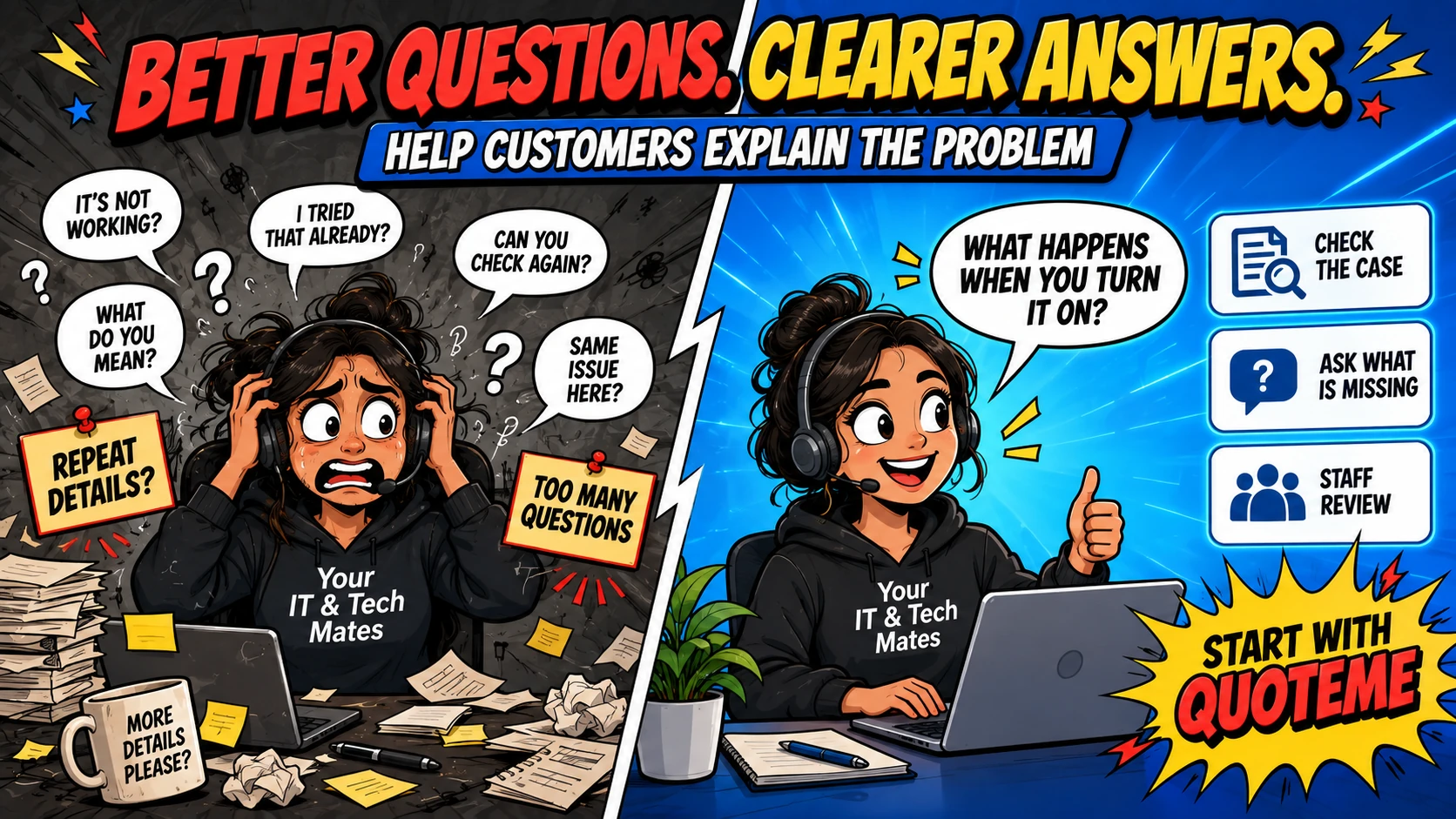
Quick answer
A useful follow-up question fills a gap that affects the next support step. Staff should check what the customer has already said, explain unfamiliar terms and review any assistant-prepared wording before sending it.
“My computer is not working” is a valid starting point
Customers often contact a repair business while they are frustrated or short of time. They may not know whether a problem belongs to hardware, software or an account. Asking them to choose a technical diagnosis at the beginning can make the enquiry harder than it needs to be.
The first job is to understand the visible problem. Does the computer turn on? Is there a message on screen? Does the issue affect one device or several? The most useful question depends on what the customer has already explained.
Three enquiries, three different gaps
- “My laptop will not charge.”
If the device type is known but its behaviour is not, ask what happens when the charger is connected. A charging light or on-screen message may help staff choose the next assessment step.
- “The office printer has stopped working.”
If one person reports the problem, ask whether colleagues can still print. A single-computer issue and an office-wide issue need different starting questions.
- “My phone screen is cracked. How much?”
The model may be needed to assess a screen-repair enquiry. If the customer does not know it, offer an accessible way to identify it rather than repeatedly requesting a technical code.
These examples illustrate enquiry handling. They are not a diagnosis or instructions to dismantle a device. The aim is to gather a useful observation, then let the team assess what it means.
A draft should acknowledge the information already supplied
Compare a generic request for “more details” with a reply that recognises the customer’s message. If the customer has already named their laptop and explained when the issue began, staff should not ask for both again simply because they appear on a standard checklist.
“Thanks for explaining that the laptop still makes sound when the screen goes dark. Does the display come back by itself, or only after you restart it? It is fine if you are not sure.”
This fictional reply shows what a focused question can sound like. It acknowledges a confirmed detail, asks about one unresolved observation and leaves room for uncertainty. Staff should adapt the wording to the actual case before sending.
What the virtual-admin preparation adds
Our preparation workflow can draft missing-information questions alongside the case summary and a possible reply. Staff can compare the suggestion with the current conversation, remove anything already answered and change wording that sounds too technical or too certain.
The draft is internal until someone reviews it and uses the existing customer-message workflow. Opening a prepared handoff does not send the question. That review point gives the team a chance to catch a stale request when the customer has just supplied the missing detail.
When a photo helps, explain what to show
A relevant photo or screenshot can help staff understand a visible message or damaged area. Ask for the specific view that would help, and explain that unrelated account details or private content should be left out. An image does not automatically establish the cause of a fault or confirm the parts required.
Customers should not need to share passwords, sign-in codes or unrelated documents to explain an enquiry. If a customer cannot provide an image or identify a model, staff can discuss another way to continue. The question should help the conversation, not become a barrier to getting support.
Know when another question will not help
Repeated questions can become a way of postponing an assessment. If the remaining uncertainty requires hands-on inspection, staff should explain that next step instead of trying to force certainty from a message. Likewise, a deadline or accessibility need may make a direct conversation more useful.
For a small office, the measure of a good question is whether its answer changes what happens next. Review enquiries that bounced back and forth: did each question remove a real uncertainty, or did it ask the customer to repeat themselves? That review is a practical way to improve the process over time.
Frequently asked questions
Do I need to know the technical name of the fault?
No. Describe what you can see, when it started and what you have already tried. Staff can ask for useful missing details.
Are assistant-written questions sent automatically?
No. In this workflow the questions are prepared for staff to review, edit and send through the existing case process.
What if I do not know the answer?
Say that you are unsure. The team can consider another question or an assessment rather than asking you to guess.
Continue the virtual-admin series
- How a Virtual Admin Assistant Helps a Small Team Manage Customer Enquiries
- From Customer Enquiry to QuoteMe: Why a Reviewed Handover Matters
- Clear Next Steps: Customer Follow-Up Reminders for a Small Office
Want help with your own office workflow?
Tell us where enquiries, quoting or follow-up work get stuck. Explore our small-business software and AI services or use the AI Opportunity Finder to think through a starting point.
Start with the problem in your own words
Need tech help or want to discuss a repeated office task? Tell us what is happening through QuoteMe. Our team can review the request and discuss the next step.