Laptop Screen Repair Melbourne North | Your IT & Tech Mates
Plain-English repair guidance with local Melbourne North support paths.
Repair help · technician reviewed
Cracked, flickering or black laptop screen?
A damaged display can be the screen panel, cable, lid assembly or another graphics/display fault. Tell us what you see and the laptop model so we can check the likely repair path before parts are ordered.
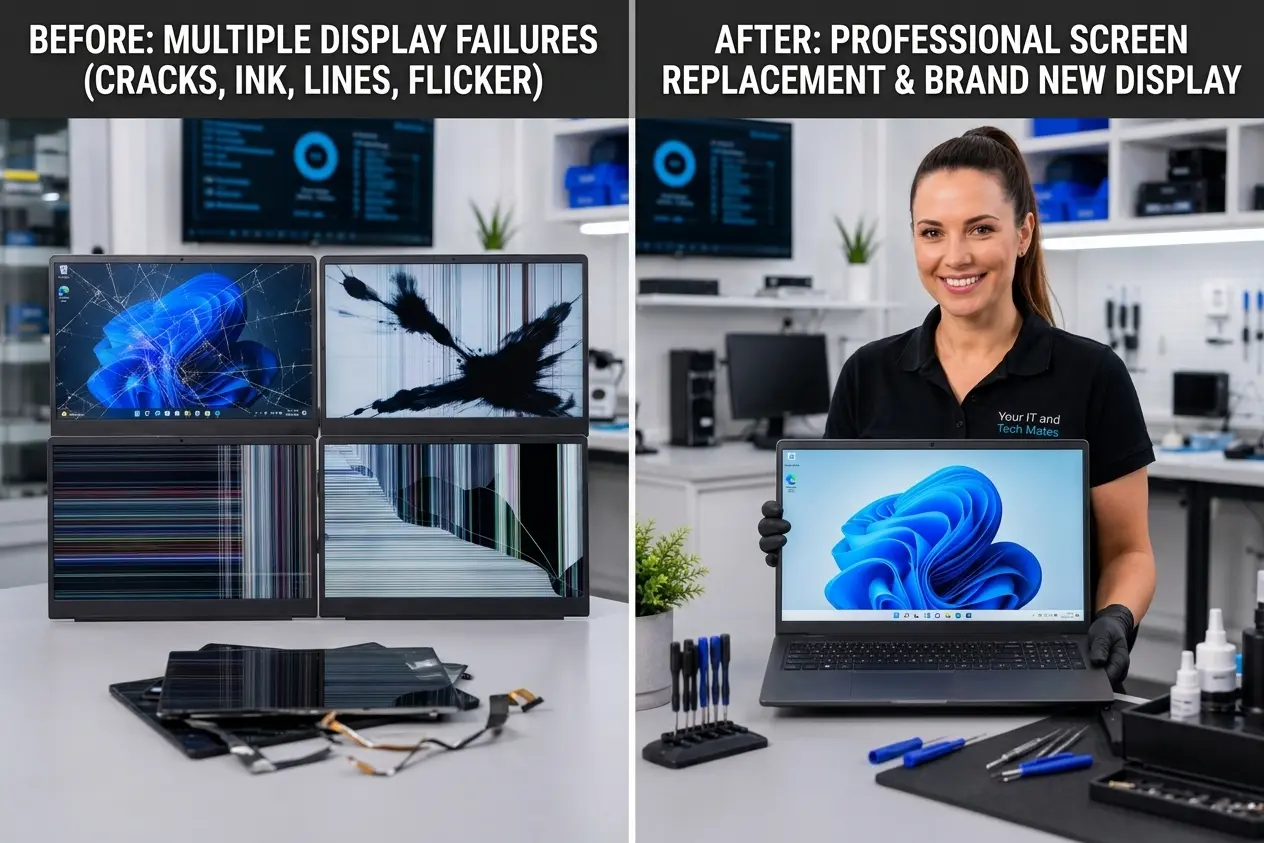
Cracked glass or panel
Black screen with power lights
Flickering display
Lines or coloured blocks
Image only at certain lid angles
Repair options we can assess
Screen/panel identification from exact laptop model
Display cable, hinge or lid-area assessment where relevant
External-display or graphics checks when the panel may not be the cause
Replacement part confirmation before work starts
How assessment and pricing work
Screen pricing depends on the exact panel, resolution, touchscreen support and part availability. A price guide is not a final quote until the correct screen and repair scope are confirmed.
A laptop screen cracked after a drop. External display output was checked, the screen fault was confirmed, and repair options were explained before parts were ordered.
Send the laptop model, what the screen is doing, your suburb and one or two clear photos of the display. The repair page is carried into QuoteMe so the enquiry keeps this context.
Laptop Screen Repair in Melbourne's north usually starts with a clear diagnosis, not guesswork. This guide explains the common signs, what to check safely and when it is better to ask for hands-on laptop repair help.
Common signs
Customers usually notice cracked or flickering laptop screen when there are issues with cracked glass, black display, flickering panels, lines on screen and screen-versus-GPU terms. The same symptom can have more than one cause, so the safest approach is to check the basics before buying parts or wiping the laptop.
Safe terms before repair
Note when the problem started and what changed.
Check whether important files are backed up.
Test with a known safe charger or external monitor only when relevant.
Avoid resets, forced restarts or DIY disassembly after spills, swelling or burning smells.
What happens after you send QuoteMe
Describe the issue
Send the symptom, suburb, laptop model if known, and whether important files are on the device.
We sort the risk level
We look for signs of data risk, liquid damage, power faults, screen faults, setup issues or simple terms.
You get a sensible next step
The next step may be repair assessment, backup first, setup support, part check or repair-or-replace advice.
This path is designed for customers who do not know the technical name of the problem. Plain-English symptoms are enough to start.
Frequently asked questions
Is this issue usually worth fixing?
Often yes, but it depends on the laptop age, part cost, data risk and whether there is hidden board damage.
Can I diagnose it myself?
You can check basic symptoms safely, but repeated power cycling, resets or random parts can make some faults worse.
What if I need the laptop for school or work?
Mention your deadline when requesting help so the next step can focus on data safety, temporary options and realistic timing.
Do you cover Melbourne north suburbs?
Yes. This cluster links guides for Epping, Wollert, Lalor, Craigieburn, Kalkallo, Mernda and nearby areas.
How do I start?
Use the request help page and describe the symptom, laptop brand, age and whether important files are on it.
Choose your next step
Get a price guide, explain the problem for a technician review, or check an existing request. Your starting details will carry across and can be changed.