
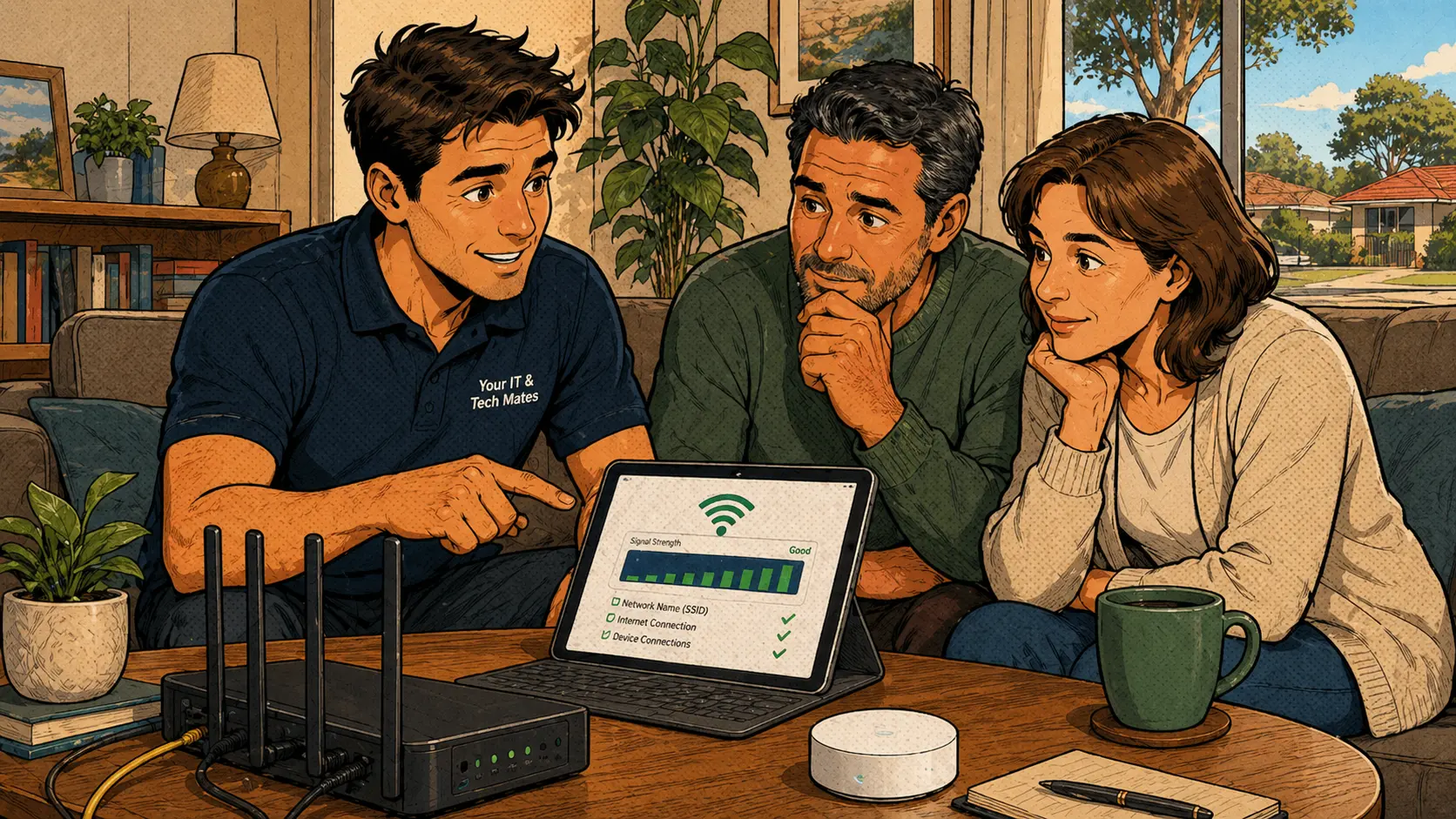
Find out which layer is failing before spending money
If Wi-Fi keeps dropping out, the problem may be the NBN connection, the modem, the router, weak Wi-Fi coverage, signal interference or one device misbehaving. The first step is to work out whether every device is affected or only one area or one device.
For homes and small businesses in Melbourne's north, this check matters because the wrong fix wastes money and leaves the real problem unsolved. NBN Co's support pages can help confirm whether there is a known outage or service issue at the NBN level before looking at equipment.
What this kind of Wi-Fi support job looks like
When "the internet is broken" could mean several different things
Customers often say "the internet is broken" when the real issue may be Wi-Fi coverage inside the home. Other times the Wi-Fi signal looks strong, but the NBN connection is unstable. The symptoms can feel similar, but the fixes are completely different.
That is why the first question is simple: does it happen on every device at the same time, or only in one room or on one device?
A proper Wi-Fi check covers these areas
What each Wi-Fi symptom usually points to
The router is often in the wrong spot
Many homes have the router in the wrong location — tucked behind furniture, inside a cupboard, at one end of the house or near interference sources like microwaves and baby monitors. In other cases, the modem or router is old, the NBN connection needs provider attention, or one specific device has a Wi-Fi setting problem.
A proper check helps avoid replacing the wrong thing — and avoids expensive mesh systems being installed when a simple router reposition or modem replacement would have fixed the issue.
The fix depends on what the check reveals
Common Wi-Fi mistakes
Common questions about Wi-Fi and NBN problems
How do I know if it is the NBN or my Wi-Fi?
If every device drops out at the same time, the NBN connection, modem or router is likely involved. If only one room has trouble while others work fine, it is more likely a Wi-Fi coverage issue inside the home. Start by checking whether all devices are affected.
Will a new router fix my Wi-Fi dropouts?
Sometimes, but not always. If the NBN connection itself is unstable, a new router will not solve it. The cause needs to be identified before spending money on new equipment. Check the NBN Co status page first.
Why is Wi-Fi bad in one room?
Distance, walls, furniture, large appliances and router placement can all weaken Wi-Fi signal in certain parts of the home. A mesh Wi-Fi system or better router position often helps — but only after the NBN and router have been checked.
Can one device have Wi-Fi problems while others work fine?
Yes. One laptop, phone or tablet can have its own Wi-Fi settings problem or hardware issue even if the network is working fine for every other device in the home.
Can you check Wi-Fi at a small business?
Yes. Wi-Fi can be checked around the actual work environment, including POS systems, office devices, printers and for customers areas. Poor business Wi-Fi can affect POS, cloud apps, printers and online bookings.
Wi-Fi keeps dropping out? Message Your IT & Tech Mates before buying new equipment
We can help work out whether it is the NBN, router, Wi-Fi signal or one device causing the trouble — so the right thing gets fixed, not the wrong one.
Clear Approval · appointment availability must be confirmed when possible · On-site across Melbourne's north
Diagnose your Wi-Fi dropout before calling anyone
The free Wi-Fi Troubleshooter walks you through the most common dropout causes — router, NBN, cable, device or congestion — and tells you where to focus before booking a technician. If you would like to read more first, the Wi-Fi dropouts troubleshooting guide covers common causes in plain English.
Start with QuoteMe.
QuoteMe is the fastest way to send the right repair details without needing to know the exact technical name for the issue. A real technician reviews every request.
Guide only until confirmed by a technician. Never send passwords, PINs or banking codes through public forms.
Know someone who needs tech help?
Share Your IT & Tech Mates with a neighbour, friend or family member. Tracked referrals are managed through TheFixers.APP. Repair assessment, pricing and customer support remain with Your IT & Tech Mates.
Referral rewards are eligible, not guaranteed. Subject to eligibility, completion and manual review. Powered by TheFixers.APP.
Continue from here
Useful next steps for this topic
These links are selected from the same hub, Intent, service and tool relationships.