Wix vs WordPress vs Custom Website for a Growing Australian Business
A balanced comparison of Wix, WordPress and custom website development for Australian small businesses, including integration, support and total costs.
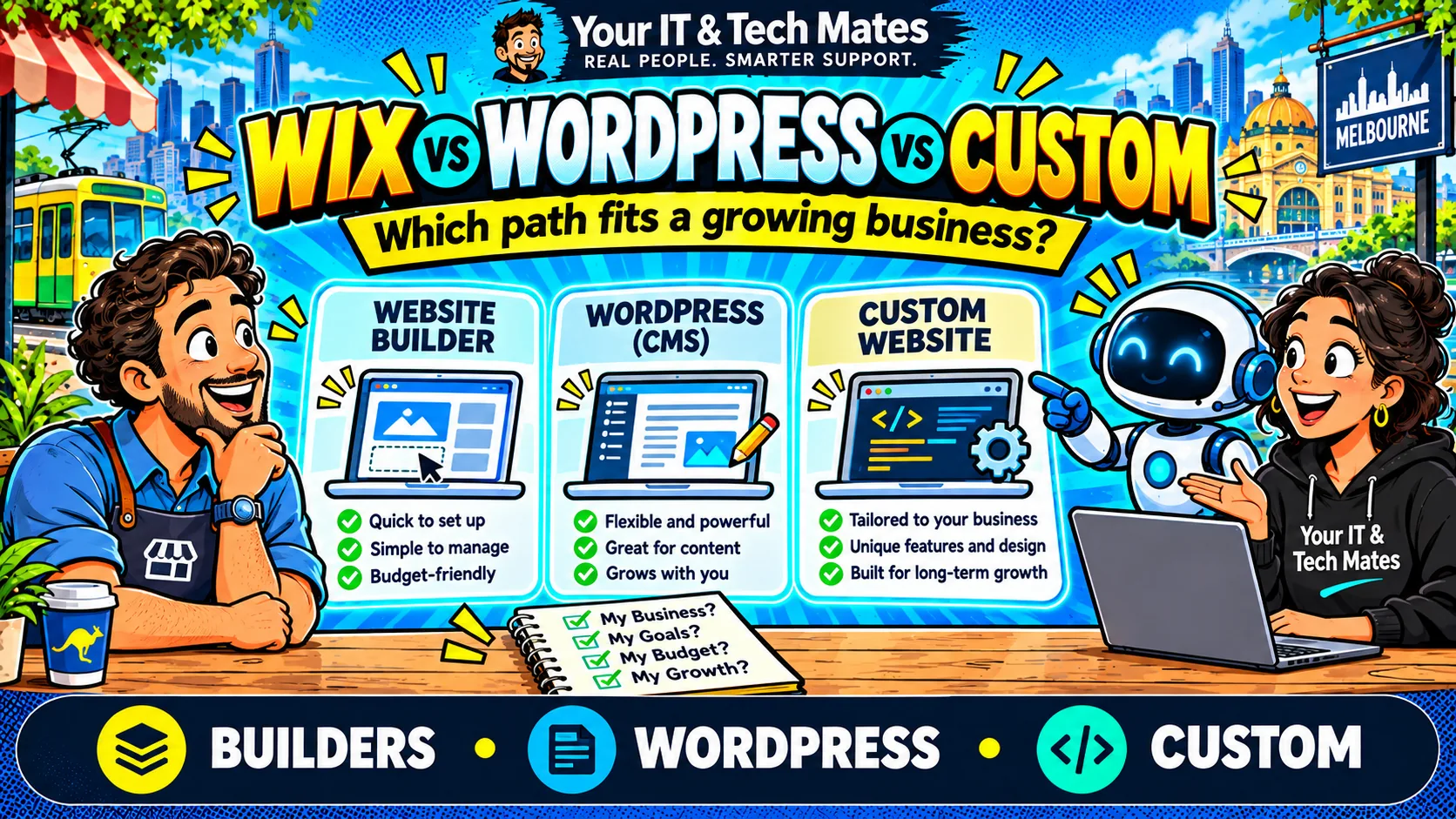
Illustrative guide. The artwork does not represent verified customer results or measured business metrics.
In brief: The right website decision depends on the customer journey, practical scope and honest evidence—not a sales pitch for one platform.
Start with the work your business needs done
A brochure website with services and a contact form has different requirements from a secure customer portal or a complex quoting workflow. Write down the activities customers and staff need to complete before choosing a platform.
When Wix is enough
Wix can suit businesses that want an integrated website platform and a straightforward publishing process. It offers AI assistance, marketing and SEO capabilities. Check the exact features, limits, region, ongoing subscriptions and integrations for the plan you are considering.
When WordPress is a good choice
WordPress can support substantial content, extensions and flexible editing. WordPress.com also offers an AI website agent, so it is not accurate to compare a modern custom site against a deliberately outdated WordPress experience. Consider plugin management, backups, hosting, security, access controls and the staff who will maintain the site.
When custom development makes sense
Custom development may be warranted when the business needs a specialised enquiry flow, secure records, multiple staff roles, integrations or approval rules not conveniently covered by the existing platform. Your IT & Tech Mates has developed QuoteMe, receptionist and Content Intelligence workflows to suit its own operation. This is an example of a specific need rather than a general claim of platform superiority.
A fair comparison checklist
Compare implementation cost, ongoing software fees, content ownership, migration risks, accessibility, maintenance, recovery procedures and staff effort. Sometimes the best solution is keeping Wix or WordPress and fixing the actual enquiry bottleneck.
Questions to ask every provider
Which features are native and which depend on a third-party extension? Who owns the domain and written content? Can information be exported? Who tests form submissions, restores backups and reviews security updates? Will the workflow still operate if an AI service is unavailable? Make providers demonstrate the actual customer journey rather than rely on screenshots.
A practical decision example
For a small local service company that only needs service information, opening hours and an enquiry form, a managed builder may be more efficient than a bespoke application. For a company whose customers upload documents, follow status and move through several human approvals, an integrated or custom workflow may justify the additional scope. These are illustrative scenarios, not completed client cases.
Compare the platforms against tasks, not a feature checklist
Ask each prospective provider to demonstrate the same three workflows: a visitor finds a service and submits a mobile enquiry; an authorised staff member updates an article with a new image and internal links; and an enquiry needs an attachment or a human-approved follow-up. A comparison is meaningful only when the software version, plugins, subscription tier and implementation scope are disclosed.
Score each option against setup effort, staff training, security maintenance, accessibility, integrations, portability, failure recovery and total ownership cost. Record “not tested” where a capability was not examined. A custom system may offer control but also creates responsibility for testing and future maintenance. A managed builder can reduce operational overhead but may constrain specialised workflows.
Three business scenarios where the answer changes
**A local sole trader:** The priority is typically explaining services, giving accurate contact information and receiving enquiries reliably. A well-configured Wix or WordPress site could be entirely sufficient. A custom application may add cost without helping customers.
**A growing service team:** Staff may need shared enquiry status, photo attachments, assignment rules and a consistent handover. Start by reviewing what the existing platform and supported integrations can already do. Custom development becomes a serious option if the combined workflow is unreliable, insecure or forces substantial repeated administration.
**A content-heavy service provider:** Staff may publish many related guides, maintain FAQs and need approval before sensitive information goes live. Compare editorial governance, author permissions, content identity, redirect handling and internal-link checks. YITM's Content Intelligence Engine is an example of a tailored publishing workflow, but any claimed advantage must be demonstrated against the specific alternatives being evaluated.
Questions about ownership, migration and ongoing support
Before signing, ask who owns the domain registration, content, images and customer data; how backups are verified; how the site is restored after an error; and whether the business can export its content in a usable format. A platform may have a low initial price but require paid extensions, support or specialist work as needs change.
If moving platforms, plan redirects for existing URLs, retain useful content, test canonical tags and forms, and compare search performance after the migration. Do not assume changing the technology improves Google rankings. In many cases, a staged upgrade of the existing website is safer and more economical than an immediate rebuild.
How YITM should earn the right to recommend custom work
Begin with a discovery conversation about what customers are trying to accomplish and where staff spend time. Show a simple workflow diagram, identify information that should never be sent to an AI provider, and name the decisions that need a person. Describe which requirements can be met with configuration or integration and which would need custom code.
The proposal should separate fixed deliverables from assumptions, third-party subscriptions and ongoing support. A good recommendation can be “keep the existing site and fix the contact workflow”. That answer builds credibility because it puts the business outcome ahead of selling a particular stack.