
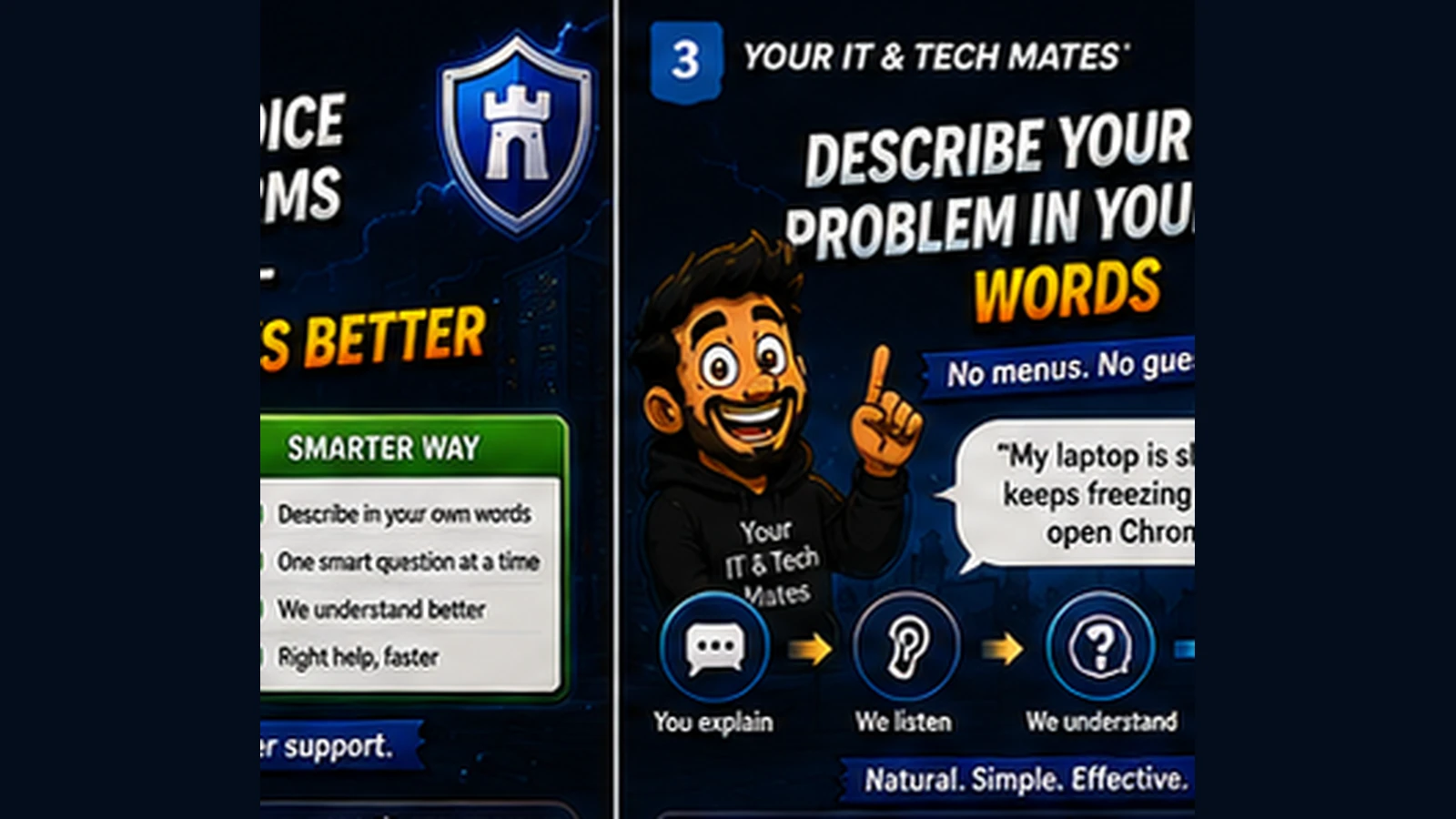
Describe Your Tech Problem in Your Own Words: A Smarter Way to Get Help
“It keeps disconnecting” can be more useful than choosing the wrong technical category, if the support system knows how to clarify what matters next.
Quick answer
You should not need to know the technical name of a computer problem before asking for help. See how plain-English problem descriptions can lead to smarter support.
You already know the most important starting point
Most people can describe what changed, what they see and what they were trying to do. That is enough to begin. A good support journey should translate those observations into the next useful question.
Symptoms are often better than guesses
“The screen flickers after I move the lid” is more useful than guessing “graphics card”. “Wi-Fi says connected but websites do not load” is more useful than guessing “router problem”.
Plain language can still become structured context
Behind the scenes, a support system can extract controlled facts such as device type, symptom, timing, scope and urgency. The customer does not need to see or manage those technical labels.
Confirmation prevents misunderstandings
Before recommending a next step, the system should show a concise understanding summary. The customer can correct anything that is wrong rather than discovering the misunderstanding at the end.
Good wording helps the technician too
Useful descriptions include what happened, when it started, whether anything changed and what has already been tried. This creates a better handover if human help is needed.
Keep sensitive information out
Natural-language support should never encourage people to paste passwords, verification codes, banking details or private messages into a general troubleshooting box.
A realistic example: “The screen goes black after I sign in”
A customer may be tempted to write, “I think the graphics card is broken.” That guess could send support in the wrong direction. The more useful description is: “The laptop starts normally, I can see the sign-in screen, but about five seconds after I enter my password the display goes black. I can still hear notification sounds.” Those observations give a technician or guided tool much more to work with.
Guessing a cause versus describing what happened
- Diagnosis-first wording: “My graphics card is dead.”
- Observation-first wording: “The screen works until I sign in, then goes black, while the laptop still seems to be running.”
- Customer benefit: Support can test several plausible causes instead of anchoring too early on one customer guess.
Plain English can be technically useful
Customers do not need to know component names to provide valuable evidence. Timing, visible messages, sounds, what still works, what stopped working and what changed recently can all narrow the problem. A good guided tool can structure those observations without rewriting them into a false certainty.
A simple formula for describing a tech problem
Try: what you were doing + what you expected + what actually happened + when it started + anything you already tried. Leave passwords, recovery codes and unrelated personal information out. That is usually enough to start a much better support conversation.
Frequently asked questions
What should I write when I do not know the technical problem?
Describe what you see, when it happens, what changed and what you were trying to do.
Do I need to know my device model?
Not always. A model number is useful only when it could materially change the advice, compatibility check or repair path.
Should I include passwords or account codes?
No. Never include passwords, one-time codes, banking details or other sensitive credentials in a troubleshooting description.
How this connects to our Guided Tools
Our Guided Tools are designed to let customers describe a problem naturally, answer a small number of relevant questions, review what the system understands and then choose the next step. Quick-choice tools remain available as a fallback, and QuoteMe stays customer-controlled.
Need help with a real tech problem?
Tell us what is happening in plain English. We will help you work out the most useful next step without expecting you to diagnose it first.