
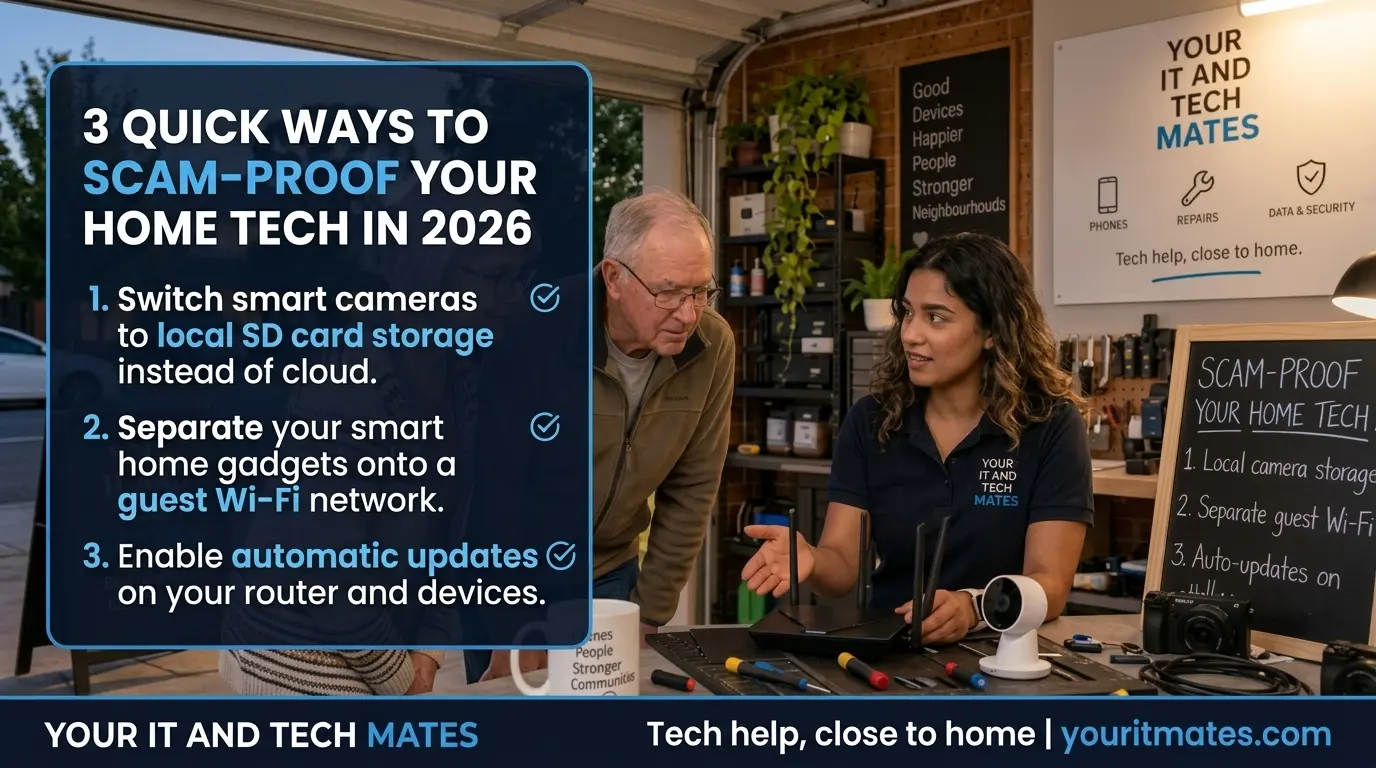
Start with these three checks
They are useful for families, seniors and anyone adding cameras, smart TVs, doorbells, plugs or other connected devices to the home network.
Review where camera footage is stored
Local micro-SD or NVR storage can keep more footage inside your home and may reduce subscription costs. Cloud storage can still be useful, especially for off-site backup and remote access. The important part is knowing which model you are using and securing it properly.
Separate smart gadgets from your main devices
If your router supports an isolated guest or IoT network, use it for lower-trust smart devices such as plugs, bulbs and some cameras. This can reduce how easily one compromised gadget can reach laptops, phones or storage devices on your main network.
Keep the router and smart devices updated
Security updates fix known weaknesses. Turn on automatic updates where the manufacturer supports them reliably, and replace unsupported equipment that no longer receives security fixes.
Local camera storage can improve privacy — but it is not automatically safer
Security cameras are often sold with cloud subscriptions, local memory-card storage, an NVR recorder, or a mixture of these. Local storage can reduce the amount of household footage sent to an external service and can keep recording available even when the internet is down.
There are trade-offs. A memory card inside a camera can be stolen with the camera. A local recorder needs a strong password and sensible physical placement. Cloud services can provide off-site copies, but they add another account that needs strong authentication and careful privacy settings.
Use a separate network for smart devices when your router supports proper isolation
A smart plug or budget camera usually does not need the same level of access as the laptop you use for banking or the computer holding family documents. A separate guest or IoT network can create a useful boundary.
Do not assume every “Guest Wi-Fi” mode works the same way. Some routers isolate guest devices from the main network; others mainly provide a second network name. Check the router settings or manufacturer documentation before relying on it as a security control.
Turn security updates into a set-and-check habit
Automatic updates are valuable because most households do not regularly open the router admin screen or every smart-device app. Where supported, enable automatic security updates for the router and connected devices.
Then do a simple check every few months: is the router still supported, are the camera and doorbell apps current, and is any old device showing signs that updates have stopped? Unsupported internet-connected devices deserve extra attention because known weaknesses may remain unpatched.
Network safety helps, but most scams still rely on people being rushed or tricked
A safer home network is worthwhile, but it does not stop a fake bank call, a parcel SMS, a remote-access scam or someone asking for a verification code. Keep the human rule simple: stop, check using a trusted method, and ask someone before sending money, passwords or codes.
Need help setting this up rather than just reading about it?
If your goal is to separate smart devices, review router settings, improve Wi-Fi security or work out whether old equipment needs replacing, QuoteMe can carry the page context into the existing support request. The request is still reviewed by a person and does not approve paid work automatically.
If the problem is a suspicious message, payment, fake support call or possible account compromise, use the scam-safety tools first instead of treating it as a Wi-Fi job.
Frequently asked questions
Does a guest Wi-Fi network make smart devices completely safe?
No. A separate guest or IoT network can reduce exposure between devices when the router isolates that network correctly, but it does not replace strong passwords, updates or careful setup.
Is local camera storage always safer than cloud storage?
No. Local storage can reduce cloud exposure and recurring fees, but it also needs physical protection and secure settings. Cloud storage may provide useful off-site backup. Choose the model that fits your household and understand the trade-offs.
Should I turn on automatic router updates?
Usually yes when the router supports reliable automatic security updates. If it does not, follow the manufacturer update guidance and check periodically for firmware updates.
Can Your IT & Tech Mates check my home setup?
Yes. Use QuoteMe and describe what you want to achieve—for example separating smart devices, reviewing router settings, improving coverage or checking an older router. A person reviews the request before paid work is agreed.