
What can go wrong
- A bad download can make deeper system changes.
- Shared admin accounts hide who changed what.
- Old staff accounts can become forgotten doors back into the business.
- Contractor access can stay active after the job is finished.
A small-business explanation of admin access, why daily admin use increases damage, and how to review staff access safely.
Based on public ASD/ACSC Essential Eight guidance. Written for Australian small business owners who want a practical next step, not jargon.
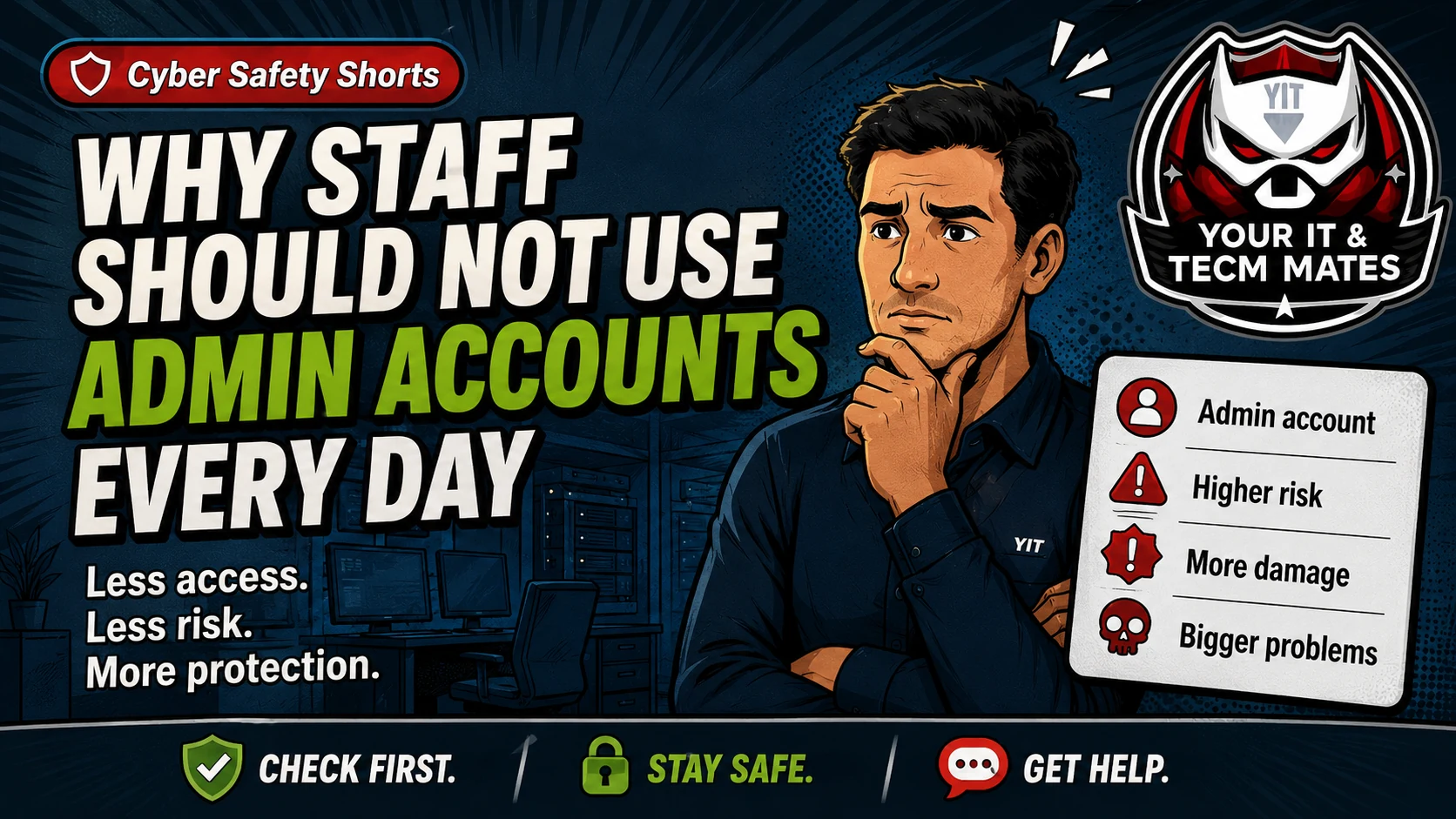
Admin access is like a master key. Staff may need it sometimes, but using it every day can make a mistake, scam or bad download more damaging.
This guide keeps the business problem first, then shows how it relates to the Essential Eight. It is a practical support guide, not a formal certification, audit, legal advice or insurance advice.
Staff can install apps, change settings or approve prompts on their computers. Former staff may still have access to email, accounting, website or social media systems.
Staff can install apps, change settings or approve prompts on their computers. Former staff may still have access to email, accounting, website or social media systems.
Use the related Your IT & Tech Mates tool to turn this guide into a simple self-check and practical next step.
Need help turning this into real protection? Your IT & Tech Mates can help set up two-step login, backups, updates, admin access, safer devices, and a plain-English cyber action plan for your business.
Use these outcomes as a practical check on whether the advice is making the situation clearer and easier to manage.
Simple account, update, access and verification controls can reduce common preventable weaknesses.
Documented owners, backups and evidence make incident response and restoration easier to organise.
Plain-English steps are easier to follow than relying on memory when an unusual request arrives.
A short checklist helps separate urgent controls from improvements that can be scheduled later.
No. This is a plain-English guide based on public ASD/ACSC Essential Eight guidance. It is not a formal government certification or audit.
Yes. We can help with practical setup such as two-step login, backups, updates, admin access reviews, safer devices and plain-English action plans.
Use the relevant service page to understand the support path, or start with QuoteMe to describe the problem. A QuoteMe request is reviewed by a person and does not approve paid work, pricing, payment or diagnosis.
Continue from here
These links are selected from the same hub, Intent, service and tool relationships.