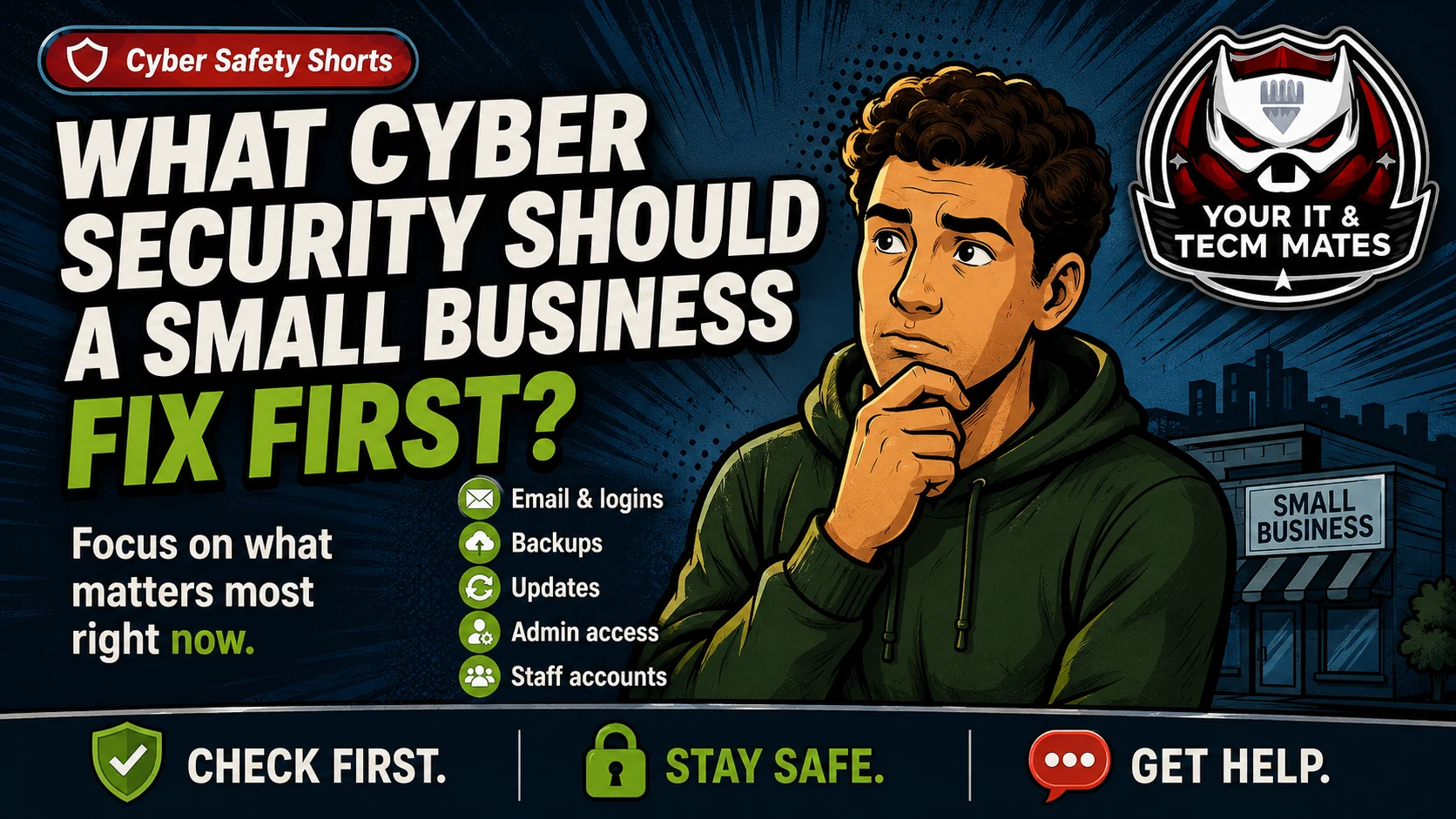
Cyber Safety Shorts guide image from Your IT & Tech Mates.
Quick answer
Fix the risks that can hurt the business fastest: email logins, backups, software updates, admin access and old accounts. You do not need to fix everything at once.
Plain-English explanation
This guide keeps the business problem first, then shows how it relates to the Essential Eight. It is a practical support guide, not a formal certification, audit, legal advice or insurance advice.
You have limited time and budget. You want to improve cyber safety, but the list feels too big and you are not sure whether to start with policies, software, backups or staff training.
Business owner scenario
You have limited time and budget. You want to improve cyber safety, but the list feels too big and you are not sure whether to start with policies, software, backups or staff training.
What can go wrong
Spending time on paperwork before securing email can leave the biggest risk open.
Buying a tool without checking backups may not help recovery.
Keeping everyone as an admin can make one bad click more damaging.
Ignoring old staff accounts can leave easy access behind.
What to do now
Turn on two-step login for email and key cloud accounts.
Check backups and do a test restore.
Update computers, browsers, Office, PDF tools and remote access software.
Review admin access and remove old accounts.
What not to do
Do not chase perfect compliance before covering basic business risks.
Do not leave one person as the only person who knows how to recover files.
Do not assume automatic updates cover every app.
Related free tool
Use the related Your IT & Tech Mates tool to turn this guide into a simple self-check and practical next step.
Need help turning this into real protection? Your IT & Tech Mates can help set up two-step login, backups, updates, admin access, safer devices, and a plain-English cyber action plan for your business.
Use the relevant service page to understand the support path, or start with QuoteMe to describe the problem. A QuoteMe request is reviewed by a person and does not approve paid work, pricing, payment or diagnosis.
Return to the Small Business Cyber Security hub to connect this issue with the right verification tool, related guidance, examples from our own work and Business IT support path.
Continue from here
Useful next steps for this topic
These links are selected from the same hub, Intent, service and tool relationships.