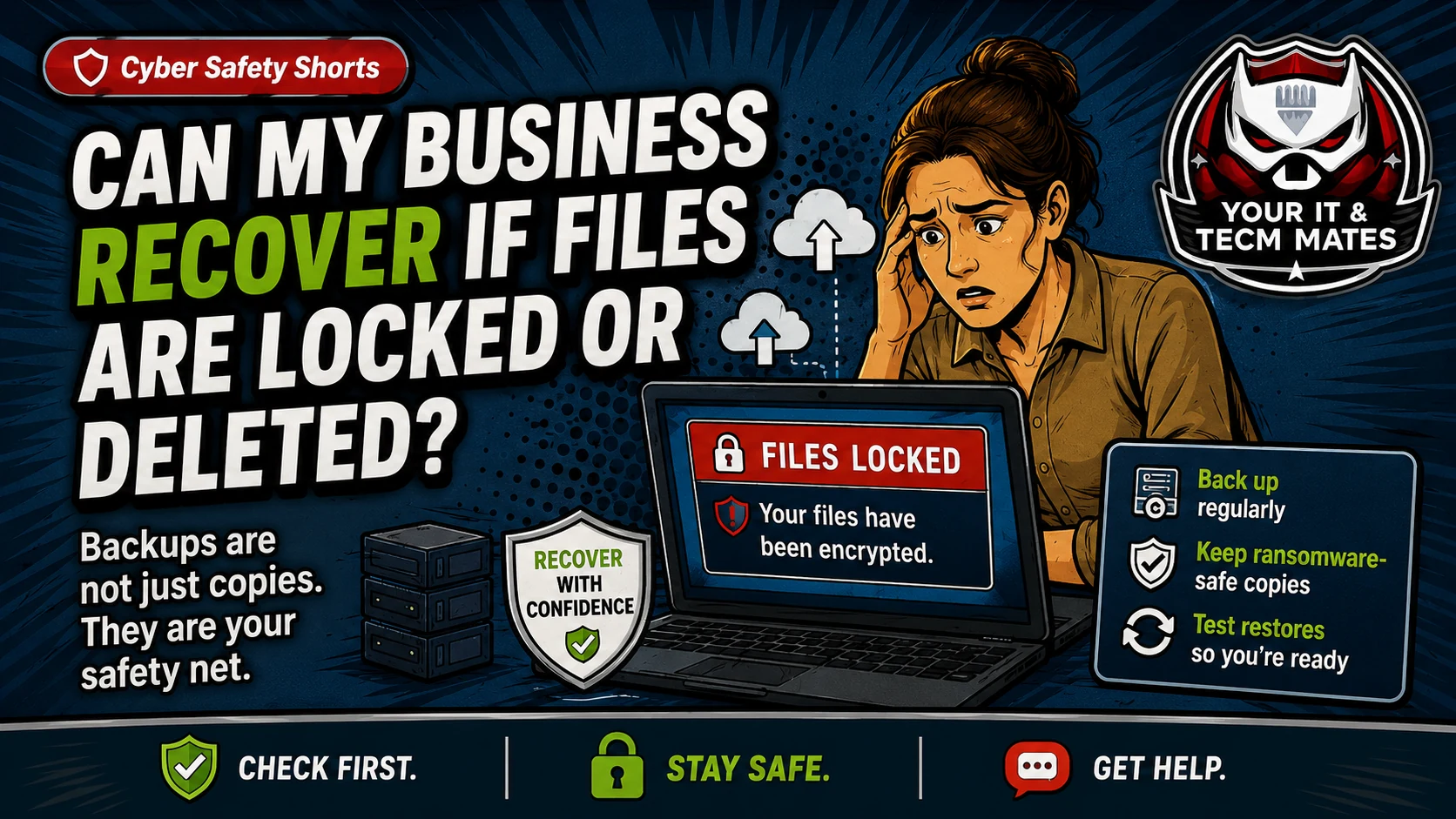
Can My Business Recover If Files Are Locked or Deleted?
Plain-English backup and recovery guidance for small businesses using OneDrive, Google Drive, servers, NAS, accounting files, invoices and job records.
Based on public ASD/ACSC Essential Eight guidance. Written for Australian small business owners who want a practical next step, not jargon.
Cyber Safety Shorts guide image from Your IT & Tech Mates.
Quick answer
A backup is only useful if your business can restore the right files quickly. Cloud sync, an external drive or a server folder may not be enough by itself.
Plain-English explanation
This guide keeps the business problem first, then shows how it relates to the Essential Eight. It is a practical support guide, not a formal certification, audit, legal advice or insurance advice.
Your files are in OneDrive, Google Drive, a small server, a NAS or an external drive. You have invoices, accounting data, customer records and job photos, but nobody has tested recovery recently.
Business owner scenario
Your files are in OneDrive, Google Drive, a small server, a NAS or an external drive. You have invoices, accounting data, customer records and job photos, but nobody has tested recovery recently.
What can go wrong
Deleted or encrypted files may sync across devices.
An external drive left plugged in may be affected by the same incident.
Accounting files and job records may be missed if nobody maps where they live.
A backup no one can restore may not protect the business during an urgent incident.
What to do now
List the files your business cannot afford to lose.
Check where those files are backed up.
Do a small test restore.
Keep at least one backup copy safer from ransomware or accidental deletion.
What not to do
Do not assume sync is the same as backup.
Do not wait until a lockout to learn the restore process.
Do not leave backup alerts unread.
Related free tool
Use the related Your IT & Tech Mates tool to turn this guide into a simple self-check and practical next step.
Need help turning this into real protection? Your IT & Tech Mates can help set up two-step login, backups, updates, admin access, safer devices, and a plain-English cyber action plan for your business.
Use the relevant service page to understand the support path, or start with QuoteMe to describe the problem. A QuoteMe request is reviewed by a person and does not approve paid work, pricing, payment or diagnosis.