
You are not sure where to start
Use this when there are too many cyber tasks and you need a practical order.
What should my business fix first?
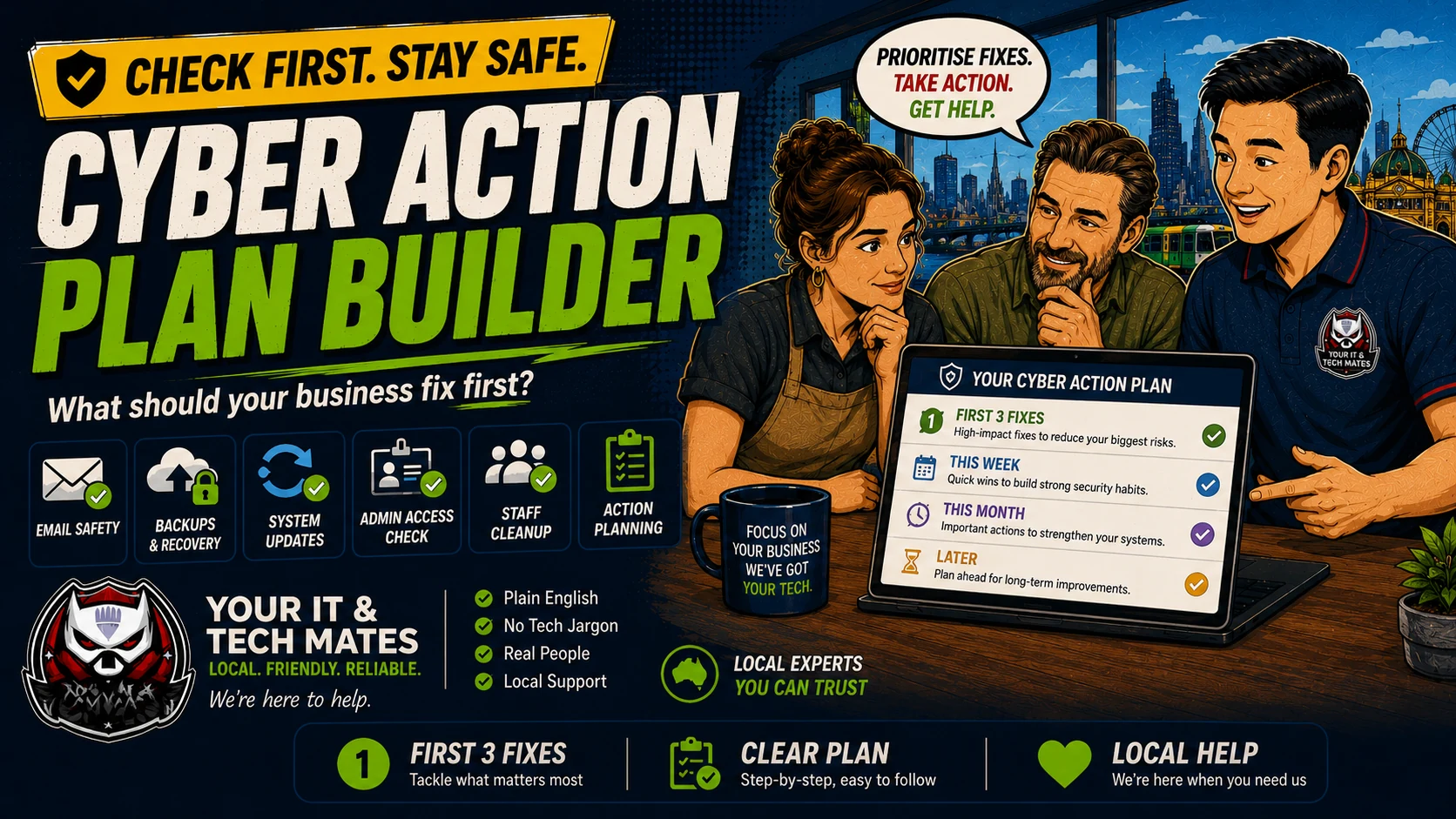
Turn your cyber safety concerns into a simple action plan: first 3 fixes, this week, this month and later. Based on public ASD/ACSC Essential Eight guidance.
Use this when you want a practical business-owner answer, not a technical framework first.
Use this when there are too many cyber tasks and you need a practical order.
Start with fixes that reduce the biggest business risk first.
Use the result to decide what Your IT & Tech Mates should help with first.
Privacy: this checker runs in your browser and does not ask for sensitive details.
Tick the statements that match your business. You can leave anything blank if you are not sure.
This action plan builder maps small-business concerns back to Essential Eight basics such as two-step login / MFA, safe backups, software updates, admin access and safer devices.
Helps improve Essential Eight alignment step by step. This is a practical self-check, not a formal government certification or audit.
A good cyber plan should not overwhelm the owner. It should show the first few fixes, then what can wait until this week, this month and later.
Small businesses often delay cyber work because everything sounds urgent. A simple order helps you reduce the biggest risk without trying to fix everything at once.
Need help turning this into real protection? Your IT & Tech Mates can help set up two-step login, backups, updates, admin access, safer devices, and a plain-English cyber action plan for your business.
Use the hub and related tools to check the other parts of your small business cyber safety setup.
Return to the hub and choose your business concern.
Start with the full five-minute check across logins, backups, updates, access and device safety.
Check two-step login and account access for email, cloud, accounting, website and social platforms.
Check whether files, invoices, records and job photos can be recovered if something goes wrong.
Review old accounts, admin access, shared passwords and contractor access.
Check whether computers, browsers, Office, accounting apps, POS systems and remote access tools are being kept up to date.
Check whether risky Office files, invoices, spreadsheets, supplier documents or attachments could put your business at risk.
Check browser updates, extensions, downloads, password saving, PDF readers, remote access apps and common unsafe app settings.
Prepare a plain-English evidence checklist for insurers, suppliers, clients or tenders.
Turn your answers into a simple action plan: first 3 fixes, this week, this month and later.
Your IT & Tech Mates can help set up two-step login, backups, updates, admin access, safer devices, and a plain-English cyber action plan for your business.
Email logins, backups, updates and admin access are usually strong first areas because they protect money, files, staff access and daily operations.
No. This is a plain-English self-check and prioritisation guide based on public ASD/ACSC Essential Eight guidance.
Yes. We can help set up two-step login, backups, updates, admin access cleanup, safer devices and a plain-English cyber action plan.
This free tool provides general guidance from the answers you choose. It may be incomplete or inaccurate and is not a confirmed diagnosis, safety clearance, professional assessment, fixed quote or guarantee of an outcome.
For safety, security, money, legal rights, health, data loss or destructive changes, verify the result with a current official source or an appropriate qualified person. To the extent permitted by law, we are not responsible for loss caused by relying on free, unconfirmed tool output instead of obtaining that help. Nothing here removes rights that cannot be excluded under Australian law.
Read the Information disclaimer · How tool information is handled