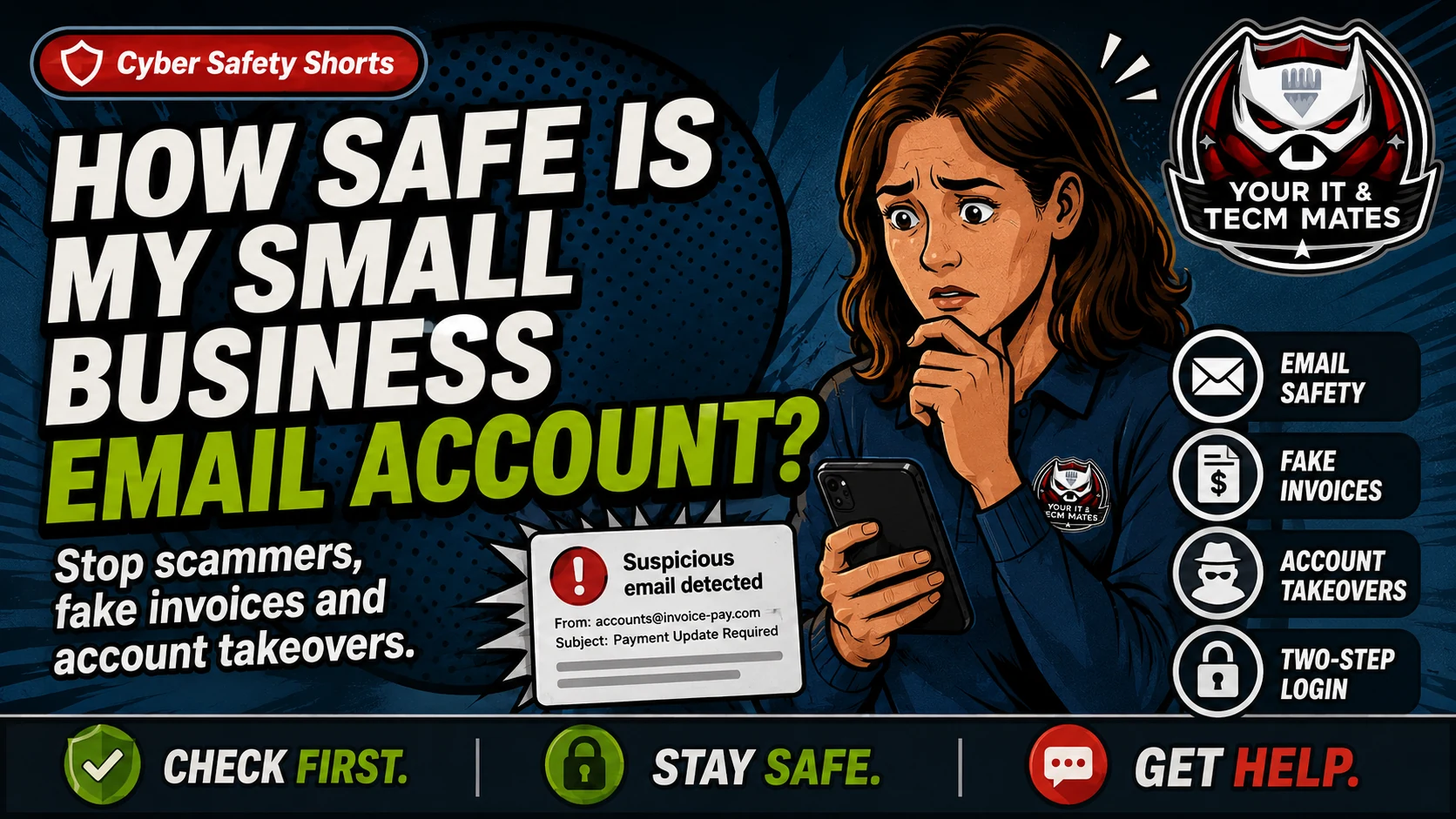
Learn how small business email accounts get misused for fake invoices, account takeover and password problems, and what to check first in plain English.
Based on public ASD/ACSC Essential Eight guidance. Written for Australian small business owners who want a practical next step, not jargon.
Cyber Safety Shorts guide image from Your IT & Tech Mates.
Quick answer
Your email is usually one of the most important accounts in the business. If someone gets in, they may reset other passwords, read invoices, contact customers or pretend to be you.
Plain-English explanation
This guide keeps the business problem first, then shows how it relates to the Essential Eight. It is a practical support guide, not a formal certification, audit, legal advice or insurance advice.
A supplier says they received strange payment instructions from your email. A staff member reused a password, and the business does not know whether two-step login is turned on everywhere.
Business owner scenario
A supplier says they received strange payment instructions from your email. A staff member reused a password, and the business does not know whether two-step login is turned on everywhere.
What can go wrong
Fake invoices can be sent from a real business mailbox.
Attackers may read old email threads to make scams sound believable.
Shared passwords make it hard to know who used the account.
Old staff or contractor access can stay open longer than intended.
What to do now
Check Microsoft 365 or Google Workspace two-step login.
Prioritise accounting, banking, website and social media accounts.
Remove old staff and contractor access.
Use separate accounts instead of shared logins where possible.
What not to do
Do not send one shared password around by text or email.
Do not wait until after a scam to turn on two-step login.
Do not ignore admin accounts because only one person uses them.
Related free tool
Use the related Your IT & Tech Mates tool to turn this guide into a simple self-check and practical next step.
Need help turning this into real protection? Your IT & Tech Mates can help set up two-step login, backups, updates, admin access, safer devices, and a plain-English cyber action plan for your business.
Use the relevant service page to understand the support path, or start with QuoteMe to describe the problem. A QuoteMe request is reviewed by a person and does not approve paid work, pricing, payment or diagnosis.