
Stop
Do not keep forcing restarts, charging attempts or DIY fixes if the computer has liquid damage, heat, scam pop-ups, strange noises or important files at risk.
Home / Services / Computer Repairs
PC Overheating Repair in Epping: help with loud fans, hot cases, random shutdowns, gaming crashes or heat warnings, safe terms, repair options, upgrades, virus/scam risks and data safety.
Reviewed for Melbourne North customers · Updated 11 August 2026 · Plain-English guidance before booking repair.
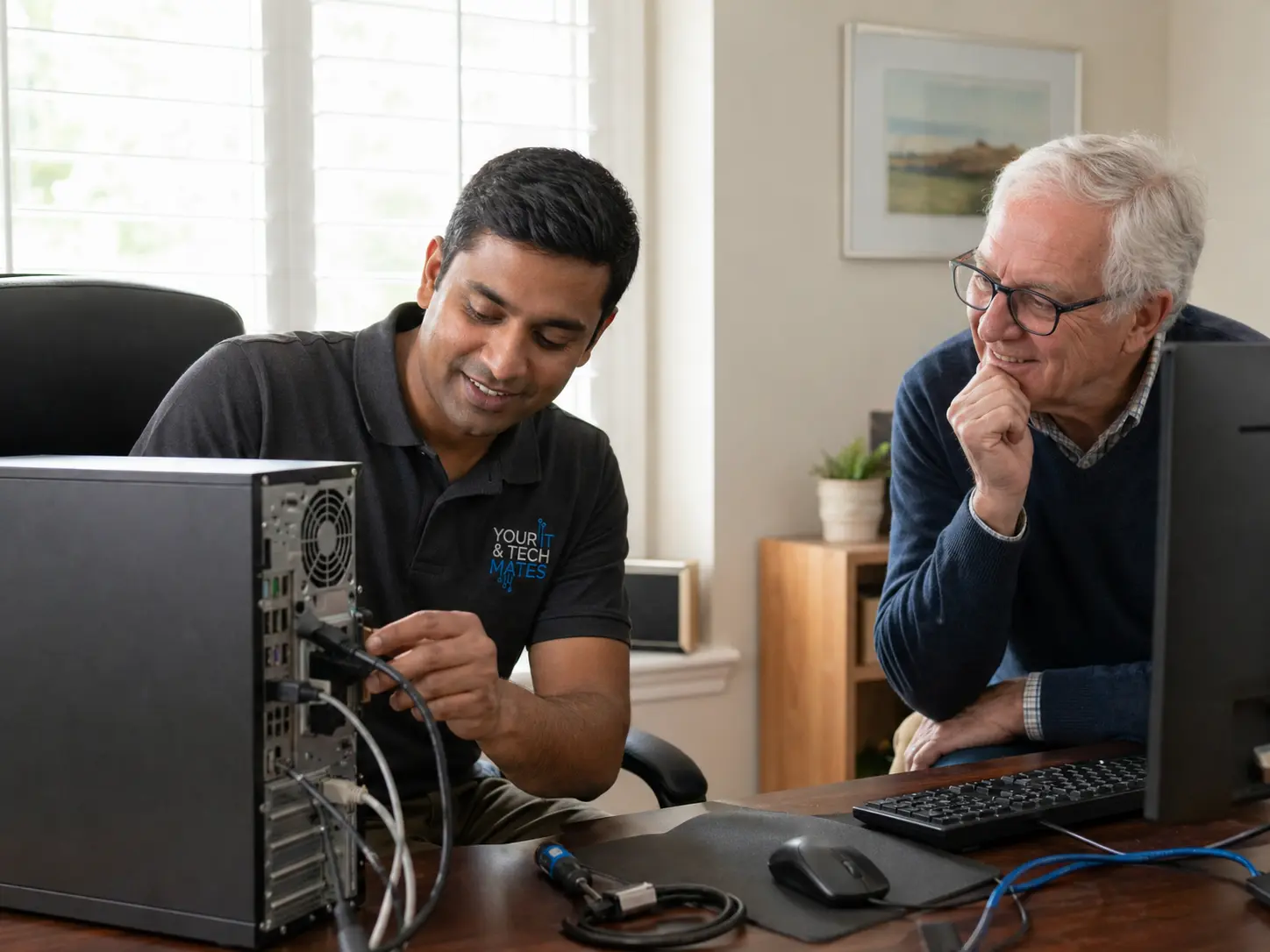
This guide is organised for quick decisions, safer checks and clearer next steps.
PC Overheating Repair Epping Practical service advice for Melbourne North customers with safe terms, data protection, repair options and next steps.
Stop using the device or account if there is data risk, liquid, scam activity, burning smell, sparks or repeated failed startup.
Keep the model, symptom, photos, error messages and timing together before asking for help.
Use this guide first, then choose QuoteMe or the most relevant local service page.
Do not keep forcing restarts, charging attempts or DIY fixes if the computer has liquid damage, heat, scam pop-ups, strange noises or important files at risk.
Write down what changed, check the charger or connection only if it is safe, and take photos of any message, damage or symptom.
Send the computer model, what happened, photos and your suburb through QuoteMe so we can suggest the safest next step.
If the cost, risk or downtime looks high, compare assessment, repair, replacement and backup options before approving work.
Use these links if you are trying to work out whether the issue is a quick check, a repair job, a data-safety problem or a repair-or-replace decision.
If you need PC overheating repair in Epping, the issue is usually connected to dust buildup, blocked airflow, fan faults, dried thermal paste, failing coolers or high workloads. This guide explains the signs to look for, safe terms you can do first, what to avoid, and when it is better to get local help before data, accounts or hardware are put at risk.
Customers usually ask for PC overheating repair when they notice loud fans, hot cases, random shutdowns, gaming crashes or heat warnings. The exact cause can be simple or serious, so the best first step is to describe the behaviour clearly rather than guessing the part that has failed.
Get help if the computer has important files, keeps crashing, shows scam warnings, overheats, will not turn on, or the same problem returns after basic terms. For Epping customers, the safest path is usually to send the symptoms first so we can suggest repair, backup, malware clean-up, upgrade or replacement advice.
Help with slow computer repair in Epping.
Help with computer not turning on in Epping.
Help with virus removal and scam pop-up help in Epping.
Help with blue screen repair in Epping.
Help with computer data recovery in Epping.
These related guides help customers check symptoms safely, protect files and choose the right local repair path before booking help.
Go back to Computer Repairs Epping, view the Computer Repairs Melbourne North page, or send the symptoms through QuoteMe.
This guide is part of the Epping computer repair cluster. Use the main Epping computer page if you want help choosing between repair, upgrade, backup or replacement.
Yes. Start by sending the symptoms, computer type and whether important files are on the device.
Some software and setup issues can be checked remotely. Hardware, power, overheating and drive faults usually need a more careful assessment.
Yes, if the computer still runs. If the drive may be failing, avoid repeated restarts and ask before trying major changes.
Sometimes. An SSD or RAM upgrade can help, but very old hardware may be better replaced. We can help compare the options plainly.
Use QuoteMe and include what happened, when it started, the suburb and whether you need the files kept safe.
Weekend appointments depend on current technician capacity, travel, the fault and any parts required. Start QuoteMe with the device, issue and suburb; we confirm the available window and the applicable support, assessment or repair price before paid work begins. If the scope changes, we stop and provide a revised quote for approval.
No extra work starts without your approval.