Need local tech help? Use Quick Help to send the details first — or call us if it is urgent.

HomeCommunity GuidesLive Resume & Showcase Cards
🪪 Community Guide 6 of 6

How Live Resume Cards Help Students, Tutors and Providers Show Their Strengths

A live resume card is a shareable profile page for a student helper, tutor, technician or provider. It shows their headline, strengths, approved services, service areas, trust badges, public reviews, completed job examples, profile photo or logo and a Request this provider button — all admin approved before going public.

Short answer: A student or provider builds their profile, admin approves it, they share the link. A customer clicks Request this provider. The job board form opens with the preferred profile already attached. No private contact details shown until the job is confirmed.
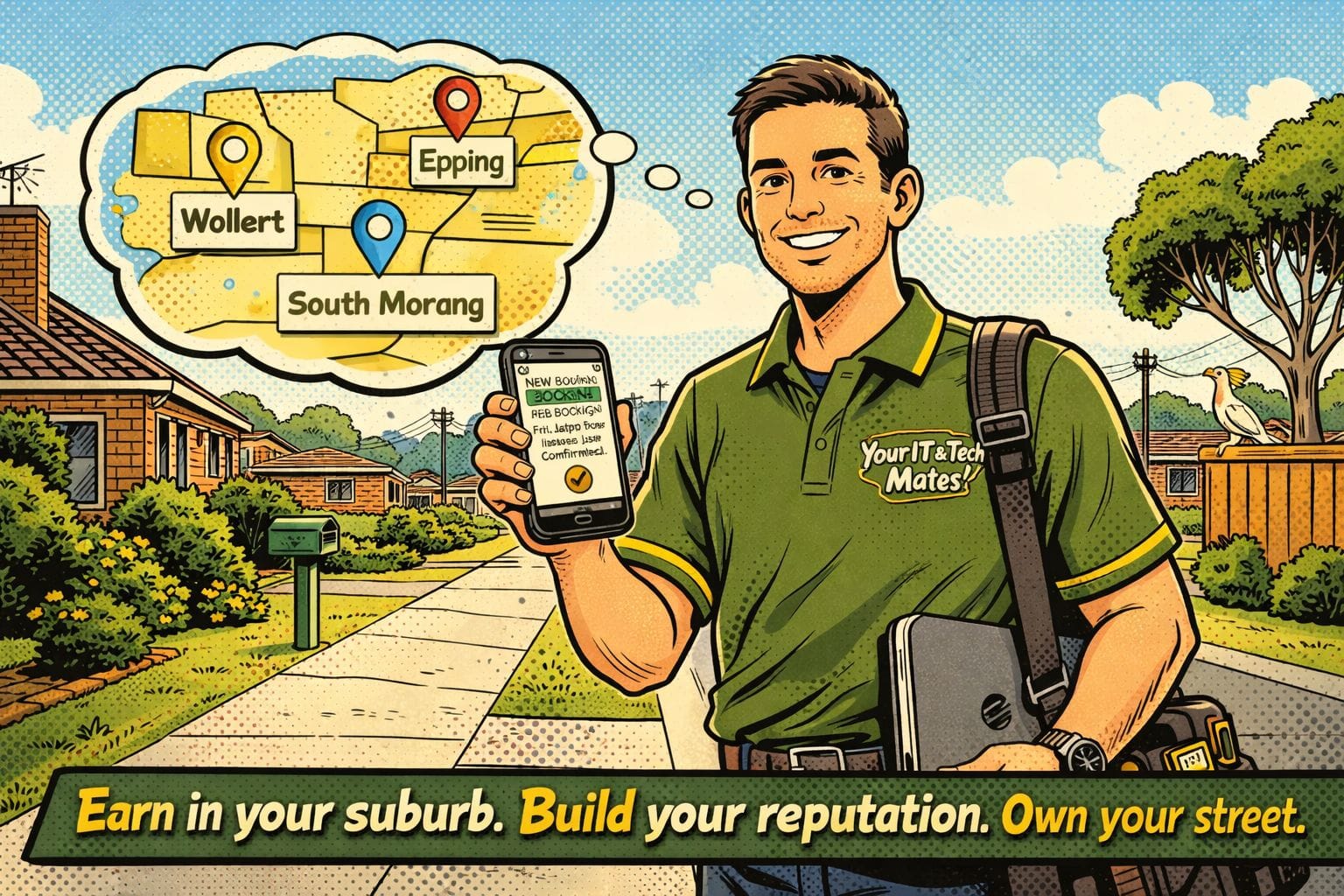
Local IT technician in Epping with a live resume card — shareable provider profile showing skills, services, reviews and a request button by Your IT and Tech Mates
Why live resumes matter

Skills and reviews, not just a name

Students and local providers often struggle to show what they can do — especially early in their career. A live resume card turns skills, completed work and genuine reviews into a public profile that can be shared in community groups, attached to a QR code, included in an email signature or linked from a job board post.

It also protects privacy. Contact details stay hidden from the public profile. Customers request help — they do not call directly. The request opens the job board form and connects the preferred profile to the new post.

What a profile includes

Everything a customer needs to choose confidently

Display name and headline

A professional name and one-line summary — what the provider does, who they help and where they are based.
Skills and approved services

A list of the services the provider can offer, linked to the job board categories they are approved for.

Service areas and campus

Suburb, area or campus — so customers can quickly confirm the provider covers their location or institution.

Trust badges

Verified provider, completed jobs milestone, positive review threshold or other admin-issued trust markers.

Public reviews

Admin-approved reviews from completed jobs — tied to real booking records, not anonymous submissions.

Request this provider button

Opens the job board form with the preferred provider pre-selected. No private contact details shown to the public.

Admin approval keeps profiles safe

Profiles are reviewed before going public

Profile text, photos, badges, approved services and completed job examples should all be reviewed by admin before appearing on the public profile. This keeps profiles professional, accurate and safe — and prevents providers from claiming skills or services they are not approved for.

Profile photos, avatars, logos and cover images should be validated, resized and checked before storage. Large phone photos should be resized automatically. Unsafe file types should be blocked. Image changes can be queued for review when needed.

Simple case study

A student helper builds credibility through real campus jobs

A student tech helper creates a live resume card showing laptop setup, Microsoft Office, printer help and campus support skills. After admin approval, the student shares the profile link in their university group chat. A classmate clicks Request this provider, posts a campus help request with the preferred profile attached, and the job proceeds through the normal review and approval flow.

After completing the job and receiving a review, the student's profile shows one completed job and one verified review — building a real track record without exposing their personal contact details to strangers.

Privacy and safety: Live resume profiles should not include personal contact details, home addresses, private phone numbers or links to personal social media pages. Customers contact providers through the job request form — not directly through the profile page.

Common questions

Frequently asked questions

It is a shareable profile page that shows a provider, tutor or student helper's strengths, services, reviews, completed job examples, trust badges and a Request this provider button.
Yes. The profile can include an avatar, profile photo, logo or cover image, subject to upload limits, file type validation and admin moderation before going public.
The safer default is request-only contact. Customers submit a job request — the profile links that request to the preferred provider — rather than seeing private contact details directly.
Yes. A profile link can carry referral information into a job board post, connecting the profile view to the referral trail.
Yes, but only admin-approved reviews should be displayed. Unmoderated or unverified reviews should not appear on the public profile.

Ready to view or request a local provider?

Browse live provider profiles or post a job request — and let Your IT & Tech Mates match you with a trusted, admin-approved provider in your area.

✔ Admin moderated✔ No bidding✔ Local Melbourne help
🧭 Quick Help 📞 Call now