Post the request
Choose a tech help category or describe the problem in plain English. Add your campus, deadline and preferred contact method.
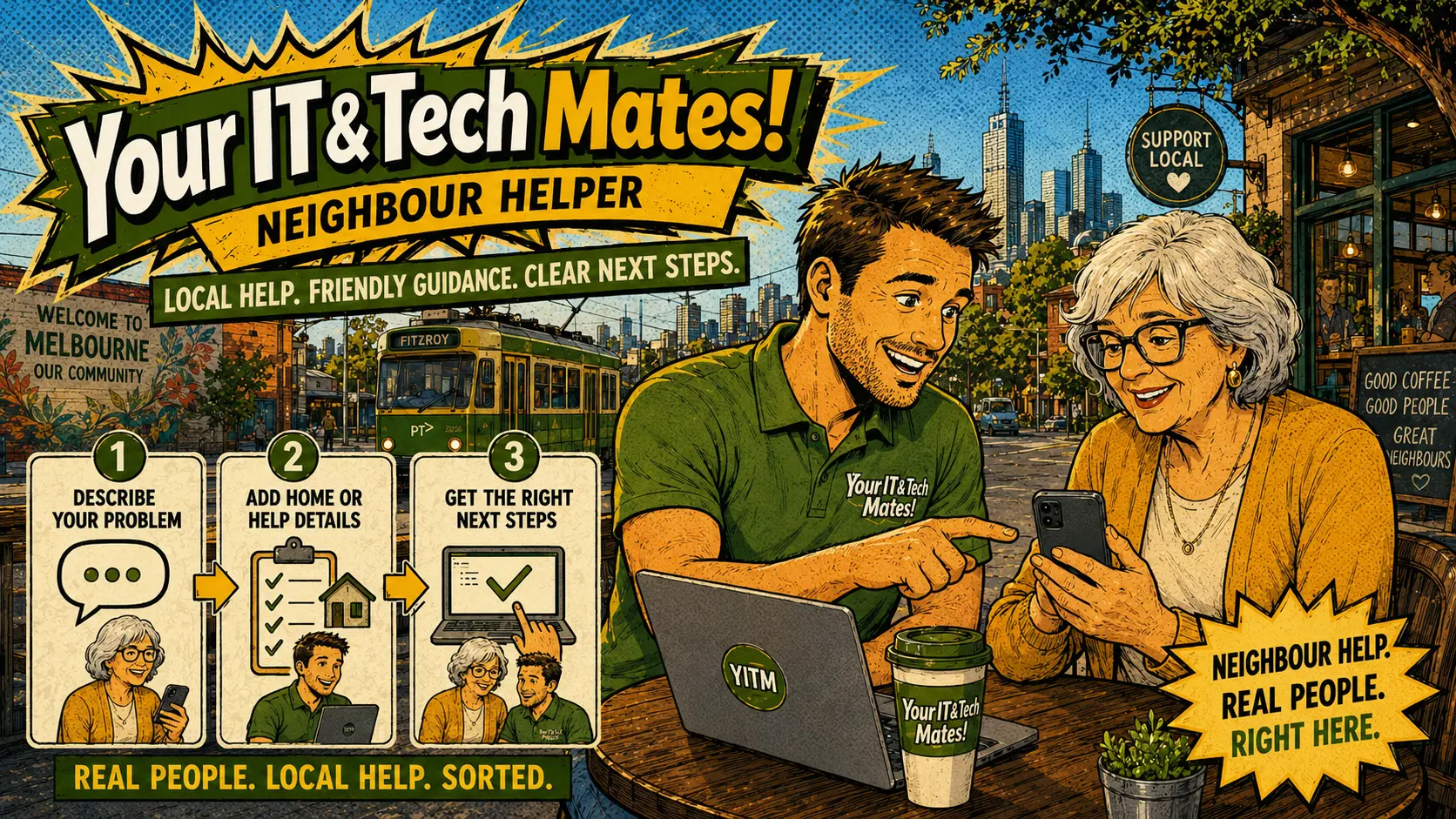
Students often need help urgently — before a class starts, before an assignment deadline, before a presentation. A campus board should use simple language, clear categories, deadline fields and student-friendly support options rather than a full business support process.
Common student tech help categories include laptop setup, university email setup, Wi-Fi connection help, campus printer setup, Microsoft Office, Google Docs, OneDrive, Google Drive, Moodle or LMS help, software installation, coding support, Excel help and presentation setup.
Choose a tech help category or describe the problem in plain English. Add your campus, deadline and preferred contact method.
Every student request is reviewed before helpers can see it. This protects students from spam and filters unsafe or out-of-scope requests.
An approved student helper or provider expresses interest or submits a session offer. No open bidding — trust and fit come first.
The student receives a clear session offer and approves it before anything is confirmed. Contact details stay private until then.
Approved student helpers can support safe, lower-risk campus jobs and build a live resume card through completed work, reviews and skills. Completed jobs, positive reviews and trust badges build a profile that supports employability — all inside a moderated, safe system.
Not every student problem fits a fixed list. A Something else / not listed option lets students explain unusual software, device, deadline or campus needs in plain English. Admin reviews custom requests before they reach helpers.
Post a student tech help request and get matched with an approved campus helper or provider. Admin moderated, no bidding, plain-English session offers only.