
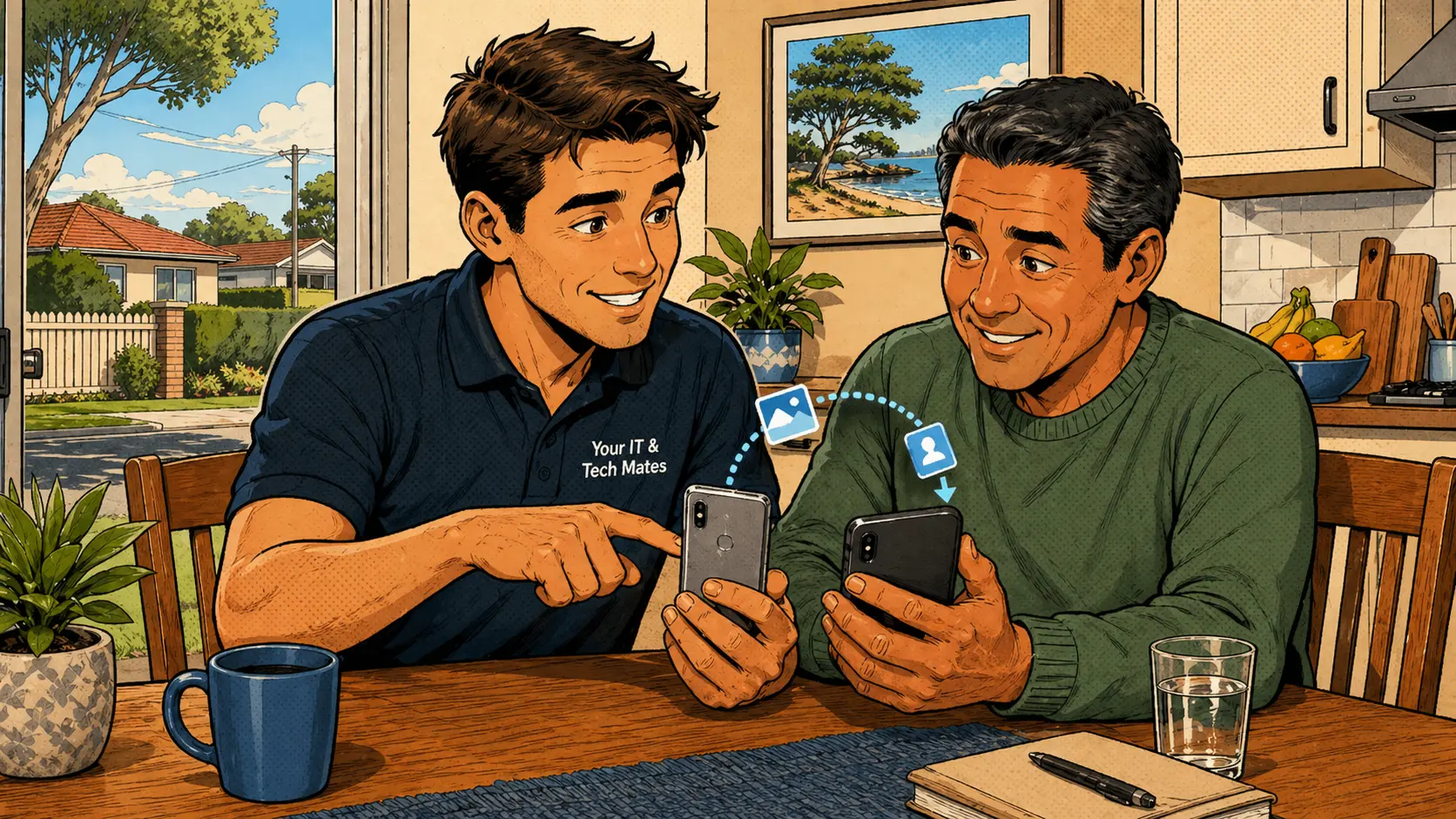
Do not wipe the old device until everything has been confirmed
Before wiping or trading in an old phone or tablet, make sure photos, contacts, messages, email, app accounts and two-factor authentication are safely transferred. The store may start the process, but the customer still goes home with questions unanswered.
For many customers — especially seniors and families — a proper phone or tablet setup visit prevents lost photos, missing contacts and locked banking or email accounts. The Australian Cyber Security Centre also recommends reviewing account security settings whenever setting up a new device.
What this type of phone setup visit covers
New device, but the transfer may not be complete
A customer gets a new iPhone, Android phone, iPad or tablet. The shop may start the transfer, but the customer still goes home unsure whether everything copied across. Photos might appear at first but still be downloading. Contacts may be tied to an old Google, iCloud or Outlook account. Banking apps and two-factor authentication may need careful separate setup.
This is why the old device should not be wiped until the new device has been checked properly — even if everything looks fine at first glance.
A safe phone or tablet setup should check these items
Platform-specific checks matter
iPhone and iPad: Key checks are Apple ID, iCloud backup, photos, contacts, messages, FaceTime, iMessage and app sign-ins. Confirm photos are actually stored safely, not just showing as thumbnails while still syncing.
Android phones and tablets: Key checks are Google account sign-in, Google Photos, contacts, Gmail, app restore, WhatsApp backup and device security. Different Android brands can behave differently, so setup should be confirmed rather than assumed.
Moving between iPhone and Android: Needs extra care. Some items transfer easily, but messages, app data and photos may need separate steps. Two-factor authentication apps and banking apps should be handled carefully to avoid losing access.
Mistakes that can cause lost photos and locked accounts
Common questions about phone and tablet transfer
Can photos be moved from an old phone to a new one?
Usually yes, but the method depends on whether the photos are stored on the device, in iCloud, Google Photos or somewhere else. The source needs to be confirmed — photos may still be downloading from the cloud even when they appear visible.
Should I wipe my old phone after transfer?
Only after the new device has been properly checked and important photos, contacts, messages and accounts are confirmed as transferred and working correctly.
Can you help with WhatsApp transfer?
Yes, but the steps depend on the old and new device types. WhatsApp backup should be checked and confirmed on the new device before the old phone is wiped.
Can you set up a phone for a senior?
Yes. The setup can include larger text, simplified icons, important contact shortcuts, video call apps and simple written instructions for the customer to keep.
What if I forgot my Apple ID or Google password?
Password recovery may be needed before a full transfer can happen. It is much safer to handle this carefully than to create a new account that loses access to years of photos, contacts and purchases.
New phone or tablet and not sure everything transferred? Message Your IT & Tech Mates
We can check the transfer, confirm photos, contacts and accounts are safe, and explain the setup in plain English — before the old device gets wiped.
Clear Approval · appointment availability must be confirmed when possible · On-site across Melbourne's north
Start with QuoteMe.
QuoteMe is the fastest way to send the right repair details without needing to know the exact technical name for the issue. A real technician reviews every request.
Guide only until confirmed by a technician. Never send passwords, PINs or banking codes through public forms.
Know someone who needs tech help?
Share Your IT & Tech Mates with a neighbour, friend or family member. Tracked referrals are managed through TheFixers.APP. Repair assessment, pricing and customer support remain with Your IT & Tech Mates.
Referral rewards are eligible, not guaranteed. Subject to eligibility, completion and manual review. Powered by TheFixers.APP.
Continue from here
Useful next steps for this topic
These links are selected from the same hub, Intent, service and tool relationships.