
New student feature guides
These new guides explain the latest skill tag, smart note, auto-checking and review-by-exception features in plain English.
Student Referrals and Ambassadors: Build Business Skills Without Being Pushy
A non-technical student pathway for referrals, share codes, campaign support, business introductions, follow-up and community awareness.
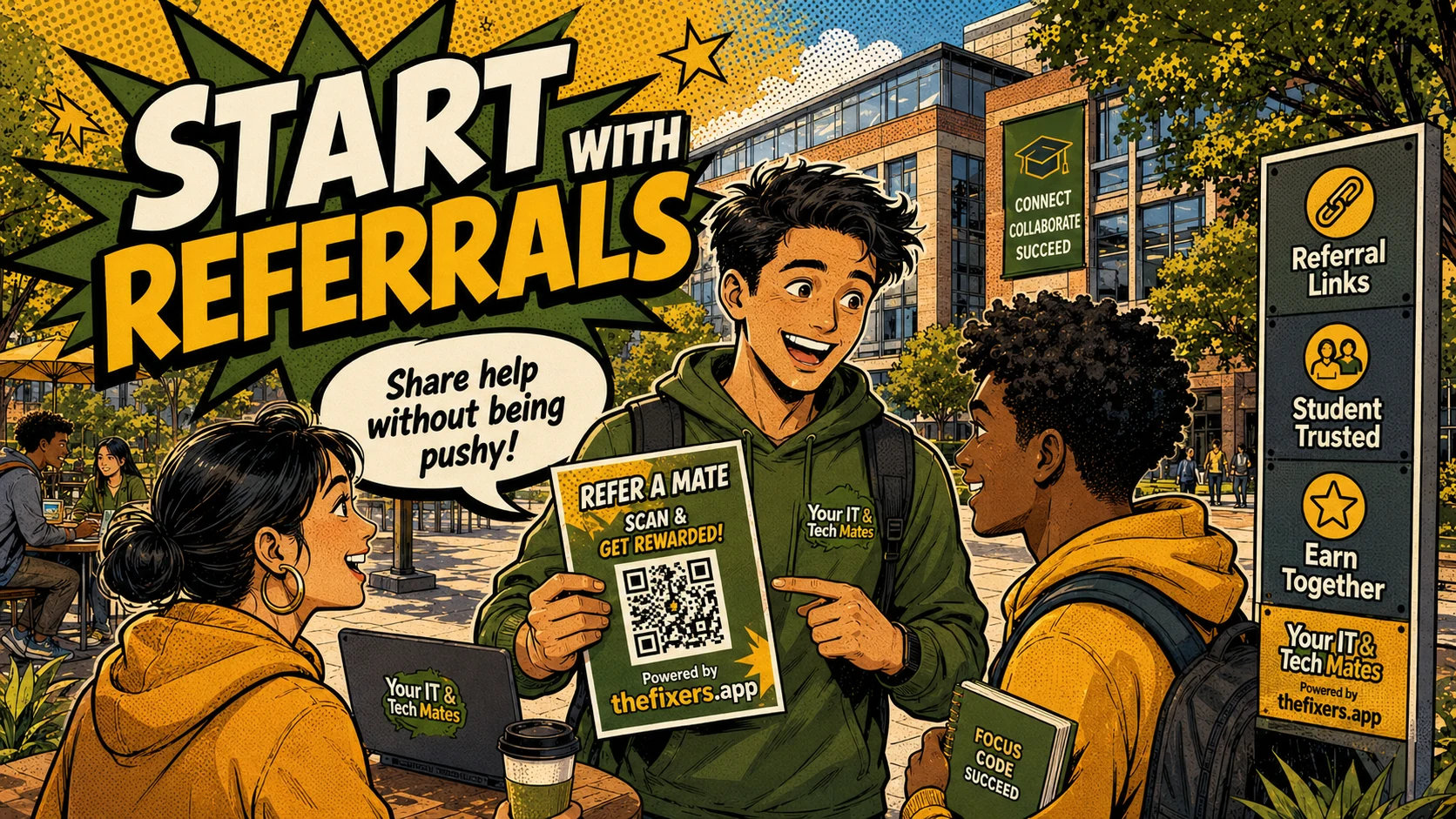
What students can gain
- Referrals and Ambassadors pathway explained with practical examples
- How real student activity becomes proof
- Employability skills students can describe
- Safe join and guidance next steps
How this feature works in real student life
These examples show the difference between reading about a feature and seeing how it can help a student build confidence, communication and future job proof.
Referral example
A student shares a QR code with a club, campus noticeboard or local group and records the activity responsibly.
Ambassador example
A student explains the pathway to classmates and sends them to the join page rather than making promises.
Business skill example
Follow-up, campaign notes, messaging and trust-building become evidence of marketing and business development skills.
Why this matters for students
Not every student wants to provide hands-on support. Some students are better at communication, marketing, organising people, sharing campaigns, building trust or supporting business introductions. The referral and ambassador pathway gives them a practical way to contribute.
Feature flow: from activity to employability proof
Students get the most value when each task is clear, safe and connected to learning. A small task can become useful proof when the student understands the role, records the outcome and reflects on what skill it shows.
- Share responsibly: Use approved links, QR codes and clear language.
- Track activity: Record what was shared, who asked questions and what follow-up is needed.
- Build proof: Campaign work becomes marketing, admin, communication and customer support evidence.
Example student journey
A student might start with one small task, such as helping at a campus desk, following up a referral, supporting a simple tech question, helping with an event, or joining a small Team Up project. The important part is not that the task is big. The important part is that the student can explain the situation, the role they played, the result, and what skill it shows.
For example, a non-technical student could help promote a campus support offer, answer basic questions, record enquiries, and send a follow-up message. That can show communication, admin, marketing and customer support skills. A practical student could help with a simple device or software task, stay inside boundaries, ask for guidance when needed, and turn the outcome into a skill tag or live-resume note.
This is the difference between a thin resume claim and useful proof. A thin claim says, “I am organised.” A stronger student example says, “I helped coordinate a small campus support task, checked who needed help, kept notes, followed up with people, and learned how to communicate clearly when the task changed.”
What students should record after each task
- The problem or request: what the person, campus group or customer needed.
- The student role: what the student actually did, without exaggerating.
- The safety step: where the student used boundaries, guidance, approval or a clear handover.
- The outcome: what improved, what was completed, or what was referred to someone else.
- The employability skill: communication, organisation, customer support, admin, marketing, project work, people management or practical tech help.
- The proof: review, note, skill tag, live-resume entry, project reflection or referral activity.
Why this pathway matters for non-technical students
Business, marketing, communication and humanities students may not see themselves as helpers if the pathway only talks about tech. Referral and ambassador content makes the opportunity more inclusive and gives these students a way to build practical proof.
Employability skills this hub helps build
Workplace habits
Students practise communication, organisation, admin notes, customer updates, task scoping, follow-up and guidance requests.
Interview-ready examples
Instead of saying they are reliable or good with people, students can explain what happened, what they did, what feedback they received and what they learned.
Guides in this hub
Choose a guide based on the next question you have. Each page connects practical activity with safety, guidance and live-resume proof.
How Share Codes and QR Links Give Student Ambassadors Proof of Activity
Share codes and QR links can help student ambassadors show the campaigns they ran, the introductions they made and the local interest they helped create.
Open guide →GuideHow Share Kits and Landing Cards Help Student Campaigns Work
Share kits and landing cards help student campaigns work by giving students a clearer way to explain the offer, share links and track interest without being pushy.
Open guide →GuideHow Student Ambassador Work Becomes Live Resume Business Proof
Student ambassador activity can become live resume proof when students record the campaign, communication, follow-up, teamwork and outcomes honestly.
Open guide →GuideThe Student Ambassador Pathway for Students Who Are Not Technical
Students do not need technical skills to contribute. Referral, ambassador and team-building work can build communication, organisation, marketing and project skills from real activity.
Open guide →GuideHow Student Ambassador Status Badges Support a Live Resume
Student ambassador status badges can support a live resume when they reflect real contribution, trusted activity, referral care and consistent follow-up.
Open guide →GuideHow Referral Follow-Up Builds Student Admin Skills
Referral follow-up builds student admin skills by teaching students to track conversations, organise next steps, update people clearly and close the loop.
Open guide →GuideHow Student Referrals Build Marketing Skills and Real-World Proof
Referral work can help students practise local marketing, clear communication, trust-building, follow-up and campaign thinking without pretending to be technicians.
Open guide →GuideHow Referral Links Help Me Share Tech Help Without Being Pushy
How I can use student referral links responsibly to share local tech help, support my network and build trust without spamming people.
Open guide →GuideHow I Can Build Local Connections Through Tech Help
How I can build local connections through tech help by solving small problems, earning trust, collecting reviews and using safer support pathways.
Open guide →Where to go next
Join the student pathway
Choose the pathway that fits you: campus help, support, referrals, Team Up, leadership or practical tech help.
Skill tagsSee how skill recognition works
Learn how real activity can turn into skill tags and proof students can explain.
EmployabilityBuild project and people skills
Explore how student work can build organisation, project management and people-management evidence.
Ready to choose your next step?
Start from the student join page, or return to the full gateway to compare help, campus, referral, Team Up and leadership pathways.