⚑ Free tool β€” no login required Β· Use before booking
Home β€Ί Free Tools β€Ί Phone Battery Health Checker
πŸ”§ Free Diagnostic Tool

Phone Battery Health Checker β€” Is It Time to Replace Your Phone Battery?

Purpose: This tool assesses your phone battery health and tells you whether replacement is the right fix.

πŸ“‹ This tool is based on common issues we diagnose in real repairs across Melbourne's northern suburbs. We've seen hundreds of these faults β€” the guidance reflects real-world outcomes, not theory.

If your phone doesn't hold charge past midday on a full charge, shuts down unexpectedly at 20–30%, or the battery percentage jumps erratically, it almost certainly needs replacement.

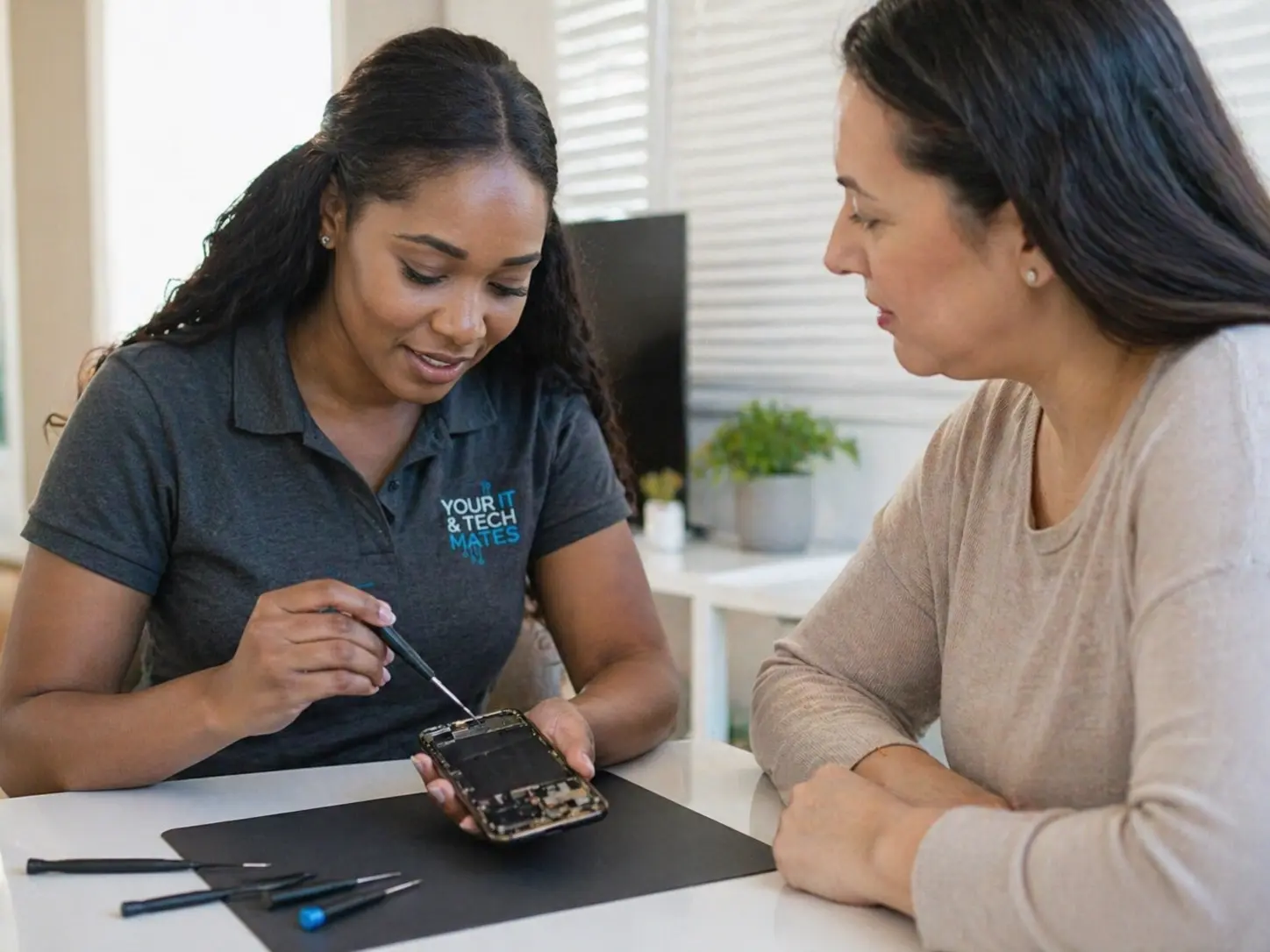
Phone battery health checker β€” Your IT & Tech Mates
No Fix No FeeYou only pay if we fix it
Same-Day ServiceSubject to availability
5.0β˜… Rated200+ neighbour reviews
Local & MobileWe come to you
Mon–Sat 9am–7pmEpping base, Melbourne North
πŸ” Interactive Tool

Answer the questions to get your result

No personal information is collected. All processing is local to your browser.

Interactive tool loads here. Prefer a direct assessment? Call us for a live diagnosis.

Next steps

After You Get Your Result

βœ… All clear

Even a positive result benefits from preventive maintenance. Check related guides below.

⚠️ Minor issues

Many minor faults have DIY fixes. Our guides walk you through each option clearly.

πŸ”΄ Repair needed

Book with us β€” we come to you across Melbourne's north.

πŸ“ž Book Repair
πŸ“‹ Real Example β€” Phone Battery Health Checker

A South Morang parent was about to upgrade her iPhone 12 because it was 'too slow.' Battery health: 74%. We replaced the battery β€” performance throttling was lifted, the phone ran at full speed again, and she saved $900 on an unnecessary upgrade.

Root Causes

What's Actually Causing This?

Understanding the cause helps you make better decisions β€” and helps us fix it faster.

Capacity Fade

Phone battery capacity degrades with every charge cycle. Apple shows this directly in Settings. Android varies by manufacturer β€” third-party apps like AccuBattery measure it.

Unexpected Shutdowns

A phone that shuts off at 15–40% charge has failing cells that can't deliver sufficient current under load. This is often more disruptive than simply short battery life.

Heat During Charging

Excessive heat while charging indicates a failing battery, a damaged charging cable, or a dirty charging port. All three accelerate battery degradation further.

App Battery Drain

Background apps can drain battery without visible activity. Check Settings β†’ Battery β†’ Battery Usage before concluding the battery itself needs replacement.

What To Do Next

What Your Result Means β€” Next Steps

Your result points to either an issue you can address yourself, or one that needs professional attention before it worsens.

βœ… Minor Issue β€” Try This First

  • iPhone: check Settings β†’ Battery β†’ Battery Health & Charging
  • Android: use AccuBattery app for accurate cycle count and capacity measurement
  • Reduce screen brightness and background app refresh to extend daily runtime
  • A battery above 80% capacity still has good life β€” no immediate action needed

⚠️ Serious Issue β€” Act Now

  • Below 80% on an iPhone triggers Apple's performance throttling β€” replace to restore full speed
  • Unexpected shutdowns at any battery level indicate failing cells requiring immediate replacement
  • Heat during charging on a phone with good battery health suggests charging port or cable fault
  • We stock batteries for most common iPhone and Samsung models for same-day replacement
Key Questions

Is It Worth Fixing? Can It Get Worse? Hardware or Software?

βš™οΈBattery vs software drain: Check battery health first. If it's above 85% but the phone dies quickly β€” use Settings β†’ Battery β†’ Battery Usage to identify the draining app. A single background app can drain a healthy battery as fast as a failing one.
⚠️What happens below 80% battery health: On iPhones, iOS automatically throttles CPU performance below 80% battery health to prevent unexpected shutdowns. This is intentional β€” but it means your phone is running slower than it should. Replacement restores full CPU performance.
βœ…Phone battery replacement cost vs value: iPhone battery replacement: $79–$120. Samsung: $79–$100. On any phone under 4 years old in good condition, replacement is almost always more economical than upgrading the entire device.
🚨 Urgency note: If your phone is throttling performance due to low battery health β€” replacing the battery also restores full CPU speed. You may notice the phone faster than it's been in 2 years.
Related Tools

Other Useful Diagnostic Tools

Not sure what to do next? Call or WhatsApp us for a free triage β€” no obligation.

πŸ“ž Call Now πŸ’¬ WhatsApp

πŸ’‘ If your battery health is below 80%, your phone's performance and reliability will continue to decline β€” it's worth sorting.

Professional Help

Do You Need a Professional Repair?

βœ… You can DIY if:

Check your iPhone battery health in Settings β†’ Battery β†’ Battery Health & Charging. Android health varies by manufacturer β€” Samsung has a built-in diagnostic at *#0228# on some models; otherwise use AccuBattery.

πŸ”§ You need professional repair if:

You need professional replacement if: health is below 80% on an iPhone; the phone shuts off unexpectedly at any percentage; the device runs warm during normal use and charging; or it needs charging twice daily to get through a normal day.

⚠️ What happens if you ignore this: On iPhones, iOS throttles CPU performance when battery health falls below 80% β€” you may not realise your phone is running slower than it should. Replacing the battery also restores full CPU speed. A battery replacement is often the fastest and cheapest 'upgrade' available.

πŸ› οΈ iPhone and Samsung battery replacements are same-day in most cases. We're based in Epping and cover all of Melbourne's northern suburbs. Contact us with your model for availability and pricing.

πŸ“ž Call NowπŸ’¬ WhatsApp
Common questions

Phone Battery Health Checker β€” FAQs

Settings > Battery > Battery Health & Charging. Below 80% Maximum Capacity: Apple recommends replacement.
Use AccuBattery app, or Samsung: Settings > Device Care > Battery. Most Android devices don't show a built-in health percentage.
$79–$180 depending on model. iPhone batteries for older models cost less; newer flagship models cost more.
Yes β€” on iPhones, iOS throttles CPU when battery drops below 80%. A new battery restores full performance speed.

Phone Battery Failing? We Replace It Fast.

Your IT & Tech Mates β€” fast, local tech support across Melbourne's northern suburbs.

Your IT & Tech Mates Β· Melbourne's North Β· Mon–Sat 9am–7pm
πŸ’° Refer & Earn

Know someone who needs tech help? Earn a commission.

Join the TheFixers.app referral network. Refer a friend, family member or client to Your IT & Tech Mates and earn a 4% Primary Referrer commission on every job they book β€” for up to 24 months or their first 20 jobs.

1
Share your referral link

Sign up free at TheFixers.app and get your unique referral link.

2
Your contact books a job

They use your link to request service. We handle everything from there.

3
You earn 4% commission

Paid per completed job. Commission window: 24 months or first 20 jobs.

Become a local IT referrer β€” earn with TheFixers.app
Primary Referrer Commission
4%
per completed job Β· 24-month window
Join TheFixers.app β€” Start Earning β†’
πŸ’¬ WhatsApp πŸ“ž Call Now