
Is a Refurbished Laptop Good for Seniors?
How to choose a refurbished laptop for a senior, with simple setup, readable display, video calls, email, scam safety and local support.
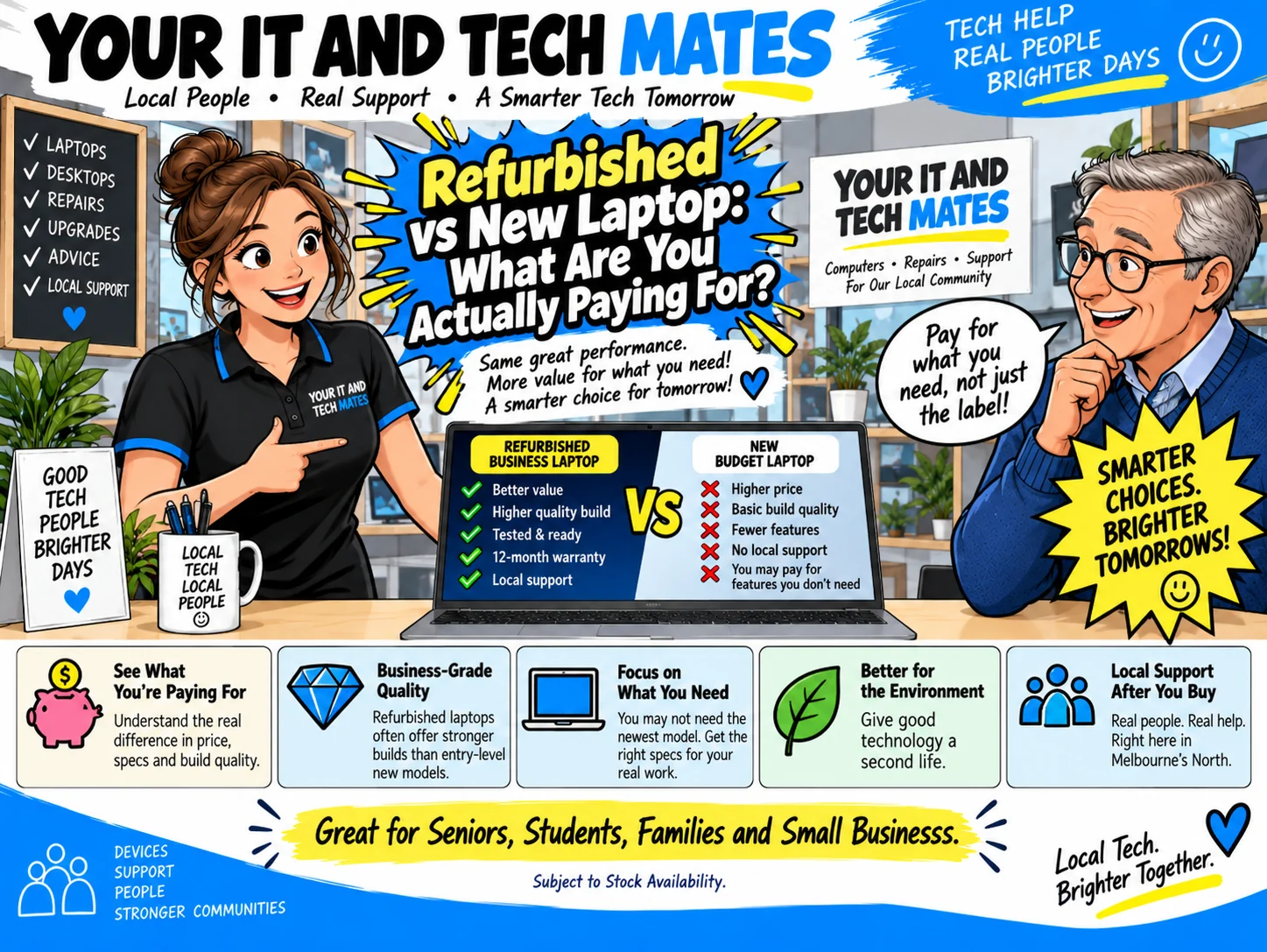
Quick answer
Yes, a refurbished laptop can be a very good fit for a senior when the machine is reliable, supported, easy to read and set up around the person—not around technical jargon. The right screen, keyboard, Windows setup and patient support matter more than owning the newest model.
What matters most for a senior laptop
Use the exact unit, your real workload and the total supported price to make the decision. These are the checks that matter most.
| Comfort | Readable display, comfortable keyboard/trackpad, sensible weight and ports that match existing devices. |
|---|---|
| Simplicity | Clean Windows setup, familiar shortcuts, browser/email setup and only the applications that are actually needed. |
| Support | A real person to help with setup, printers, Wi-Fi, accounts and questions after purchase. |
| Value | Enough performance for everyday use without paying for gaming or specialist features that will never be used. |
Your IT & Tech Mates confirms the exact available refurbished unit, specification, condition and final price before payment. A QuoteMe request is an enquiry, not a purchase.
Keep the setup simple
We can prepare larger text, browser shortcuts, email access and familiar apps so the laptop starts in a clear, predictable way.
Prioritise screen and keyboard comfort
A good display, comfortable keyboard and sensible physical size can matter more than chasing a tiny performance difference.
Plan for calls, photos and family contact
Check the webcam, microphone, speakers and Wi-Fi if video calls are important. Ask about photo transfer if memories are stored on an older computer.
Include safety, not just setup
We can explain updates, passwords, MFA and common scam warning signs without asking a customer to hand over passwords or one-time codes.
Know the support price
Eligible Senior Tech Support is $110/hour including GST. The laptop itself, parts, repairs, pickup/return and separately scoped work are not automatically discounted by the senior labour rate.
Choose a laptop pathway
Example models and starting prices only. Refurbished stock changes. We confirm the exact available unit, specifications, condition and final price before payment.
Independent references: ACCC consumer guarantees · ACCC warranties · CHOICE laptop buying guide · US EPA electronics reuse information.
Questions buyers ask
Is an older laptop harder for a senior to use?
Age alone does not decide usability. A well-prepared laptop with a clear display, enough performance and a simple setup can be easier to live with than a new machine full of unwanted software or confusing configuration.
Can you set it up before it is used?
Yes. Setup can include updates, email, browser, Microsoft 365, printer/Wi-Fi help and other agreed tasks. Senior support labour is $110/hour including GST for eligible senior support, with separately quoted items explained first.