
How Much RAM and Storage Do You Really Need in a Laptop?
A plain-English guide to choosing laptop RAM and SSD storage for everyday use, study, family use and small business.
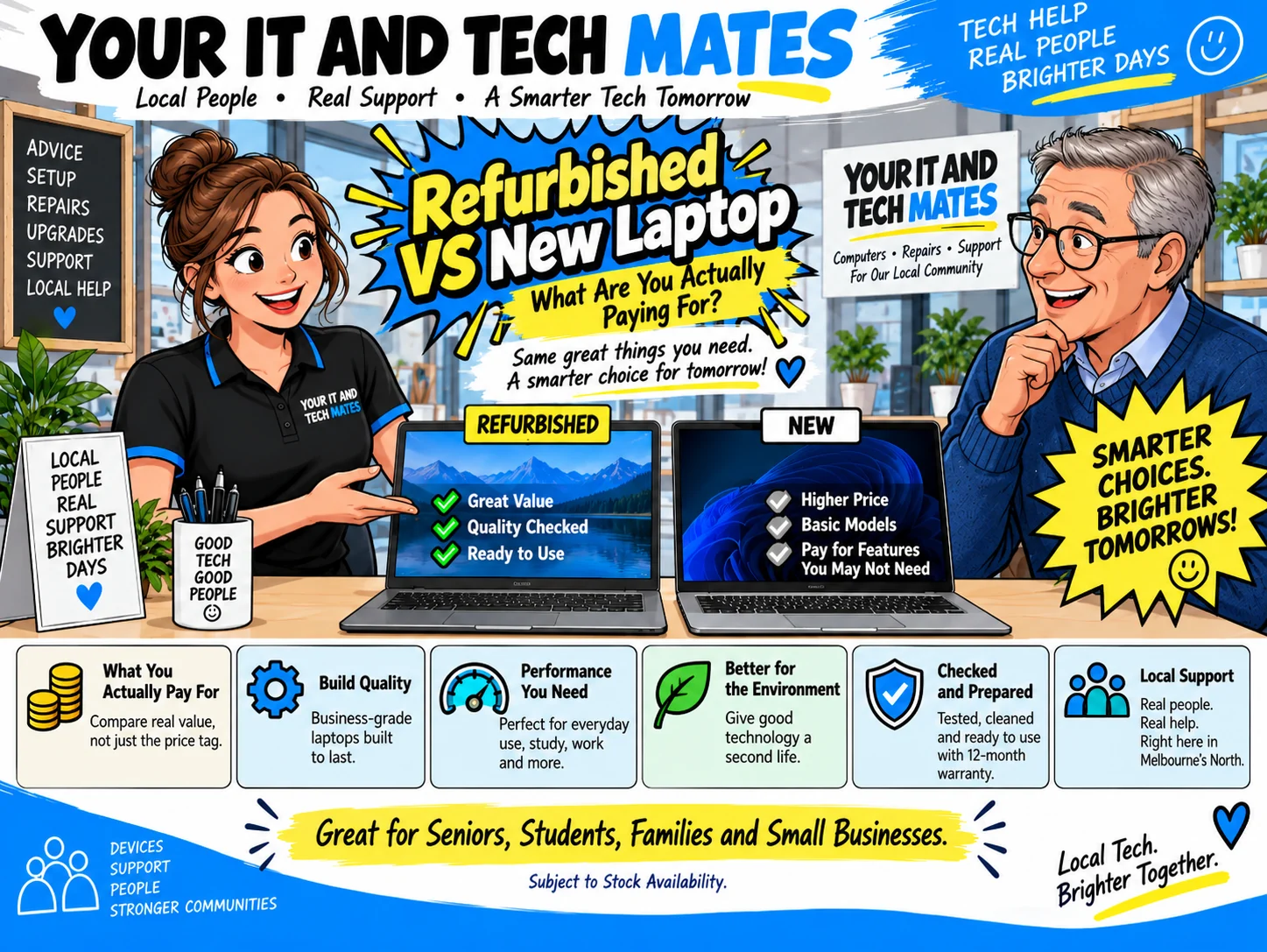
Quick answer
For the refurbished laptops we currently position for everyday buyers, 16GB RAM is a practical baseline and a 256GB or 512GB SSD covers many common needs. Your actual requirement depends on the apps you use and how many photos, videos or work files you store locally.
A simple RAM and storage starting point
Use the exact unit, your real workload and the total supported price to make the decision. These are the checks that matter most.
| 8 GB RAM | Can be acceptable for light single-task use, but offers less headroom for modern multitasking. |
|---|---|
| 16 GB RAM | A practical target for most everyday, study and small-business users in 2026. |
| 256 GB SSD | Works for lighter local storage when most files are cloud-based. |
| 512 GB SSD | A more comfortable starting point for many users who keep documents, photos or applications locally. |
Your IT & Tech Mates confirms the exact available refurbished unit, specification, condition and final price before payment. A QuoteMe request is an enquiry, not a purchase.
RAM is your working space
More RAM helps when you keep many browser tabs, Office apps and video calls open together. 16GB gives comfortable headroom for a broad range of everyday Windows 11 tasks.
SSD storage is your filing cabinet
256GB can work well when most files live in OneDrive or another cloud service. 512GB is more comfortable for larger local photo collections, coursework and business files.
Do not buy storage you will never use
An external drive, NAS or cloud storage may be a better fit than paying for a very large internal SSD. The right answer depends on backup strategy as well as capacity.
Specialist workloads need a different conversation
Video editing, CAD, virtual machines, large datasets and modern gaming can require more memory, storage and graphics performance. Tell us the software name before buying so we can check suitability.
Choose a laptop pathway
Example models and starting prices only. Refurbished stock changes. We confirm the exact available unit, specifications, condition and final price before payment.
Independent references: ACCC consumer guarantees · ACCC warranties · CHOICE laptop buying guide · US EPA electronics reuse information.
Questions buyers ask
Do I need 32 GB RAM?
Usually only for heavier workloads such as large creative projects, development tools, virtual machines or specialist applications. Many everyday users will not benefit enough to justify the extra cost.
Is a bigger SSD always better?
More storage is useful only if you need it. Budget should first cover enough RAM, a suitable processor, a healthy SSD and the features you actually use.