
Case or trackpad lifting
The battery can expand beneath the palm rest and push the trackpad or keyboard upward.
A swollen laptop battery is a safety issue. Learn what to stop doing, warning signs, data precautions and the safest next step in Epping or Wollert.
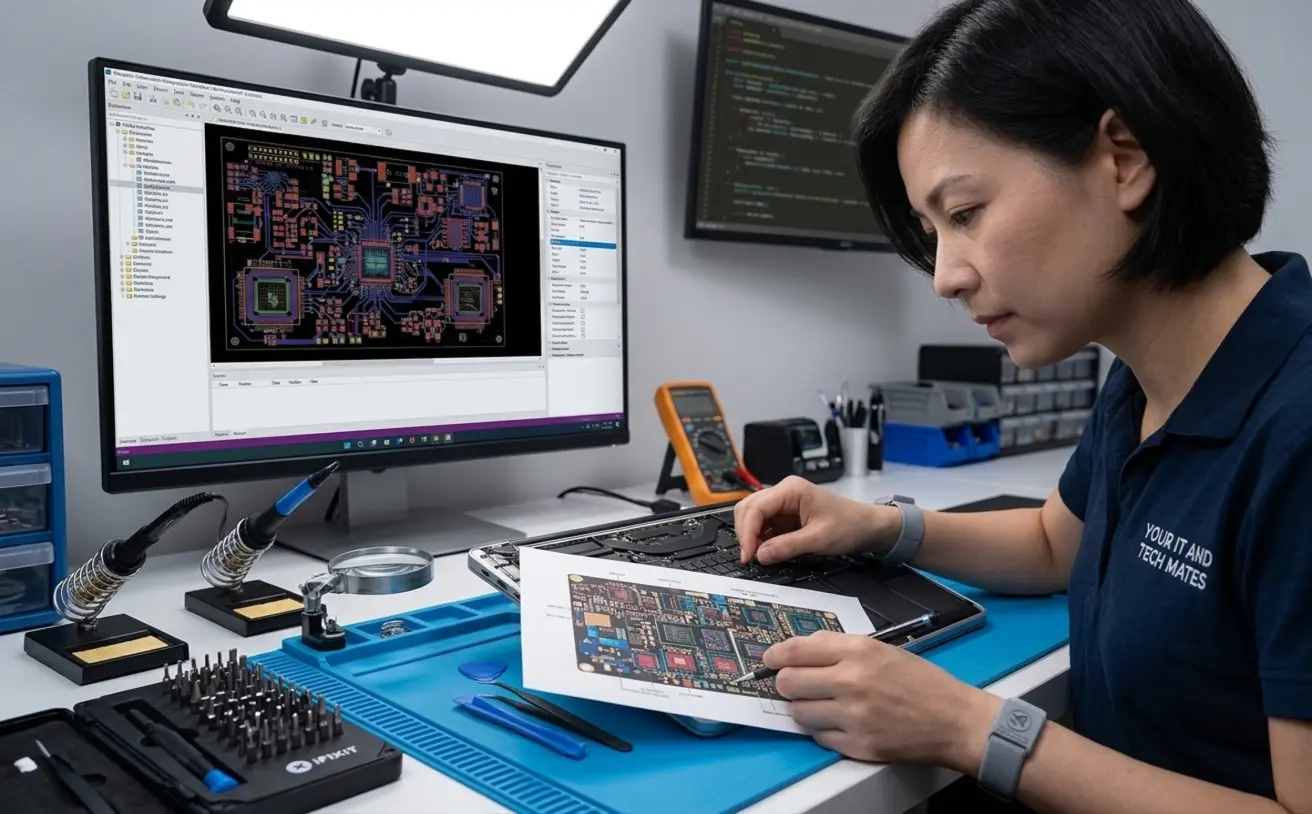
A swollen laptop battery should not be charged, pressed, punctured or kept in normal use. Stop using the laptop, disconnect power if it is safe to do so, keep the device away from heat and combustible materials, and arrange careful assessment. If there is smoke, strong odour, hissing, extreme heat or fire, move away and call Triple Zero (000).
A lifting trackpad, separating case, bulging keyboard, warped base or screen that no longer closes normally can indicate battery swelling. Do not force the case shut or continue charging to “see if it improves”.
The same symptom can have more than one cause. These patterns help organise the next question; they do not replace hands-on diagnosis.
The battery can expand beneath the palm rest and push the trackpad or keyboard upward.
A warped base or rocking laptop can indicate internal pressure.
Extreme heat, sweet or chemical smells, hissing or popping require immediate caution.
Ageing cells may also cause short runtime or sudden shutdowns, although those symptoms alone do not confirm swelling.
A technician may inspect the case, battery condition, charger, charging circuit and signs of heat or liquid exposure. The battery may be replaceable, but the surrounding case, trackpad, keyboard, cables or mainboard can also be affected when the swelling has placed pressure on them. A quote should separate the battery, any related damage and data work.
Replacement may be sensible when the laptop is otherwise suitable, the battery is available and the case has not been badly damaged. Replacement of the whole laptop may be considered when the device is very old, parts are unavailable, the case or board is damaged, or the repair cost is high relative to a suitable replacement.
Answer a few questions about heat, swelling, liquid exposure and charging behaviour. The tool runs in your browser and can prepare a summary for QuoteMe only when you choose to continue.
These external references support the safety boundaries in this guide. Device-specific instructions can still vary by manufacturer and model.
No. Stop using and charging it. Continued pressure and charging can increase the risk of damage or fire.
Only if you are appropriately trained and the manufacturer has designed it for safe user removal. Many modern batteries are internal and adhered to the case.
Battery replacement does not normally require deleting files, but any repair carries risk. Tell the technician what data matters and ask about backup options before work.
No. Damaged lithium-ion batteries should not go in household rubbish or recycling. Arrange an approved disposal pathway.
No. A worn battery can have poor runtime without swelling. Visible case movement, heat, odour or deformation are more concerning signs.
Photos and model details can help scope the next step, but a final quote may require inspection, parts confirmation and checking for related damage.
Prepared by: Your IT & Tech Mates content team
Technically reviewed:
Last reviewed:
Review method: Checked against current service boundaries, customer privacy rules, the Local Repair Evidence Standard and relevant official safety guidance.
How evidence and examples are handled · How devices and data are handled
Send the device or support goal, model where known, symptoms and clear photos. A technician can review the information before any paid work starts.