
The short answer
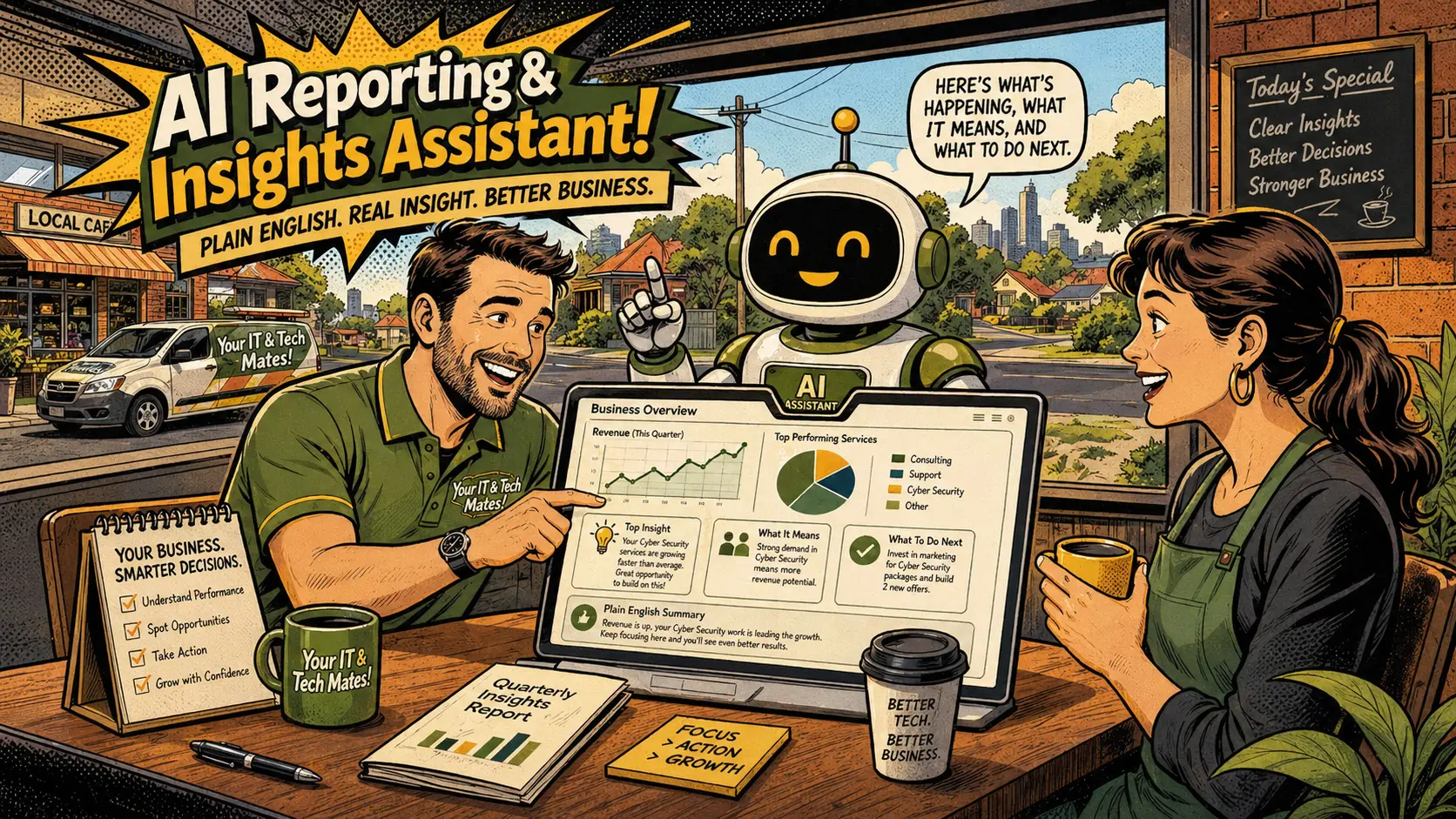
An admin payments dashboard gives staff one place to see invoice activity. Summary cards can show paid today, unpaid invoices, overdue invoices, cash needing confirmation, card payment pending and payment errors. Staff can then open individual invoices or payment logs for more detail — without searching multiple systems.
What this article covers
The visibility problem — payment information in too many places
A small business can lose time when payment information is spread across multiple systems. One invoice is on the website. A payment is in the bank account. A card attempt is in the Stripe dashboard. A customer message about a cash payment is in email. A note about an overdue invoice is in someone's memory.
Staff who need to know which invoices need attention have to check all of those places separately. That is inefficient and easy to miss. An overdue invoice that goes unnoticed for a week is a week of delayed cash flow and a week of the customer assuming the business is not following up.
An admin payments dashboard does not try to replace all of those systems. It summarises the most important payment information in one view so staff know where to direct their attention. The detail is still available in the invoice record and the invoice payment log — but the dashboard shows what needs action first.
What a useful dashboard shows
A practical payments dashboard for a small service business might show:
- Paid today — a count and total of payments confirmed today, for a quick daily overview
- Paid this week — a running weekly payment total
- Unpaid invoices — invoices that have been sent but not yet paid
- Overdue invoices — invoices past their due date that need follow-up
- Cash pending — customers who indicated cash payment but admin has not yet confirmed receipt
- Card payment pending or failed — checkout attempts that did not complete, or card payments that were declined
- Recent payment events — a log of the most recent payment activity across all invoices
Below the summary cards, a list of recent invoices with their status gives admin quick access to the records that need attention. This is much more efficient than opening every customer record one by one.
The dashboard should be simple. Too much detail creates another problem. The best design shows the most useful numbers first, with filters or sorting available for deeper review when needed.
Want a practical invoice and payment workflow for your business?
Your IT & Tech Mates builds practical AI and automation systems for small businesses — including invoice payment workflows, receipt emails, payment tracking and admin dashboards. Use QuoteMe to describe your current process and we will tell you what is realistic.
Cash pending and payment errors — why both need their own view
Two dashboard items deserve particular attention: cash pending and payment errors.
Cash pending is important because it represents money the business expects to receive but has not yet confirmed. If cash pending invoices are hidden from the dashboard, they can be forgotten. A customer may have said they would pay cash three days ago, but nobody has followed up or confirmed it was received. The guide on tracking different payment methods explains why cash always needs admin confirmation before an invoice becomes paid.
Payment errors — failed card payments or incomplete checkouts — are also important to surface clearly. Without a payment errors view, admin can only see that the invoice is still unpaid. They do not know whether the customer never tried to pay, or whether the customer tried and hit a problem. Those two situations need very different follow-up messages.
If the customer tried to pay and the card was declined, the business can send a helpful message: "We noticed there was an issue with your payment. You can try again using the link below, or contact us if you would like to arrange a different method." That is much better than a generic overdue notice sent to a customer who already tried to pay.
How the dashboard improves follow-up and accountability
The practical value of a payments dashboard is in the actions it enables. Staff can see overdue invoices and follow up consistently. They can confirm cash payments quickly instead of waiting for someone to remember. They can respond to payment errors helpfully instead of sending generic reminders.
Accountability is also clearer. If an invoice was marked paid by admin, the invoice record shows when that happened and who did it. If a receipt failed to send, the receipt log shows the failure so admin can resend it.
For growing service businesses, this kind of dashboard makes the difference between knowing what is happening with invoices and having to investigate one by one. It is especially useful when invoices are connected to quotes, job records and customer histories — as they are in a full online invoice payment workflow.
Questions about this topic
What should a payments dashboard show?
Useful summary cards include paid today, unpaid invoices, overdue invoices, cash pending, card payment pending and recent payment errors. A list of recent invoices and payment events below that gives more detail.
Does a payments dashboard replace accounting software?
No. It supports operational follow-up and invoice visibility for the team. Accounting software still handles bookkeeping, tax reporting and financial reconciliation.
Why show payment errors on the dashboard?
Because staff can help customers faster when they can see that a payment attempt failed, rather than only seeing that the invoice is still unpaid.
Should the dashboard show every historical invoice?
A dashboard is most useful as a current-activity view. Historical reporting can be handled separately. The dashboard should help staff act on what needs attention today.
Can a dashboard replace manual invoice chasing?
It does not replace it, but it makes it much easier. Staff can see which invoices are overdue, which have cash pending and which failed a payment attempt — and follow up with the right message for each situation.
Ready to build a cleaner invoice and payment workflow?
Use QuoteMe to describe your current invoice and payment process. We will give you a clear picture of what a connected, automated system would look like — including how payments, receipts, logs and dashboards can all work together.
Continue from here
Useful next steps for this topic
These links are selected from the same hub, Intent, service and tool relationships.