
Need help without waiting on hold? Use Quick Help to send the details first. If your issue is urgent, call us.

HomeSupport Desk GuidesEmail-to-Ticket Tech Support
📧 Support Desk Guide 1 of 5

How Email-to-Ticket Support Helps Customers Get Faster Tech Help

Email-to-ticket support turns a customer email into an organised support ticket. Instead of losing messages in a shared inbox, the system records the sender, subject, message, ticket reference, attachments and reply history in one support desk — so staff can assign, reply, quote or close the request from the admin dashboard.

Short answer: A customer emails normally. The system creates a ticket such as QH-TICKET-000125, stores everything in one place and lets admin reply from the ticket page. When the customer replies, it stays in the same conversation — not a new thread.
Real local tech help, powered by trusted connections.Plain-English support for home customers, small businesses, repair shops and local service teams.
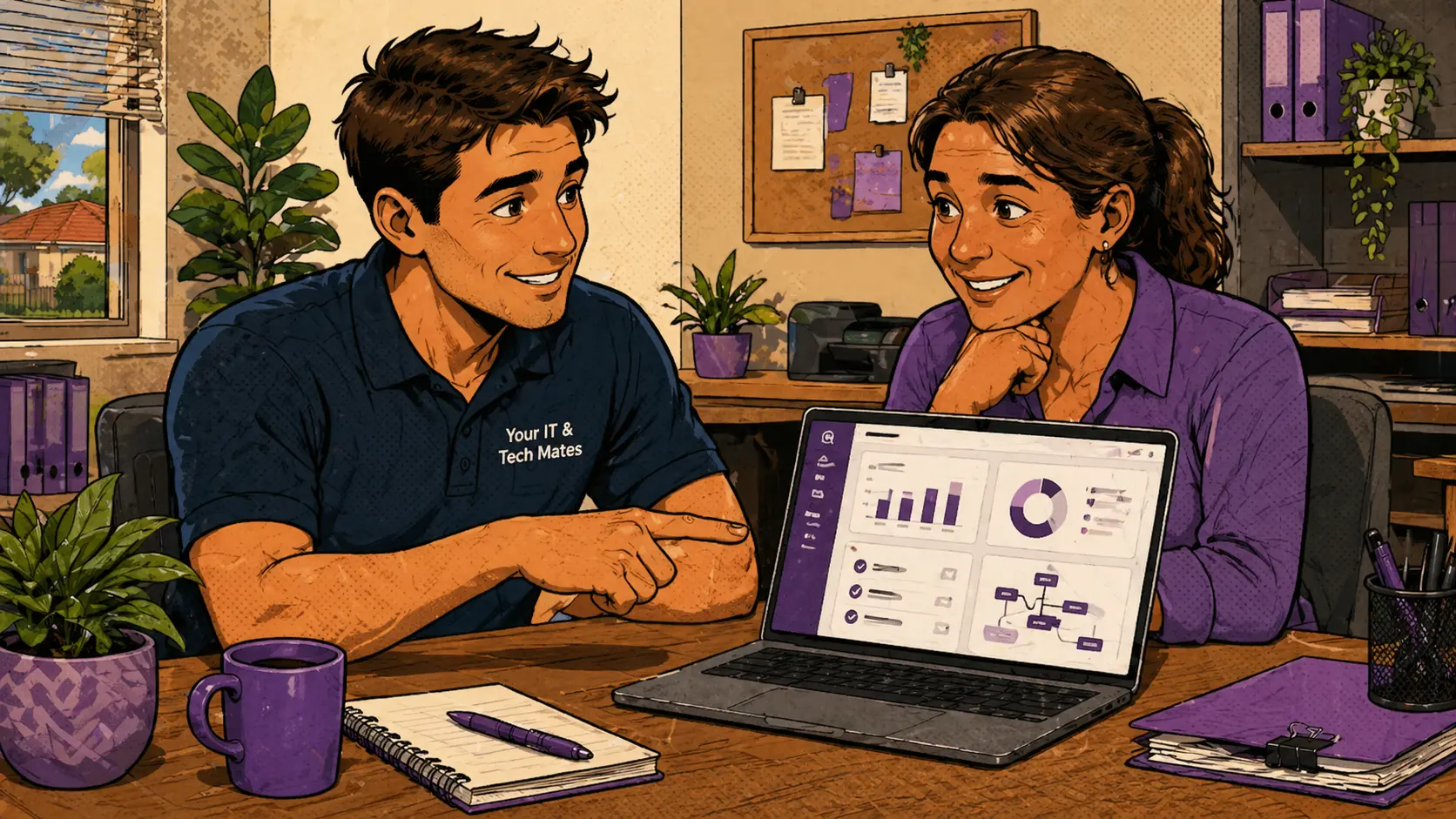
Email-to-ticket tech support workflow — customer emails automatically become organised support tickets for Your IT and Tech Mates
Why email alone is not enough

Shared inboxes create support problems

Email is easy for customers to use, but it can become messy for support teams very quickly. Messages get missed. Replies split into different threads. Attachments are hard to track. Staff don't always know who is handling which request or whether a customer has already been contacted.

A ticket system solves this by giving every customer request a home — one place with the full history, the right status and a clear owner.

What happens when a customer sends an email

From inbox to organised ticket automatically

Email arrives

The customer emails the support address as normal — no portal, no login, no extra steps required on their end.
Ticket is created

The system imports the message and creates a support ticket with a reference such as QH-TICKET-000125. The ticket stores the email address, subject, message body and attachment records.

Staff reply from the ticket

Admin replies directly from the ticket page. The ticket reference stays in the email subject, so the next customer reply threads back into the same conversation automatically.

Simple case study

From "My laptop screen is broken" to an organised job

A customer emails: "My laptop screen is broken. Can someone help?"

The system imports the email, creates ticket QH-TICKET-000125 and stores the message in the support desk. Admin replies from the ticket page asking for the laptop model. The customer replies with more details. Both replies stay in the same ticket thread. Admin can then assign the ticket to a technician or convert it to a quote — without copying anything out of their inbox manually.

Why ticket references matter

One reference keeps the whole conversation together

When a staff member replies to a ticket, the reference number stays in the email subject line. When the customer replies, the system recognises the reference and adds the message to the correct ticket — instead of creating a new one and splitting the history.

This is important for repair shops, IT support desks and local service teams that handle high volumes of customer requests, because it prevents the same customer issue from appearing as five separate emails in a shared inbox.

What a support ticket gives staff

One place to track, reply, assign and close

A support ticket gives staff one place to review the original message, see previous replies, assign the ticket to the right person, add private internal notes, convert the request to a quote if needed and close the ticket when the issue is resolved.

That is more useful than searching an inbox — especially when multiple staff members work across the same support queue.

Safety and privacy

What customers should not send by email

Customers should not email passwords, one-time codes, banking details, identity documents or sensitive health information. If a customer reports a scam or security concern, staff should give clear, safe next steps without asking for private login details through email or the support desk.

Common questions

Frequently asked questions

Email-to-ticket support turns customer emails into organised support tickets that staff can track, reply to and manage from a central dashboard.
No. The customer emails normally. The system handles ticket creation behind the scenes, including the ticket reference and conversation trail.
A ticket reference such as QH-TICKET-000125 keeps replies connected to the same support conversation, so nothing gets lost in a shared inbox.
Yes. Safe attachments such as photos and screenshots can be stored and shown in the ticket attachment panel alongside the message.
Yes. Your IT & Tech Mates can build email-to-ticket workflows for repair shops, support teams and local service businesses of any size.
Need this for your business?

Build a support desk, quote workflow or admin dashboard.

Your IT & Tech Mates can design and build practical software that connects customers, support tickets, quotes, attachments, email replies, referrals, providers, notifications and admin tasks in one easier workflow.

AI and automation can help organise requests, summarise information and reduce admin. Official quotes, customer-sensitive actions, provider approval, safety incidents and final customer promises should still be controlled by staff and trusted business rules.

Need tech help or want to build a support desk?

Email or call Your IT & Tech Mates for local tech help, or talk to us about building an email-to-ticket support desk for your repair shop or service business.

✔ Local Melbourne business ✔ Real staff, not bots ✔ Plain-English advice
🧭 Quick Help 📞 Call now