


Secure Your Phone and Accounts:
Step by Step Cyber Safe Actions
Learning how to secure your phone and accounts is the most important step you can take if you think you have been hacked.
If you're here because something feels “off”, check the signs your phone has been hacked before you start changes.
Checklist: How to Secure Your Phone and Accounts
This checklist is part of our broader Phone Security Guide, designed to help Melbourne North residents secure phones and accounts properly.
"At Your IT & Tech Mates, we help customers every single day who are dealing with security scares. Because we care about your digital safety, we’ve developed this comprehensive list based on real-world recovery cases to help you stay aware of the necessary steps. This step-by-step guide focuses on phone security and account protection for everyday users."
If you’re short on time, start here:
- Secure your email account first
- Secure your Apple ID or Google account
- Update your phone and all apps
- Review app permissions and remove unknown apps
- Lock down Wi-Fi, Bluetooth, and location settings
- Change passwords and enable multi-factor authentication
- Run antivirus or security scans
- Report the incident and get help if needed
You can then follow the detailed steps below.
If you’re already seeing signs of compromise, read our full guide on read our my phone is hacked recovery guide.
1. Secure Your Email Account First
Your email account is the most important account to protect. If someone controls your email, they can reset passwords for almost everything else.
What to do:
- Change your email password immediately
- Use a strong, unique passphrase
- Enable multi-factor authentication (MFA)
- Check for unknown logins or forwarding rules
This is one of the most important cyber safe actions you can take.
If your phone may already be compromised, follow our full recovery guide: secure your phone and accounts step by step.
How do I know if I’m a victim of cybercrime?
If you notice even two or more of these signs, follow the security steps on this page immediately:
- Locked out of your email or social accounts
- Mystery purchases on your bank statement
- A sudden flood of junk mail and spam texts
- Fake alerts from "The ATO" or "myGov"
- Your phone crashes or opens apps by itself
- Unexpected mail stops arriving at your house
- Social posts appearing that you didn't write
- Being contacted about debts you didn't incur
2. Secure Your Phone via Apple ID or Google Account
Your Apple ID (iPhone) or Google account (Android) controls your phone, backups, apps, and location services.
Steps to protect it:
- Change the password
- Turn on MFA
- Review devices signed in
- Remove any device you don’t recognise
- Check recent security activity
3. Enable Multi-Factor Authentication (MFA) Everywhere
Multi-factor authentication adds an extra layer of security to your online accounts.
Enable MFA on:
4. Use Strong, Unique Passphrases for Every Account
- Uses 4 or more random words
- Is 15+ characters long
- Is different for every account
- Avoids names, birthdays, or personal details
A reputable password manager like Bitwarden can help you create and store secure, unique passphrases for every account.
5. Update Your Phone and Apps Immediately
- Fix known security weaknesses
- Block new hacking methods
- Improve device protection
6. Review Privacy, Location, and App Permissions
Limit who can see your social media profiles
Turn off location tracking for apps that don’t need it
Remove camera, microphone, and photo access from unnecessary apps
Delete apps you don’t recognise or no longer use
7. Lock Down Wi-Fi, Bluetooth, and Public Connections
- Avoid banking or email on public Wi-Fi
- Don’t enter passwords or payment details
- Turn off auto-join for public Wi-Fi
- Disable Bluetooth when not in use
If your device also has physical issues, our team provides laptop repair services in Epping and phone repairs across Melbourne North.
8. Install and Enable Antivirus or Security Protection
Protect yourself against hackers trying to:
9. Learn How to Spot Scams
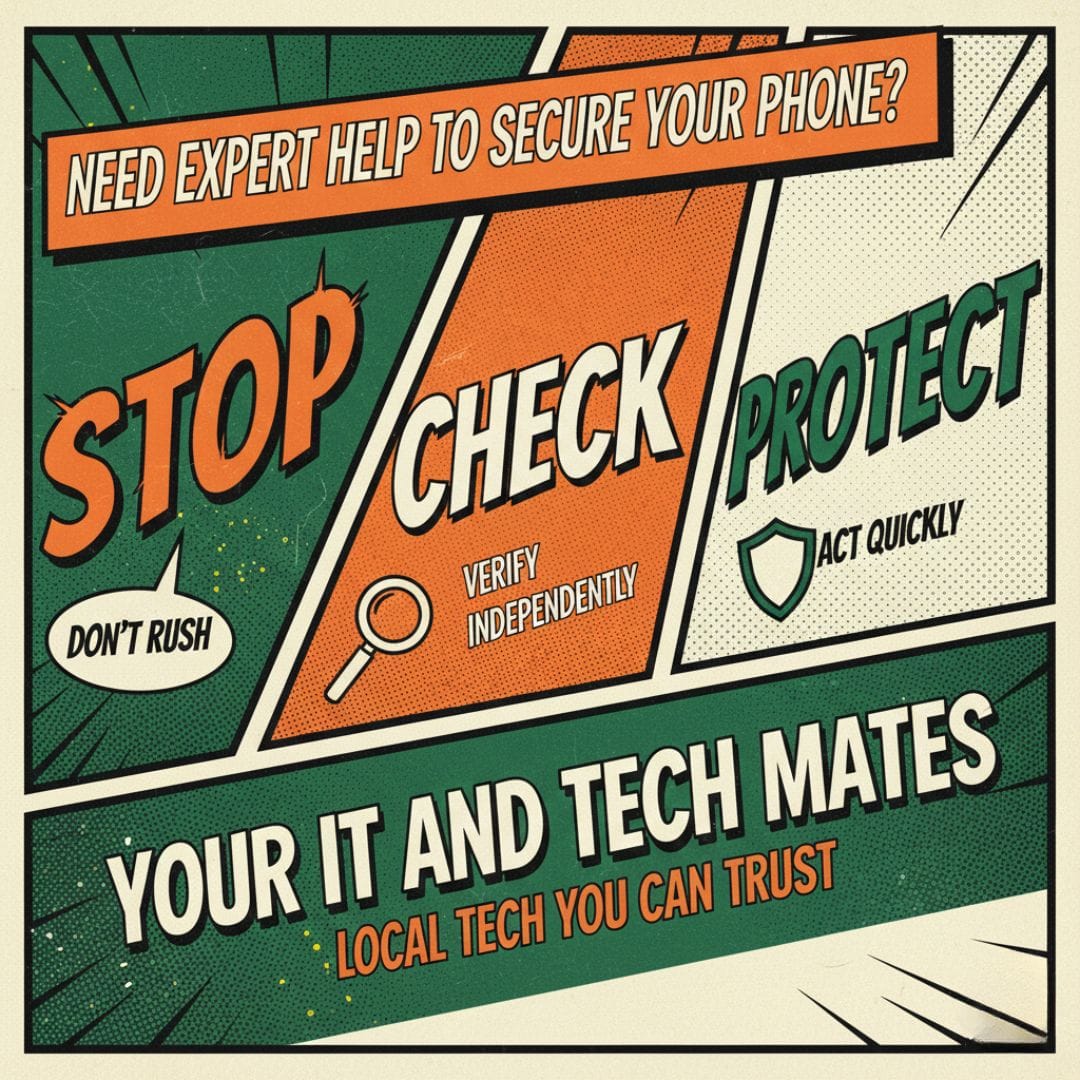
STOP
Don't Rush
CHECK
Verify Independently
PROTECT
Act Quickly
10. Report Cybercrime and Get Help
Required Reading for a Complete Lockdown:
While our checklist covers the technical setup, staying safe is an ongoing habit. For a deeper dive into protecting your personal information, we highly recommend reviewing the official fact sheets at Act Now Stay Secure.
We help our Epping and Wollert clients implement these exact government recommendations every day.
View Official Gov Fact Sheets →Official Reporting Channels:
Need help to Secure your phone and accounts?
Visit our closest service hub for an honest assessment and quick turnaround. Local guidance for Epping and Wollert residents is available through our professional computer security assessment and professional phone security assessment . We focus on real device condition ensuring you secure your phone and accounts step by step without unnecessary upselling.
How do I know if I’m a victim of cybercrime?
If you notice even two or more of these signs, follow the security steps on this page immediately:
- Locked out of your email or social accounts
- Mystery purchases on your bank statement
- A sudden flood of junk mail and spam texts
- Fake alerts from "The ATO" or "myGov"
- Your phone crashes or opens apps by itself
- Unexpected mail stops arriving at your house
- Social posts appearing that you didn't write
- Being contacted about debts you didn't incur
FAQ: How to Secure Your Phone and Accounts
How do I secure my phone and accounts step by step?
To secure your phone and accounts step by step, start by securing your email account, then your Apple ID or Google account. Update your phone and apps, change passwords, enable multi-factor authentication, review app permissions, and run antivirus scans.
What are the most important cyber safe actions for phone security?
The most important cyber safe actions include using strong, unique passphrases, enabling multi-factor authentication, keeping your phone updated, avoiding public Wi-Fi for sensitive tasks, and regularly reviewing app permissions.
Can someone access my accounts if my phone is hacked?
Yes. If a phone is hacked, attackers may access saved passwords, email accounts, social media, banking apps, and cloud services. That’s why securing your email and main accounts first is critical.
Do I need antivirus software to protect my phone and accounts?
Antivirus software adds an extra layer of phone security by detecting malware, spyware, and malicious apps. While most phones have built-in protection, antivirus apps provide real-time monitoring and improved account protection.
What should I secure first if I think my phone is compromised?
Always secure your email account first. Email controls password resets for most online services, so protecting it immediately helps secure your phone and accounts from further access.
How can I prevent my phone and accounts from being hacked again?
To prevent future hacks, keep your phone updated, use strong passphrases, enable multi-factor authentication, avoid suspicious links, limit app permissions, and follow cyber safe actions consistently.
Get Involved & Connect Directly
Choose the option that suits you best — refer work, chat with a technician, or book a repair.
Refer & Earn
Refer jobs through TheFixers.APP and earn up to 5% commission for every successful referral.
WhatsApp Support
Chat directly with a technician for quick guidance, security advice, or immediate troubleshooting.
Book a Repair
Secure a same-day session with our experienced technicians for phone, laptop, or security issues.
Need Expert Help? Secure Your Phone and Accounts Today
Your IT & Tech Mates assist Australians every day with securing phones, removing malware, and recovering from cyber incidents.
Expert Recommended Reading
Complete Your Security Lockdown
While our checklist covers the technical setup, staying safe is an ongoing habit. For a deeper dive into protecting your personal information, we highly recommend reviewing the official guidelines from both the Federal and Victorian governments:
Tech Mate Implementation: We help our Epping and Wollert neighbors translate these government policies into real-world protection every day.

Computer & Laptop Repairs Melbourne North
Fast Epping & Wollert Tech Support You Can Trust
Providing reliable tech support across Melbourne North. From emergency laptop fixes to NDIS technology assistance, we are your local experts.
Computer & Laptop Repairs
Specializing in laptop screen and hinge repairs, battery replacements, and hardware upgrades.
View Epping Repair Guide →Phone Repairs
From trusted iPhone repairs to Android screen fixes. We help you decide to repair or replace.
Epping & Wollert Phone Fix →Security & Recovery
Think your phone is hacked? We provide virus removal and help secure your accounts.
Our Local Service Areas
Ready to fix your tech?
Book a local Epping & Wollert technician for same-day support.
WhatsApp a Technician Now