⚑ Free tool β€” no login required Β· Use before booking
Home β€Ί Free Tools β€Ί Repair or Replace Calculator
πŸ”§ Free Diagnostic Tool

Repair or Replace Calculator β€” Is It Worth Fixing Your Device?

Purpose: This calculator helps you decide whether to repair or replace, based on age, repair cost, and usage.

πŸ“‹ This tool is based on common issues we diagnose in real repairs across Melbourne's northern suburbs. We've seen hundreds of these faults β€” the guidance reflects real-world outcomes, not theory.

A device is generally worth repairing if repair cost is under 50% of replacement value, it's under 5 years old, and it still meets your performance needs. Borderline cases depend on manufacturer support and parts availability.
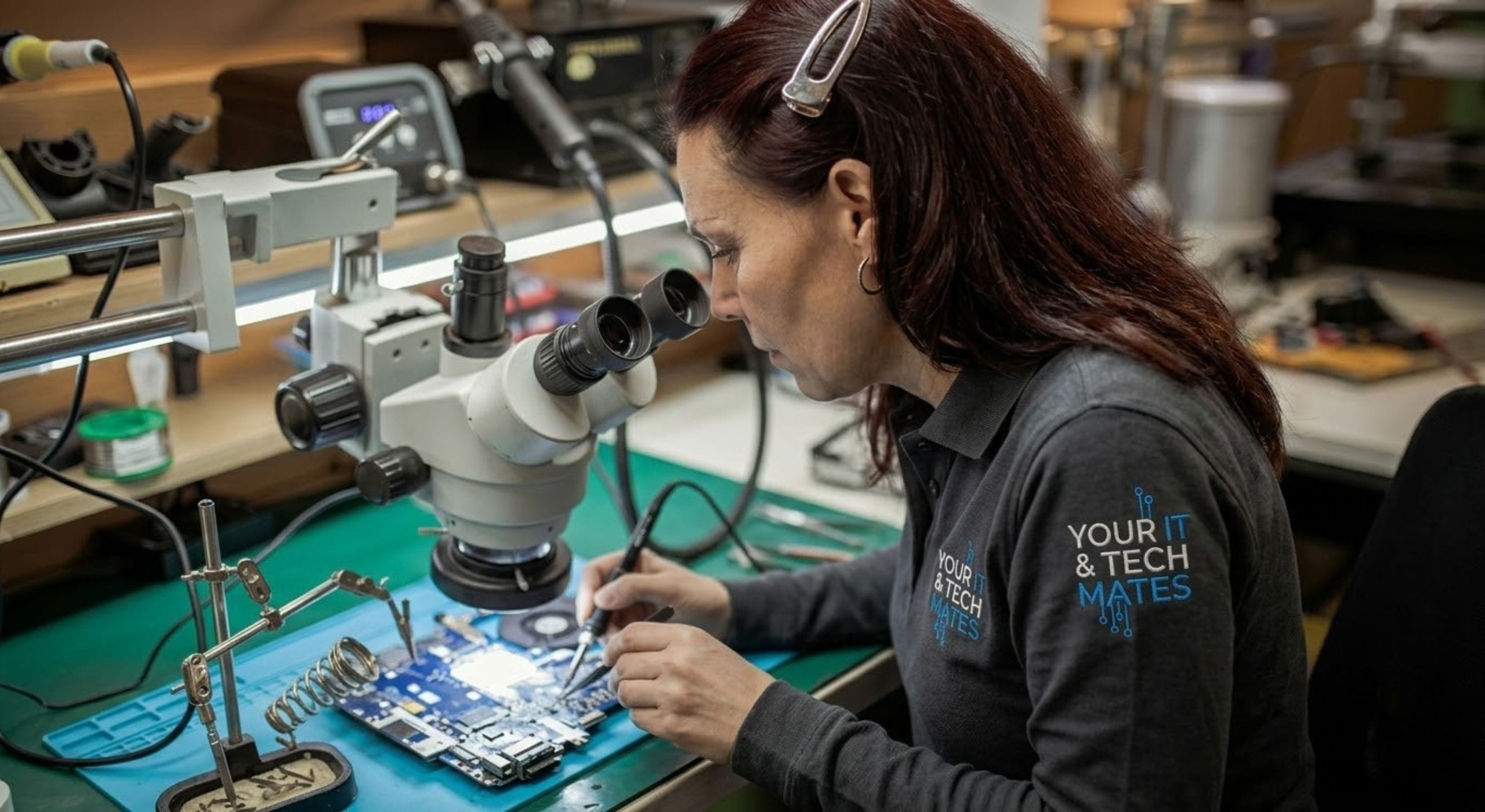

Repair or replace calculator β€” Your IT & Tech Mates
No Fix No FeeYou only pay if we fix it
Same-Day ServiceSubject to availability
5.0β˜… Rated200+ neighbour reviews
Local & MobileWe come to you
Mon–Sat 9am–7pmEpping base, Melbourne North
πŸ” Interactive Tool

Answer the questions to get your result

No personal information is collected. All processing is local to your browser.

Interactive tool loads here. Prefer a direct assessment? Call us for a live diagnosis.

Next steps

After You Get Your Result

βœ… Repair recommended

Even a positive result benefits from preventive maintenance. Check related guides below.

⚠️ Repair with caution β€” get a quote first

The repair may be worth it depending on the exact cost. Get a fixed-price quote from us before committing. If the quote exceeds 60% of the device's replacement value, replacement is likely the better financial decision. We'll give you an honest recommendation either way.

πŸ”΄ Replace recommended

Based on your answers, the device is likely not worth repairing. The repair cost-to-value ratio is unfavourable, or the device is too old to justify the expense. We can advise on what to look for in a replacement and help you transfer your data. Before buying, check our second-hand device buying guide.

Second-Hand Buying Guide β†’
πŸ“‹ Real Example β€” Repair Or Replace Calculator

A Preston freelancer was about to buy a new MacBook because her 2019 model was 'running badly.' The calculator showed: isolated fault (keyboard), device under 7 years, repair 18% of market value. Keyboard replacement cost $280. New MacBook: $1,999. She repaired.

Root Causes

What's Actually Causing This?

Understanding the cause helps you make better decisions β€” and helps us fix it faster.

Repair Cost vs Device Value

If repair cost exceeds 50% of a comparable secondhand replacement, the economic case for repair weakens significantly. Use current eBay sold listings for market value.

Device Age and Support

Devices over 7 years old approaching OS end-of-life may not be worth repairing β€” the next fault is likely not far away.

Fault Type and Severity

Isolated faults (screen, battery, keyboard) are usually worth fixing. Multiple concurrent failures suggest broader hardware deterioration.

Data and Sentimental Value

A device holding irreplaceable data or with high sentimental value may justify a repair that wouldn't make economic sense otherwise. We can transfer data before disposal too.

What To Do Next

What Your Result Means β€” Next Steps

Your result points to either an issue you can address yourself, or one that needs professional attention before it worsens.

βœ… Minor Issue β€” Try This First

  • Use eBay completed listings to find your device's actual current market value
  • Get a repair quote before deciding β€” estimates are often higher than actual cost
  • Consider whether an upgrade (SSD, RAM) solves the problem more economically than repair
  • Check our pricing page for typical repair costs by fault type

⚠️ Serious Issue β€” Act Now

  • If repair cost exceeds 50% of replacement value β€” lean toward replacement
  • Multiple concurrent faults suggest broader hardware deterioration β€” factor in future repair costs
  • End-of-life OS support should factor into the repair-or-replace decision strongly
  • We can advise on best-value replacement options alongside a repair quote
Key Questions

Is It Worth Fixing? Can It Get Worse? Hardware or Software?

βš™οΈWhat drives the recommendation: Device age and OS support status. Fault type (isolated vs multiple). Repair cost relative to market value. Performance adequacy after repair. Each factor is weighted β€” the calculator combines them into a clear recommendation.
⚠️When repair is the wrong choice: Repairing a device with end-of-life OS support, multiple concurrent faults, and high repair cost relative to replacement value can mean spending money to extend a device's life by only 6–12 months before the next fault.
βœ…When repair clearly wins: Single isolated fault. Device under 6 years old. Repair cost under 40% of current market value. OS support remaining for 2+ years. These four factors together make repair almost always the right decision.
🚨 Urgency note: Don't make the repair-or-replace decision based on emotion or the inconvenience of repair. Use the numbers β€” the calculator is built from real repair outcomes.
Related Tools

Other Useful Diagnostic Tools

Not sure what to do next? Call or WhatsApp us for a free triage β€” no obligation.

πŸ“ž Call Now πŸ’¬ WhatsApp

πŸ’‘ If the numbers favour repair, getting it done promptly means fewer days without a working machine.

Professional Help

Do You Need a Professional Repair?

βœ… You can DIY if:

There's no DIY version of this decision β€” but you can gather the inputs yourself: check current eBay sold listings for your exact model to find real market value, note the OS support end date from the manufacturer's site, and get a repair quote before deciding.

πŸ”§ You need professional repair if:

You need professional input if: you're unsure whether the fault is hardware or software; the repair quote seems high; or the decision is complex (multiple faults, uncertain device value, upcoming OS end-of-life).

⚠️ What happens if you ignore this: Making the wrong repair-or-replace decision costs money either way. Repairing a device that should be replaced extends the problem temporarily. Replacing a device that was perfectly repairable wastes significantly more money. The calculator exists to take emotion out of the decision.

πŸ› οΈ We provide honest repair-or-replace advice as part of every diagnostic visit. We don't benefit from recommending repair over replacement β€” our reputation depends on giving accurate guidance. Contact us for an assessment.

πŸ“ž Call NowπŸ’¬ WhatsApp
Common questions

Repair or Replace Calculator β€” FAQs

Fault is isolated, repair cost under 40% of replacement value, device under 5 years old, and it meets your performance needs after repair.
Repair cost exceeds 50% of replacement value, device over 7 years old, manufacturer has stopped security updates, or multiple components are failing.
$120–$280 depending on model and screen type. We provide exact quotes after assessing your device.
Yes β€” usually the single most cost-effective improvement for laptops still running a traditional hard drive.
Extending a working device's life by 2–3 years is almost always more sustainable than buying new.

Need a Repair Quote? Call Us.

Your IT & Tech Mates β€” fast, local tech support across Melbourne's northern suburbs.

Your IT & Tech Mates Β· Melbourne's North Β· Mon–Sat 9am–7pm
πŸ’° Refer & Earn

Know someone who needs tech help? Earn a commission.

Join the TheFixers.app referral network. Refer a friend, family member or client to Your IT & Tech Mates and earn a 4% Primary Referrer commission on every job they book β€” for up to 24 months or their first 20 jobs.

1
Share your referral link

Sign up free at TheFixers.app and get your unique referral link.

2
Your contact books a job

They use your link to request service. We handle everything from there.

3
You earn 4% commission

Paid per completed job. Commission window: 24 months or first 20 jobs.

Become a local IT referrer β€” earn with TheFixers.app
Primary Referrer Commission
4%
per completed job Β· 24-month window
Join TheFixers.app β€” Start Earning β†’
πŸ’¬ WhatsApp πŸ“ž Call Now