


The Complete Laptop Maintenance Guide: Keep Your PC Running Fast (For deep-dive repairs, see our Epping Repair Guide)
This Laptop Maintenance Guide will show you how a little routine maintenance can prevent most expensive problems and keep your laptop performing like new for years. Don't wait until it's too late.
Furthermore, this simple, non-technical blueprint is written for local families, students, seniors, NDIS clients, and small businesses around Epping, Wollert, Mernda, and South Morang.
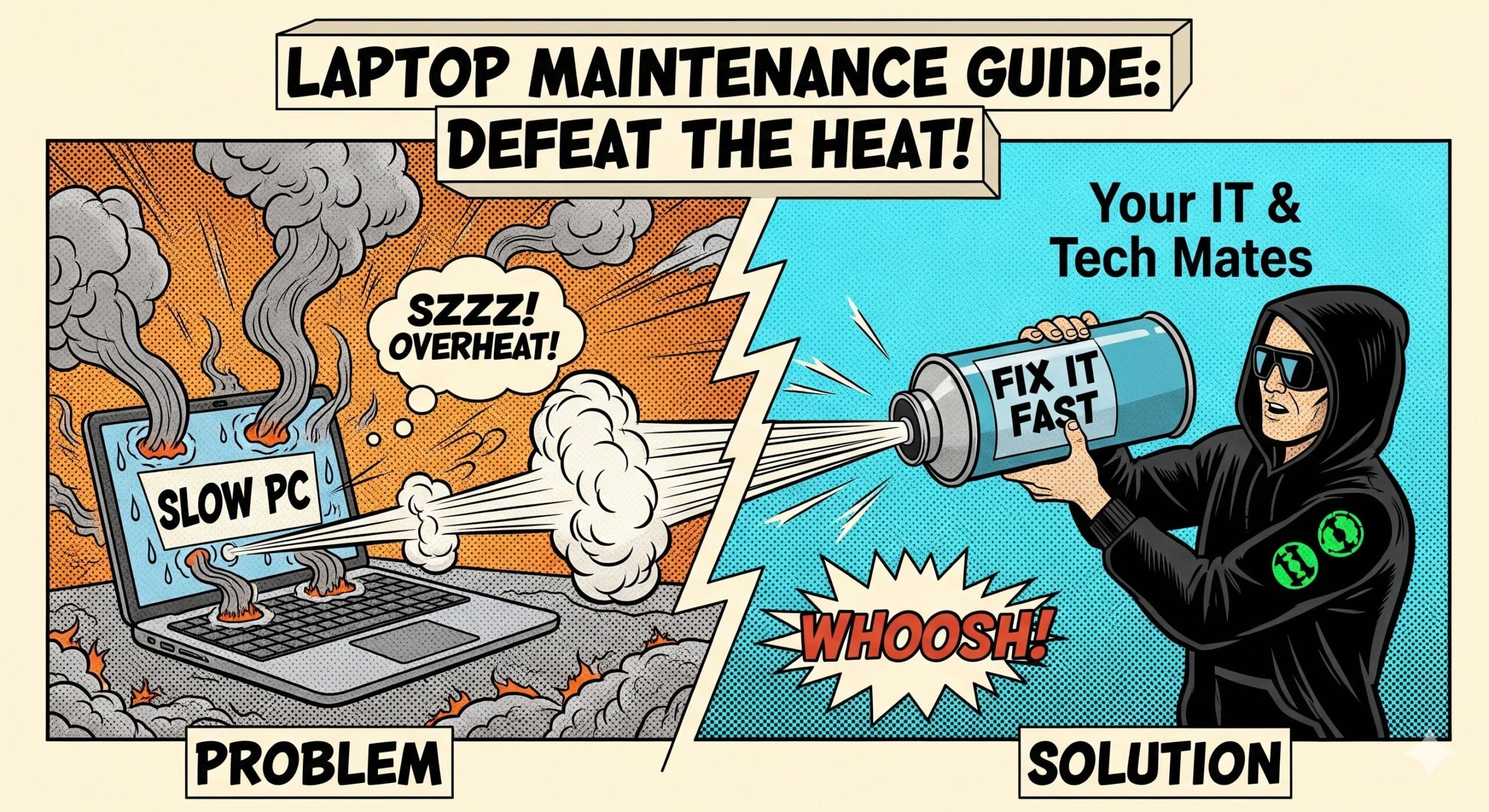
The Importance of this Laptop Maintenance Guide: Stop Overheating & Sluggish Performance
Environmental Stress in Epping & Wollert
Laptops in Melbourne's northern suburbs deal with a unique mix of dust, hot summers, and long hours of daily use. That combination can quickly lead to:
Common Symptoms
- Weak battery life
- Overheating and noisy fans
- Sluggish performance
- Random crashes and data loss
- Failing hinges, ports, and chargers (Learn more about screen, hinge, and power fixes)
The good news: most of this is preventable.
A few simple monthly, quarterly, and yearly tasks outlined in this Laptop Maintenance Guide can dramatically reduce wear and tear, keep your laptop cool, and avoid major repair bills. Specifically, think of it like a regular service for your car – small, consistent checks keep everything running smoothly.
Your Monthly Laptop Maintenance Guide Checklist
Quick Monthly JobsThese quick jobs take just a few minutes, but consequently, they make a huge difference week to week. Therefore, add them to your calendar as a recurring reminder.
Clean Your Laptop Vents & Keyboard
Dust builds up much faster than most people realise. It blocks airflow and traps heat inside your device.
- Gently wipe your keyboard, trackpad, and screen with a soft cloth.
- Use compressed air to clear vents and ports.
- Avoid harsh chemicals or spraying liquid directly onto the laptop.
Install System & Security Updates
Don’t hit “Remind me later” forever. Updates fix bugs, improve speed, and patch critical security holes. In addition, this is a vital part of your PC maintenance blueprint.
- Check for Windows, macOS, and driver updates monthly.
- Update your antivirus or security suite.
- Restart your laptop after installing major updates.
Run a Virus or Malware Scan
Even careful users can pick up unwanted software from email attachments, downloads, or dodgy ads.
- Run a full antivirus or anti-malware scan once a month.
- Remove or quarantine anything suspicious.
- If infections keep coming back, book a professional computer repair service in Epping (3076) to fully clean the system.
Remove Unnecessary Programs & Back Up Files
Extra programs slow things down, and un-backed-up files are always at risk.
- Review startup apps and disable anything you never use.
- Uninstall software you haven’t opened in months.
- Back up important photos, documents, and work files to an external drive or cloud.
Local Tip for Epping & Wollert Homes
Many homes in Epping, Wollert, Mernda, and South Morang have carpeted floors and soft furnishings. Avoid placing your laptop on beds, couches, or carpets – they block airflow under the device and are one of the biggest causes of overheating.
🚨 Emergency & Security Resources
If you suspect your phone or accounts have been compromised, acting quickly and in the correct order is the only way to effectively protect your data.
1. Identify the Risk
Not sure if you've been hacked? Learn the warning signs and what to do in the first 15 minutes.
Read: Is My Phone Hacked? →2. Secure Your Accounts
Step-by-step instructions to lock down your Email, Apple ID, and Google accounts properly.
View Recovery Checklist →Professional Security Assessment
Need a technician to scan your device for malware or verify your account security? Our team in Epping and Melbourne North provides honest, hands-on support.
Quarterly Laptop Maintenance Guide Checklist
Deeper ChecksCheck Your Battery Health
If your battery life is dropping quickly, it may be wearing out. Use your laptop’s built-in battery health tools (or a trusted app) to check its condition. If it struggles to hold a charge, it may be time to consider a battery replacement.
Optimise Your Storage
A nearly full SSD or hard drive can dramatically slow your laptop. Therefore, delete old downloads, empty your recycle bin, and archive completed projects to an external drive or cloud storage.
Inspect Chargers & Full System Backup
Frayed or bent cables are a fire risk and can damage your charging port. Replace any worn or damaged cables immediately.
Once per quarter, create a full system backup – this protects your entire operating system and settings against major hardware failure.
Yearly Laptop Maintenance Guide Checklist
Maximum LifespanDeep Internal Clean & Thermal Paste Replacement
Dust builds up and thermal paste dries out, leading to serious heat problems and performance throttling. A yearly professional internal clean and paste replacement in Wollert helps keep temperatures low and protects your CPU – especially important for gaming and high-performance laptops. You can find the best computer repairs in Wollert here.
Consider Hardware Upgrades
If your laptop is 3+ years old, adding more RAM and switching to a modern SSD gives a huge speed boost at a fraction of the cost of buying a new device. It makes your old laptop feel new again!
Check for Wear & Tear
Loose hinges, sticky keys, cracked plastics, or a damaged charging port only get worse over time. Therefore, fixing these small issues early can save you from bigger, more expensive repairs later on.
Also review your laptop bag or case. A sturdy case is always cheaper than a screen repair.
Practical Laptop Maintenance Guide Tips for Different Users
| User Group | Top Tip | Common Mistake to Avoid |
|---|---|---|
| Families & Students | Use a laptop stand or hard surface so air can flow freely underneath the device. | Leaving laptops running on beds, couches, or carpets where vents are blocked. |
| Seniors | Set simple reminders for updates, scans, and backups (calendar or phone alarms). For reliable advice, check out affordable tech help for seniors in Epping & Wollert. | Clicking on suspicious pop-ups that claim they will “clean” or “speed up” your computer. |
| NDIS Participants | Book regular checkups if you rely on your device daily for communication and independence. We offer dedicated NDIS Tech Support in Epping and NDIS Computer Repairs in Epping. | Not checking whether your setup is comfortable, accessible, and suited to your abilities. |
| Small Businesses | Schedule quarterly maintenance for staff laptops to keep productivity high and downtime low. | Letting dust, heat, and worn-out parts build up inside heavily used work devices. |
Need Manufacturer Support?
For manufacturer warranties, official driver downloads, or specific hardware guides, check these external authority resources (links are no-follow):
What Our Epping & Wollert Customers Say
"My laptop was overheating and crashing constantly. They came out to Wollert, deep cleaned it, and replaced the thermal paste, a critical part of my overall Laptop Maintenance Guide routine. It runs silent and fast now. Essential maintenance!"
— Sarah J., Wollert
Laptop Deep Clean & Thermal Paste
"Fantastic NDIS-friendly service in Epping. They patiently helped me with setting up a new backup system and checking my old charging port which was about to fail."
— David R., Epping
NDIS IT Support & Backup Setup
"Quickly identified a nasty piece of malware and removed it remotely, saving me a lot of stress. Highly recommend this local Melbourne North service!"
— Jenny L., Mernda
Virus & Malware Removal
Frequently Asked Questions (FAQ)
For most users in the Epping/Wollert area, we recommend a professional internal clean and thermal paste replacement once per year. The dusty, hot conditions in Melbourne's north can cause dust build-up faster than average, making this yearly service an essential part of your Laptop Maintenance Guide routine for preventing overheating and slowdowns.
Yes, absolutely. Your IT & Tech Mates provides a fully mobile service. We can come directly to your home or business in Wollert, Epping, Mernda, and South Morang to perform most repairs and all maintenance services on-site.
For laptops running older Hard Disk Drives (HDDs), an upgrade to a Solid State Drive (SSD) is the single most effective performance upgrade you can make. It typically boosts startup times and general responsiveness by 5 to 10 times, making it excellent value for money compared to buying a new device.
We offer dedicated, patient, and friendly NDIS computer repairs and tech support. This includes setting up accessible devices, home visits for repairs, virus removal, and basic instruction on using essential software, all billed via your NDIS plan manager.
Professional Computer Repair in Epping & Wollert
If your device is running hot, slowing down, or won’t turn on at all, it’s time to call in a professional.
Your IT & Tech Mates offers fast, on-site, and affordable solutions right in your Melbourne North local area.
- Local Service: Epping, Wollert, Mernda, South Morang & surrounding northern suburbs
- Convenient: Mobile service – we come to your home or business
- Friendly: Senior-friendly and NDIS-aware support
Need to repair a mobile device instead? We also offer phone repairs in Melbourne North, including trusted iPhone repair services.
Our Local Laptop Services
- Full laptop cleaning (inside & out)
- Thermal paste replacement
- Battery replacement & speed tuning
- Virus removal & system security
- NDIS IT support & senior-friendly home visits
💰 Refer Us and Earn Rewards
TheFixers.APP Referral Program
Refer jobs through TheFixers.APP and earn a commission of up to 5% of the job’s value on every completed project.
Start Referring on TheFixers.APPNeed help right now? Connect directly with a technician via WhatsApp for immediate support.
Chat on WhatsApp NowFinal Thoughts: A Simple Laptop Maintenance Guide Routine
Regular Laptop Maintenance Guide practices don’t take long, but they make a huge difference. With a simple monthly, quarterly, and yearly routine, you can therefore avoid frustrating breakdowns, extend your laptop’s life, and keep everything running smoothly. Furthermore, this easy maintenance routine saves money on costly repairs.
However, if you ever need expert, local assistance, Your IT & Tech Mates is nearby and ready to help – whether it’s cleaning out dust, replacing thermal paste, boosting performance, or providing friendly support at home.

Computer & Laptop Repairs Melbourne North
Fast Epping & Wollert Tech Support You Can Trust
Providing reliable tech support across Melbourne North. From emergency laptop fixes to NDIS technology assistance, we are your local experts.
Computer & Laptop Repairs
Specializing in laptop screen and hinge repairs, battery replacements, and hardware upgrades.
View Epping Repair Guide →Phone Repairs
From trusted iPhone repairs to Android screen fixes. We help you decide to repair or replace.
Epping & Wollert Phone Fix →Security & Recovery
Think your phone is hacked? We provide virus removal and help secure your accounts.
Our Local Service Areas
Ready to fix your tech?
Book a local Epping & Wollert technician for same-day support.
WhatsApp a Technician Now